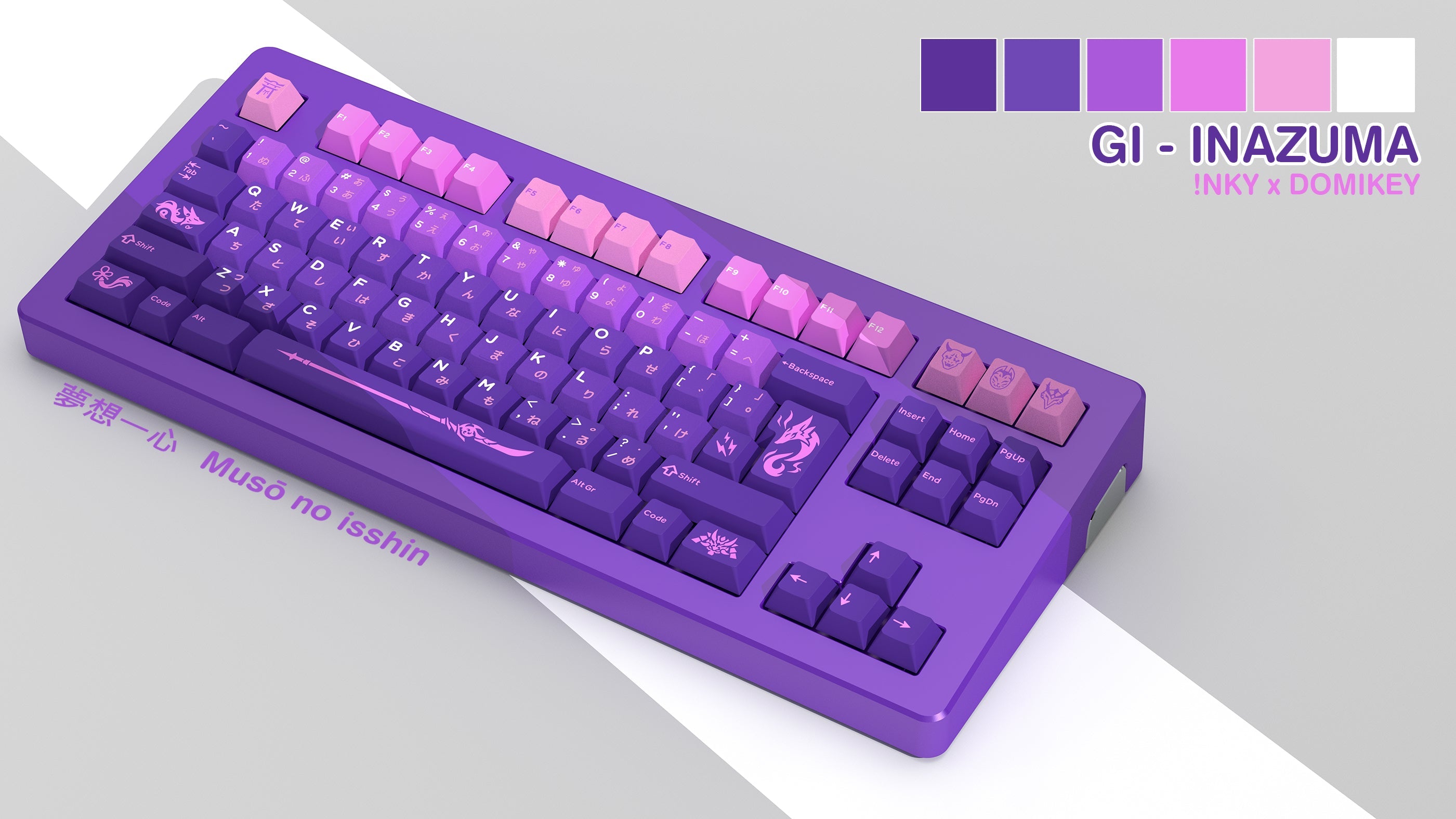
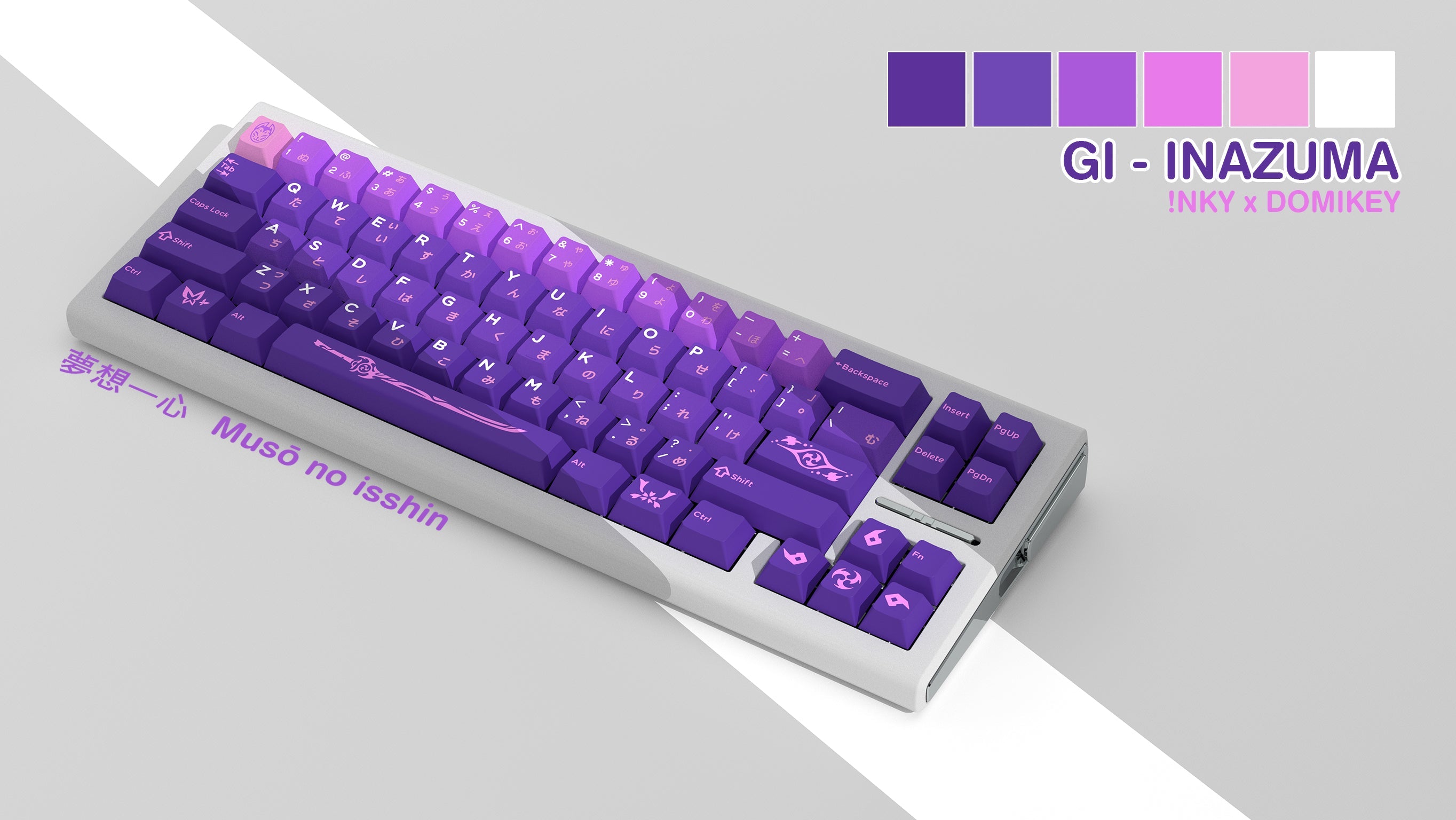
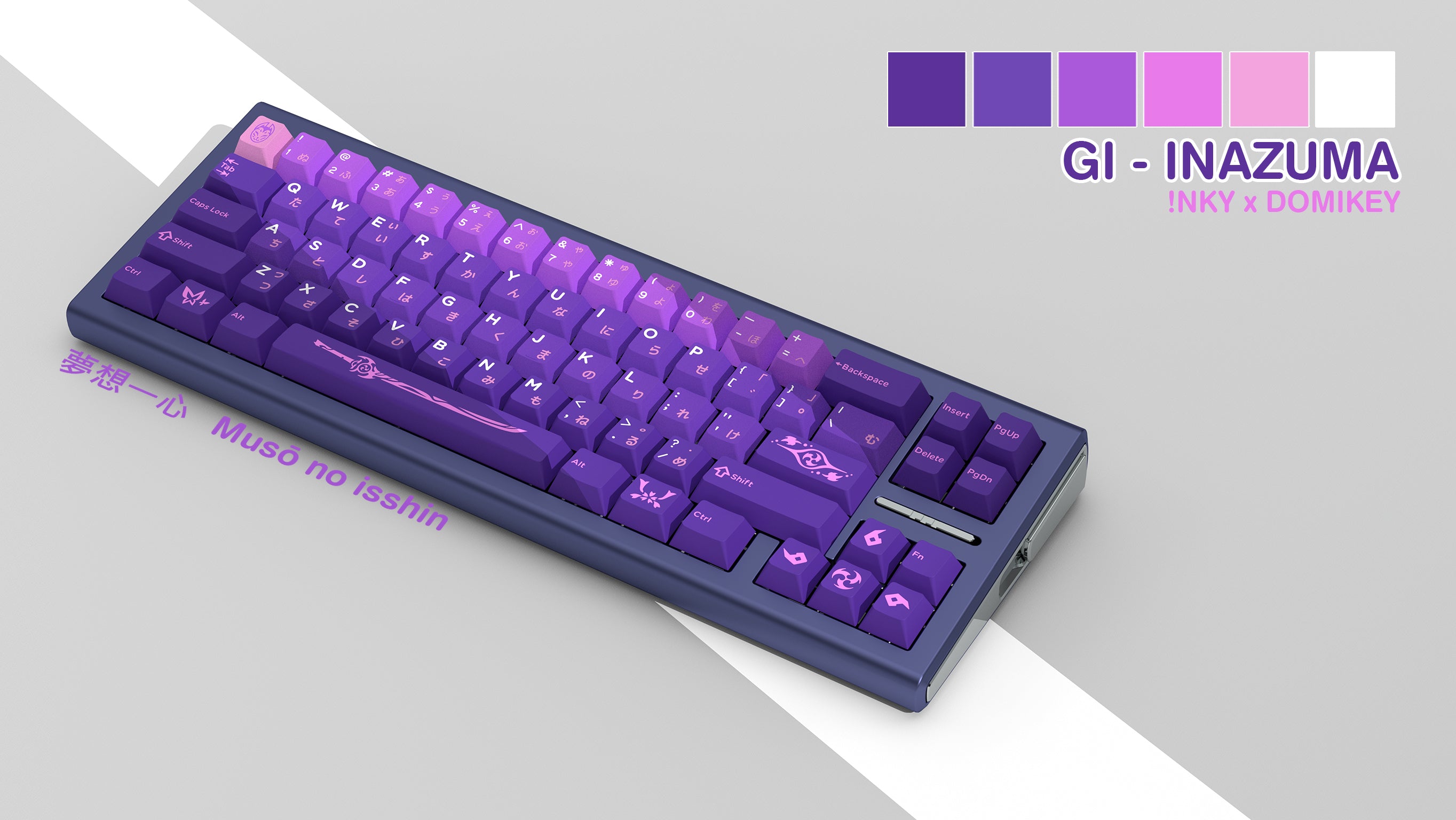
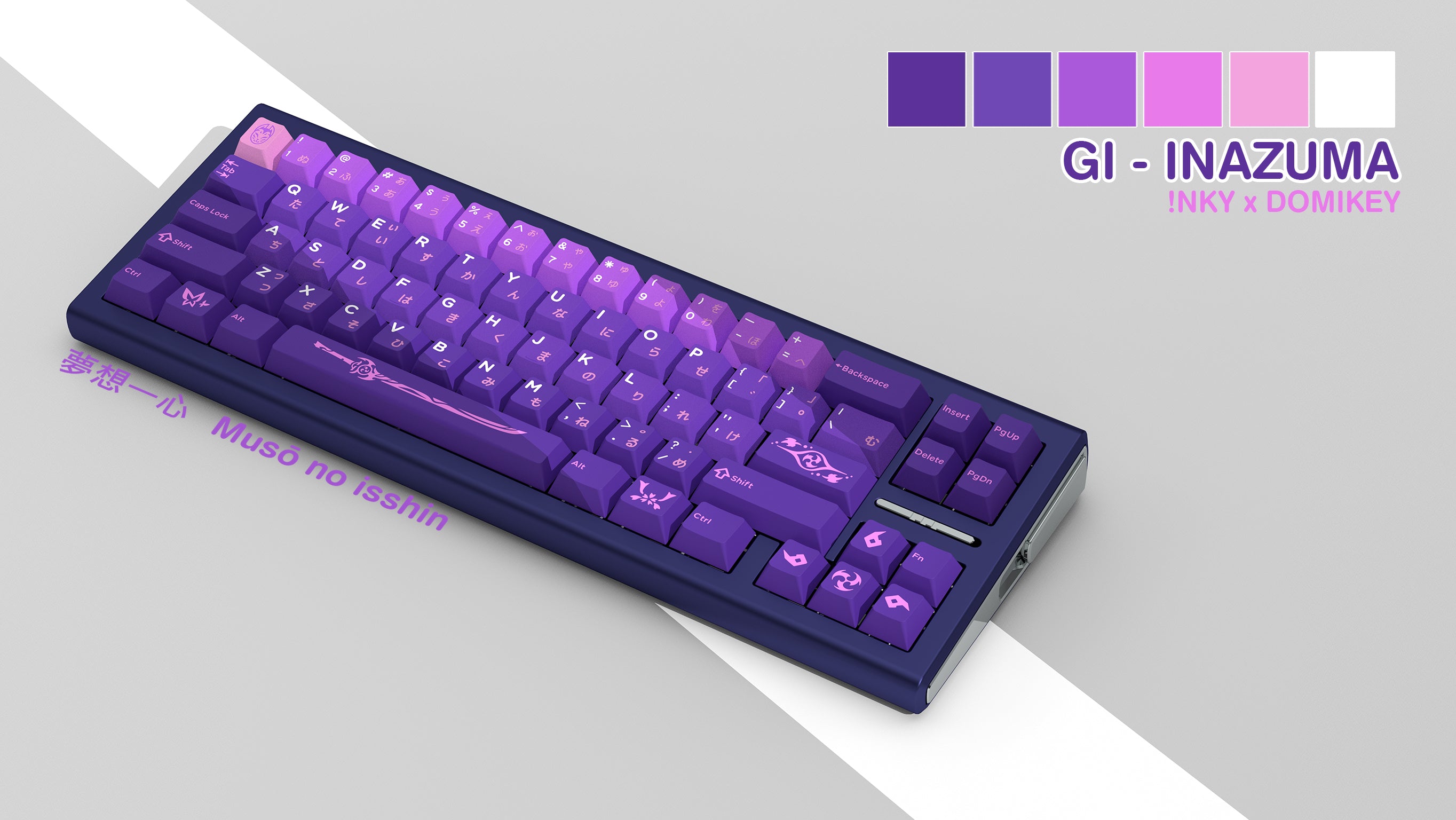
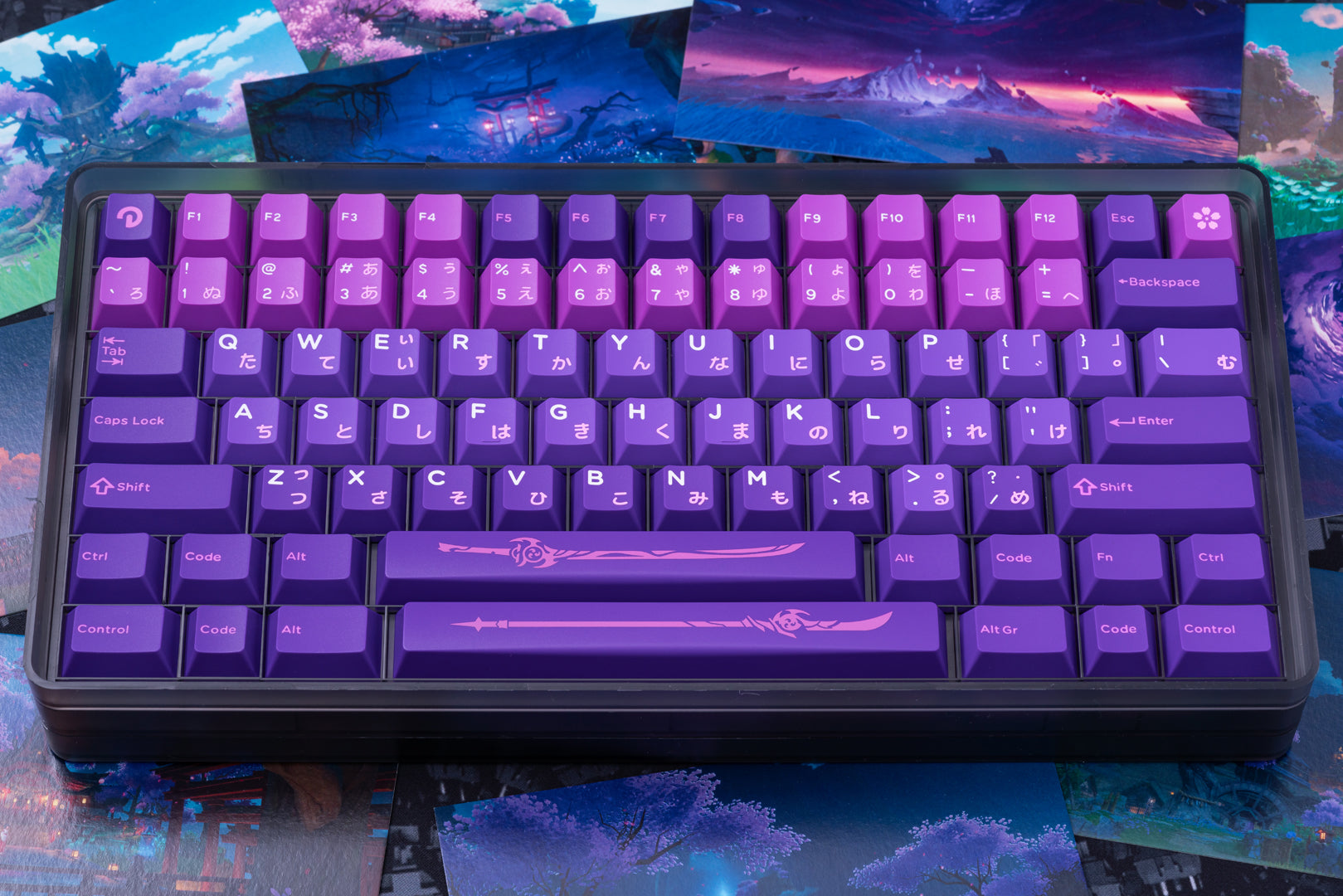
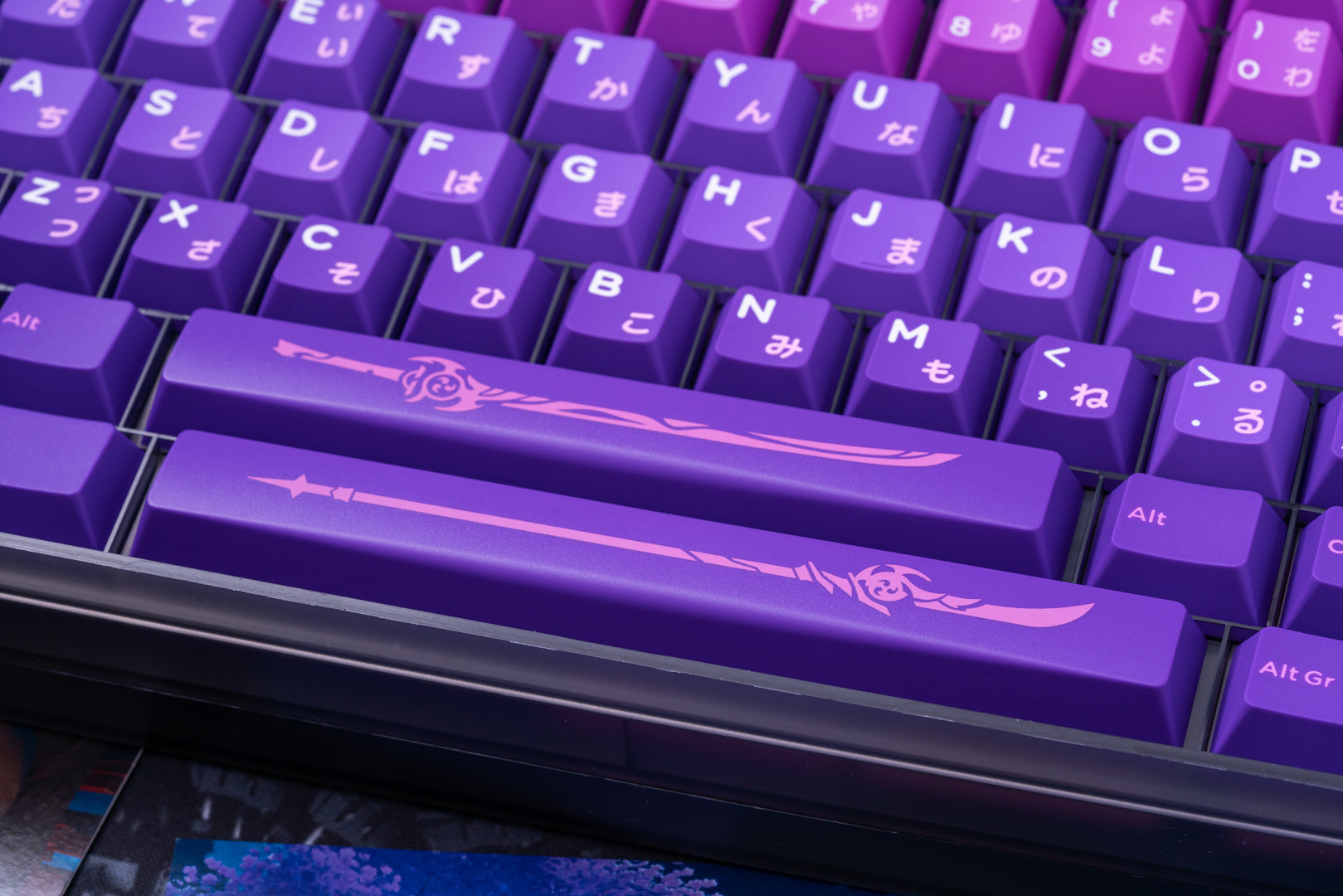
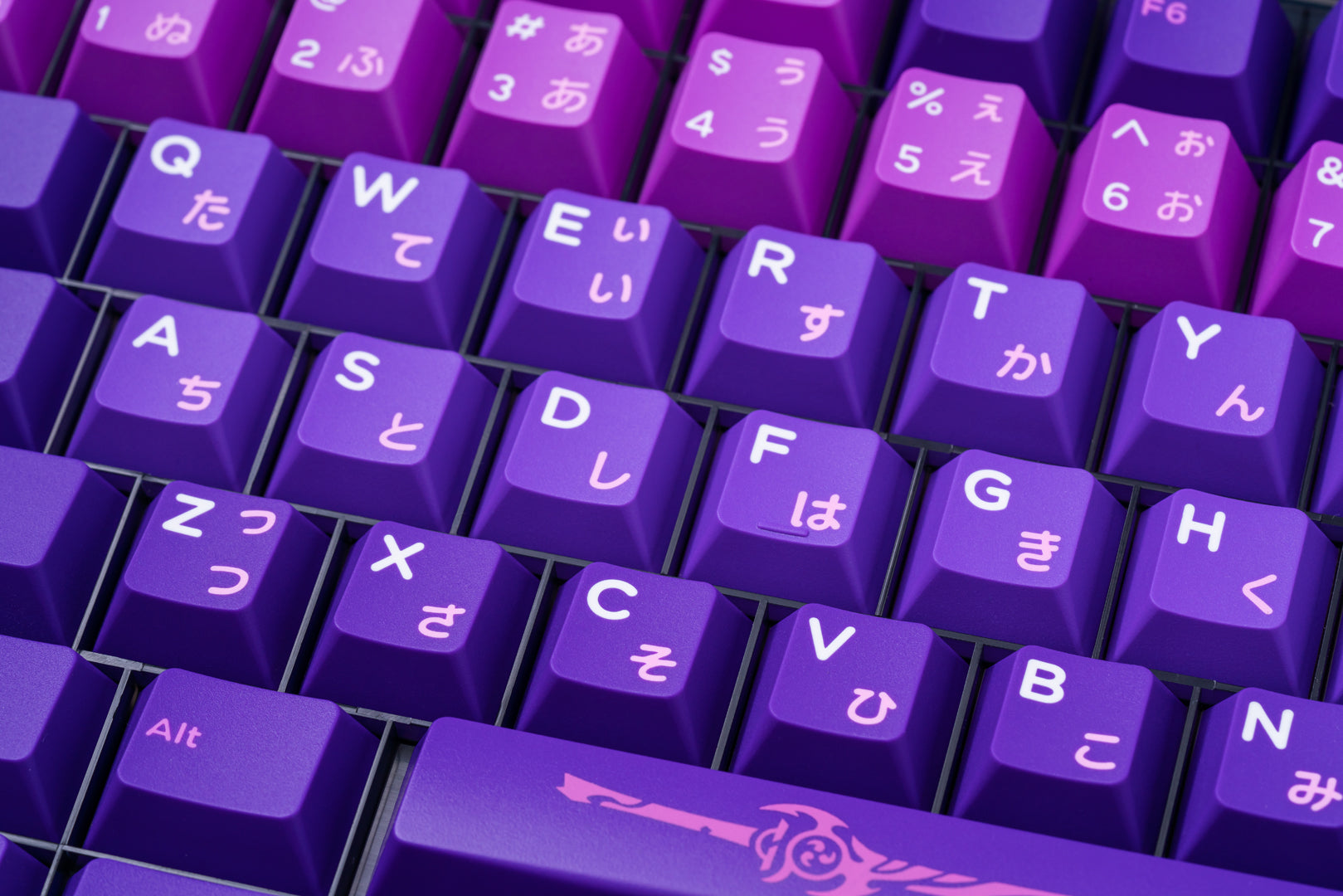
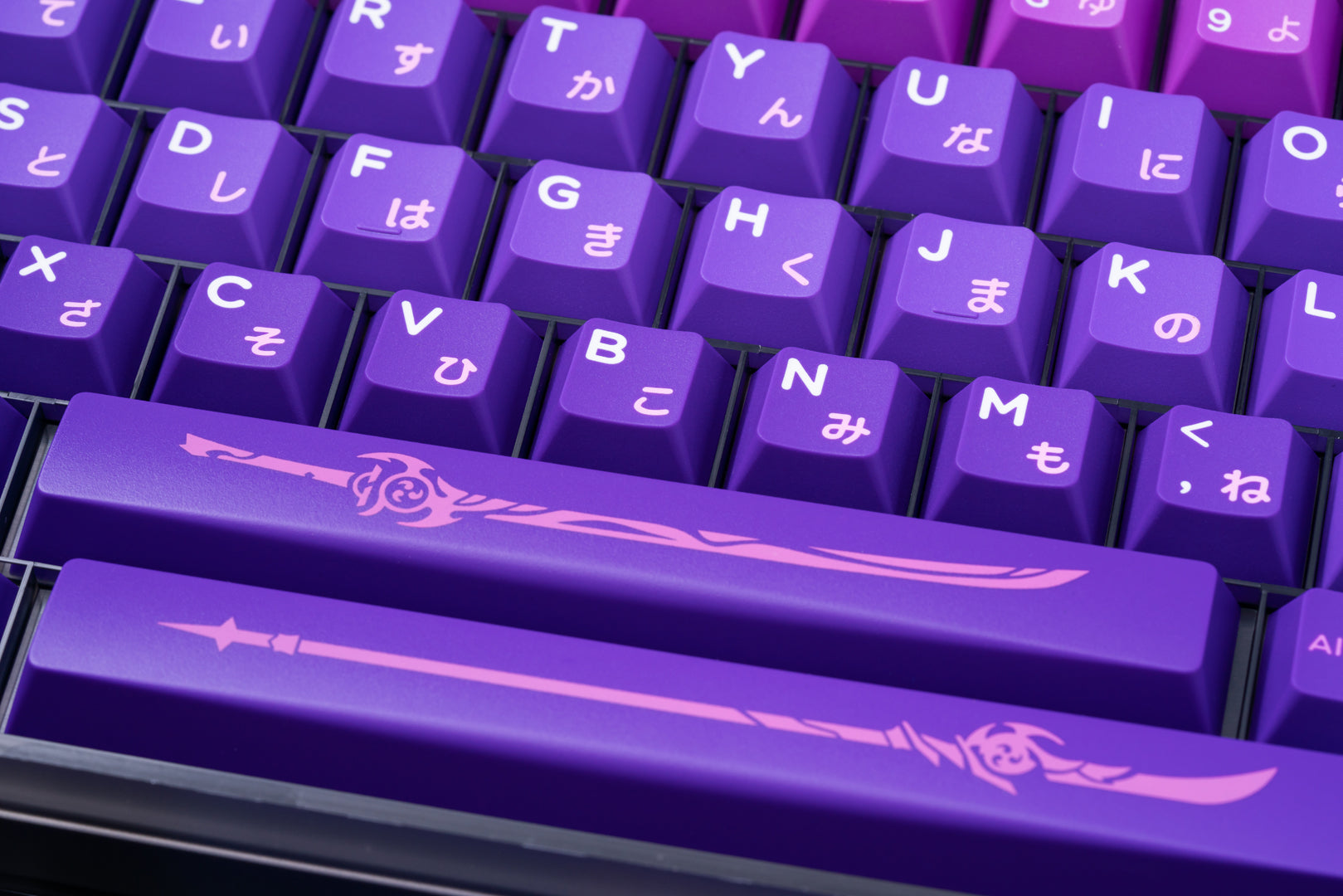
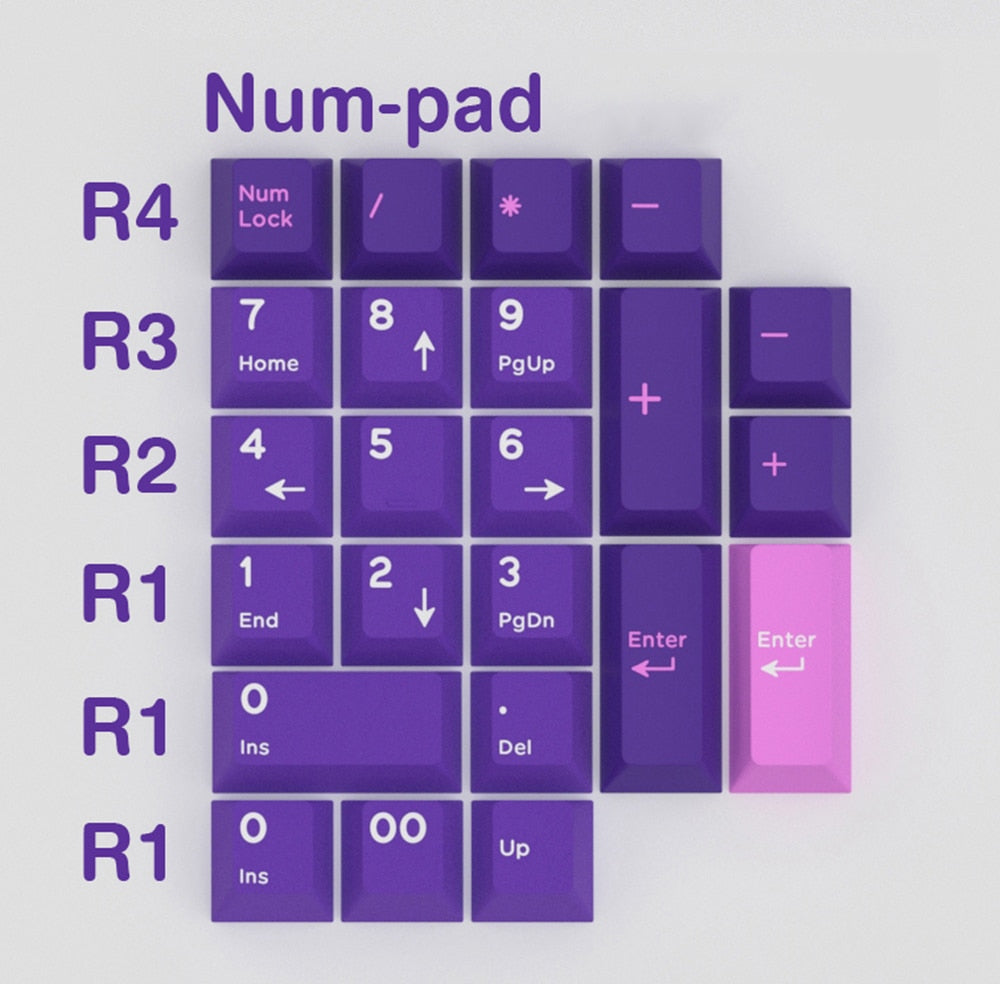
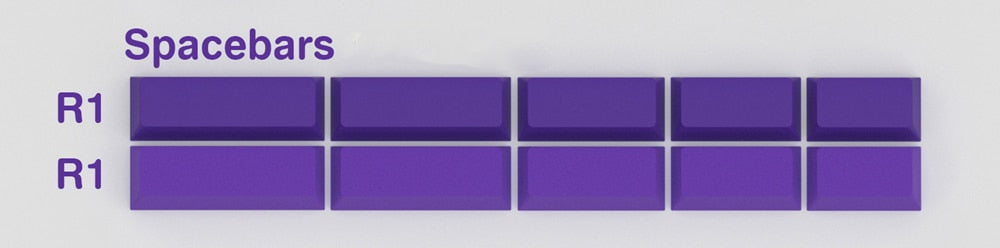
[GBEXTTRA] INKY STUDIO x Domikey INAZUMA THEME CHERRY PROFILE KEYCAPS 稲妻 THUNDER ELECTRO
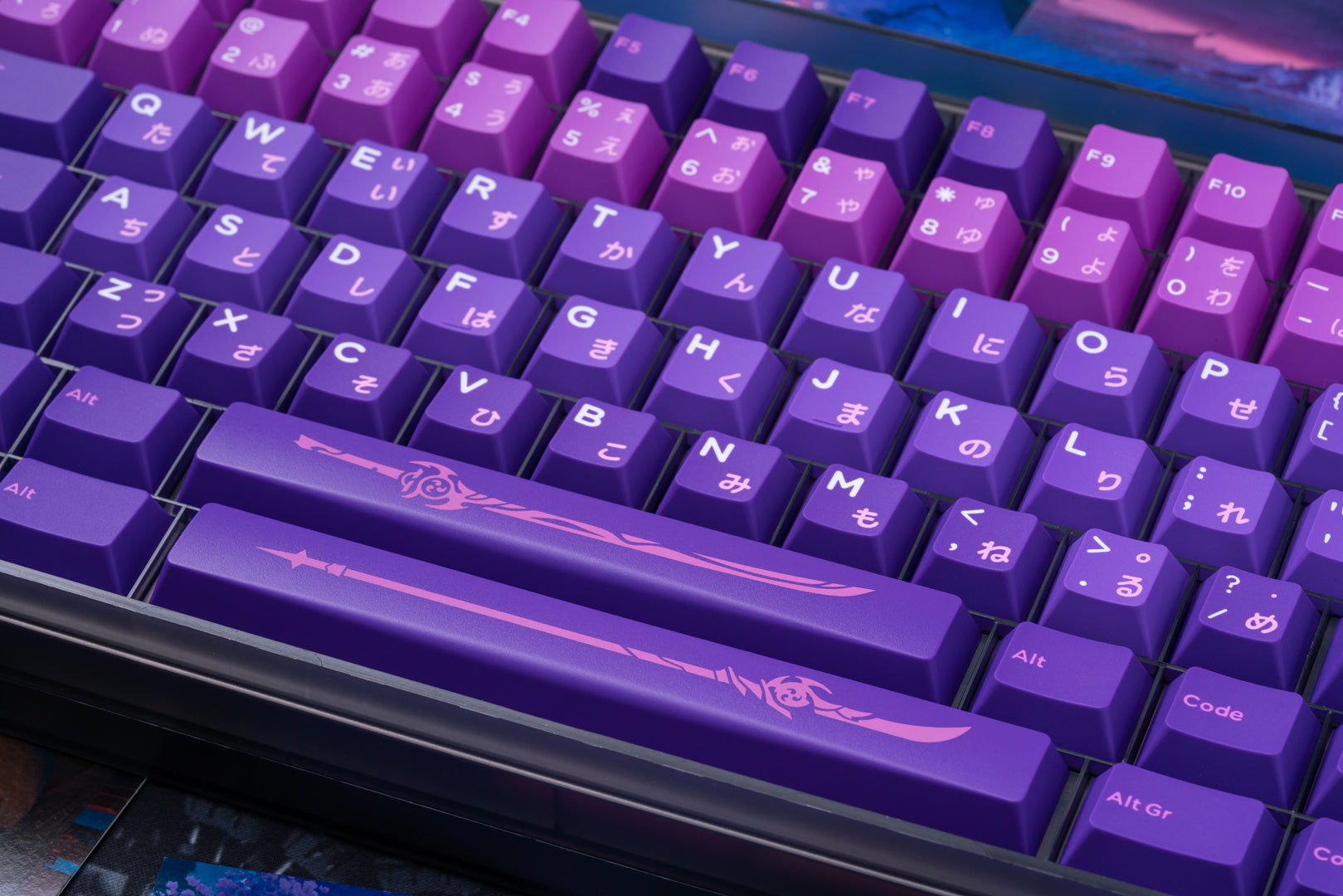
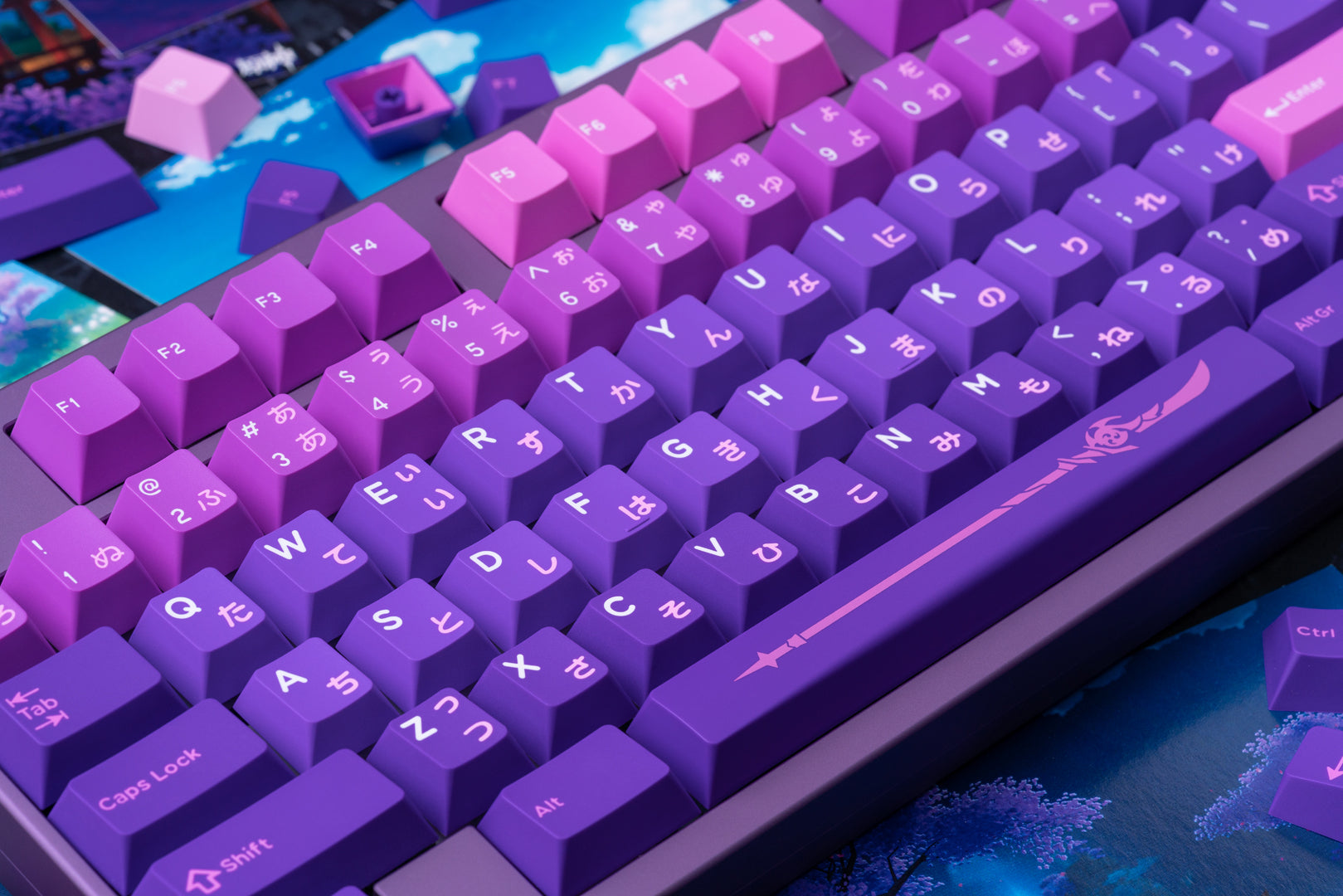
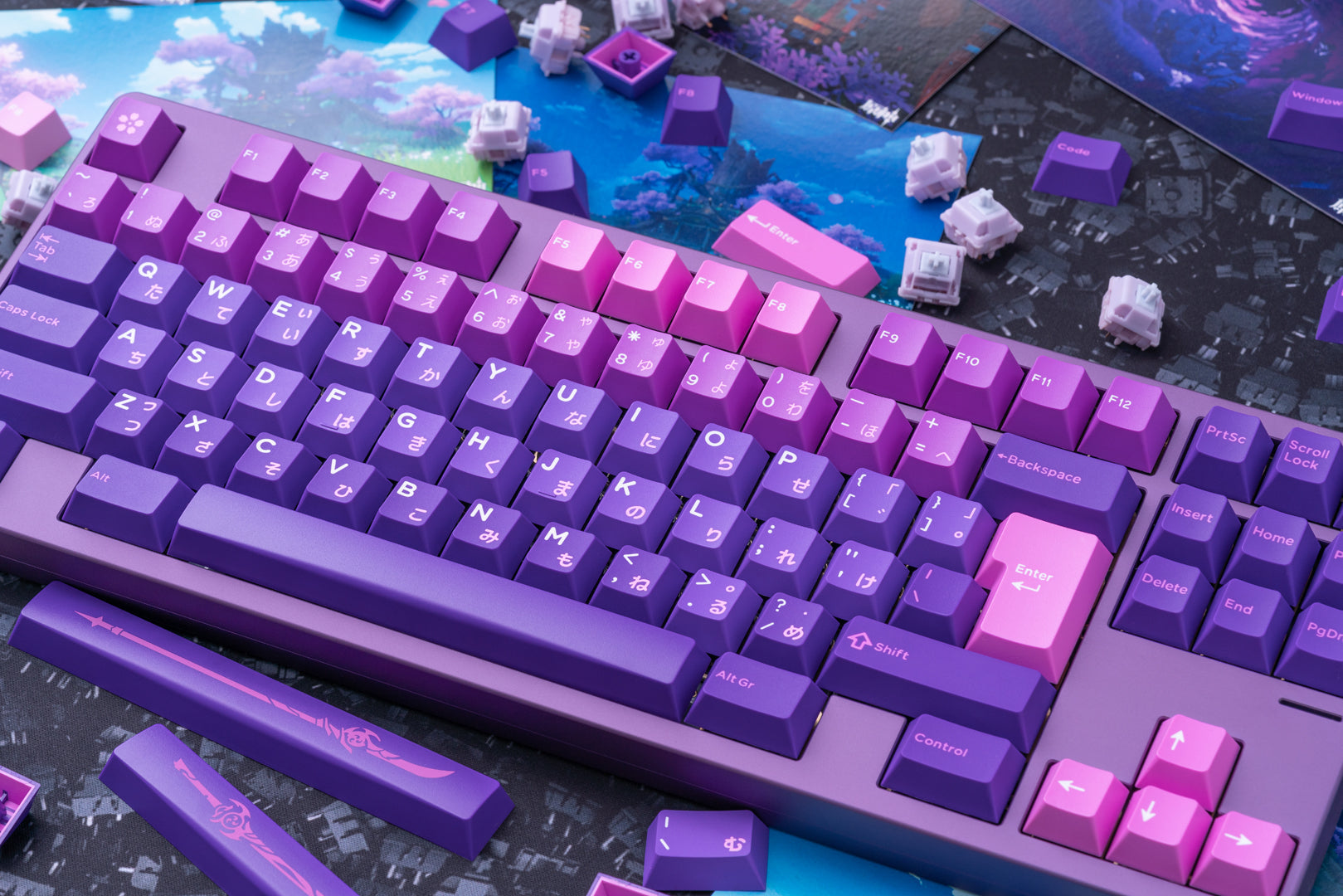
iNKY Studio Inazuma theme Cherry Profile Keycaps
Inazuma, Japanese Kanji 稲妻, means Thunder. In the famous game Genshin Impact, it is used as a region name of the seven regions in Teyvat.
SPEC
- Cherry profile
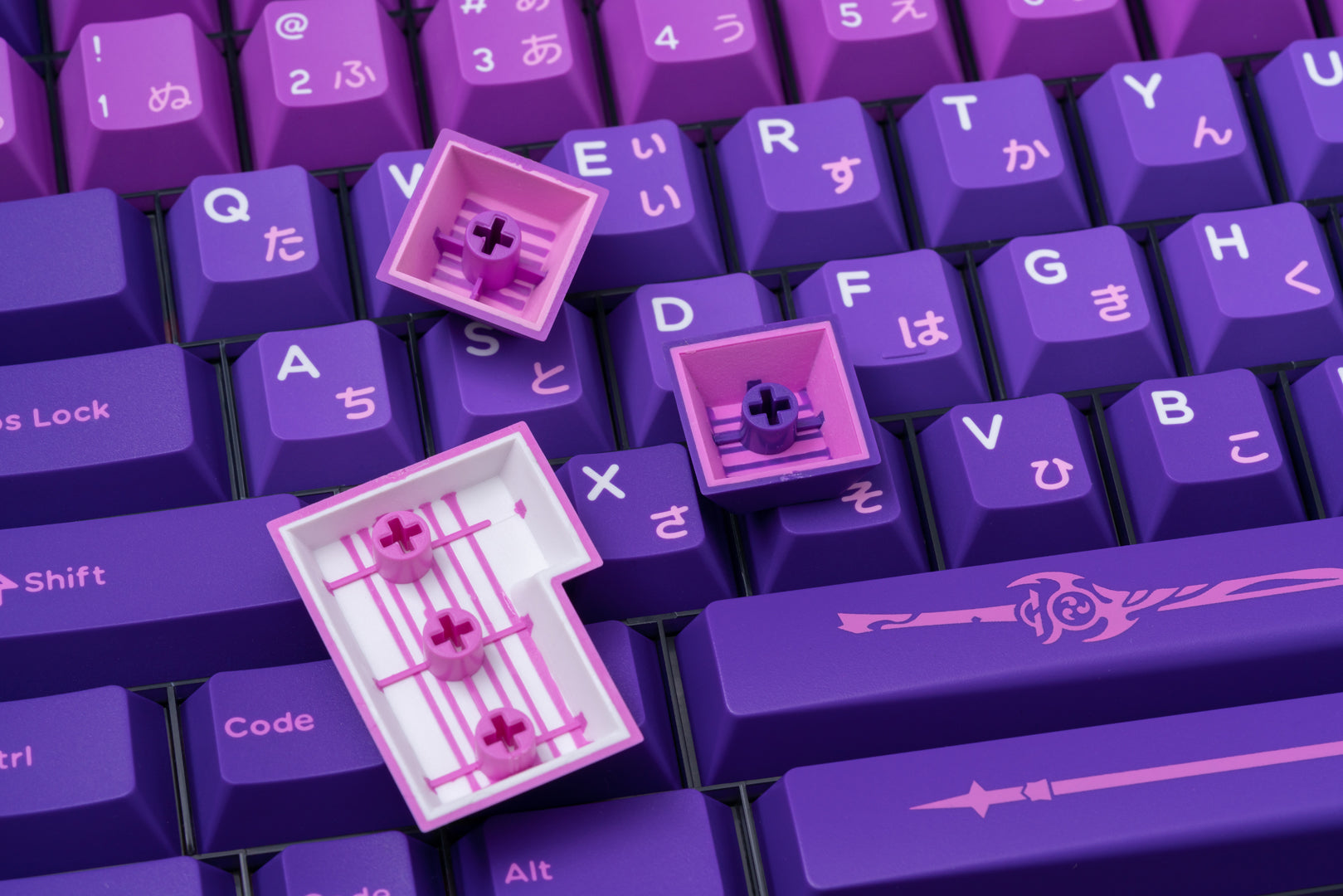
- ABS doubleshot and tripleshot
- Stripe bottom
DESIGN CONCEPT
Everyone who has played Genshin Impact must have a deep memory of Inazuma's thunder, cherry blossoms and that bad fox lady.
From locking the country and hunting Visions to opening and prosperity of the country, we, as the traveller, have experienced and witnessed them in person. Inazuman gathered their dreams to fight together against upper power, Raiden Shogun's self-denial and determination to wipe out old evils, and the final Devils’ Night of Yae Miko to bid farewell to their old friends. Stories of hope shining in the dark. Their passion and strong heart and friendship make us moved.
iNKY team is one of those who are touched by Inazuman. The new project is born.
KEYCAP & COLOUR
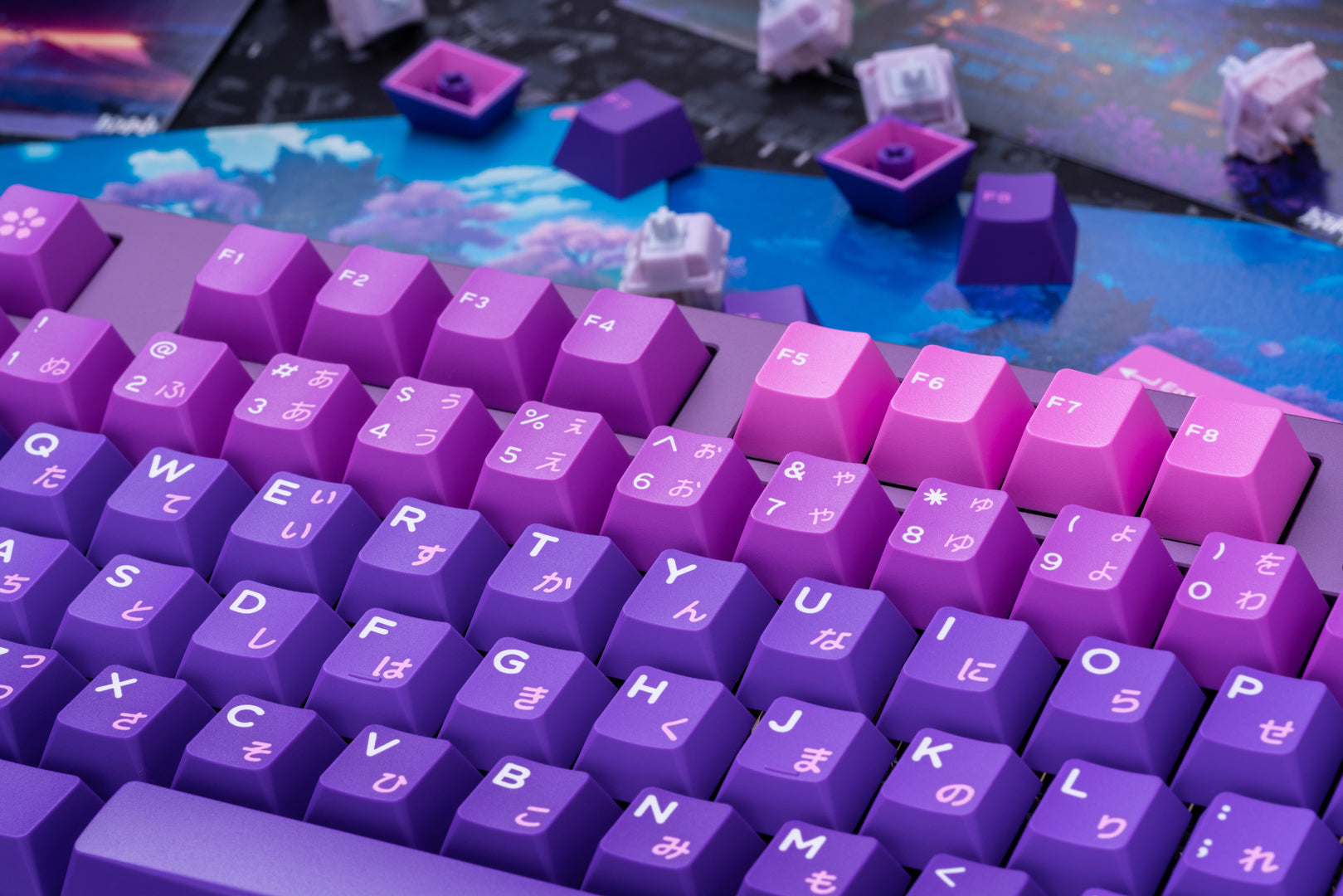
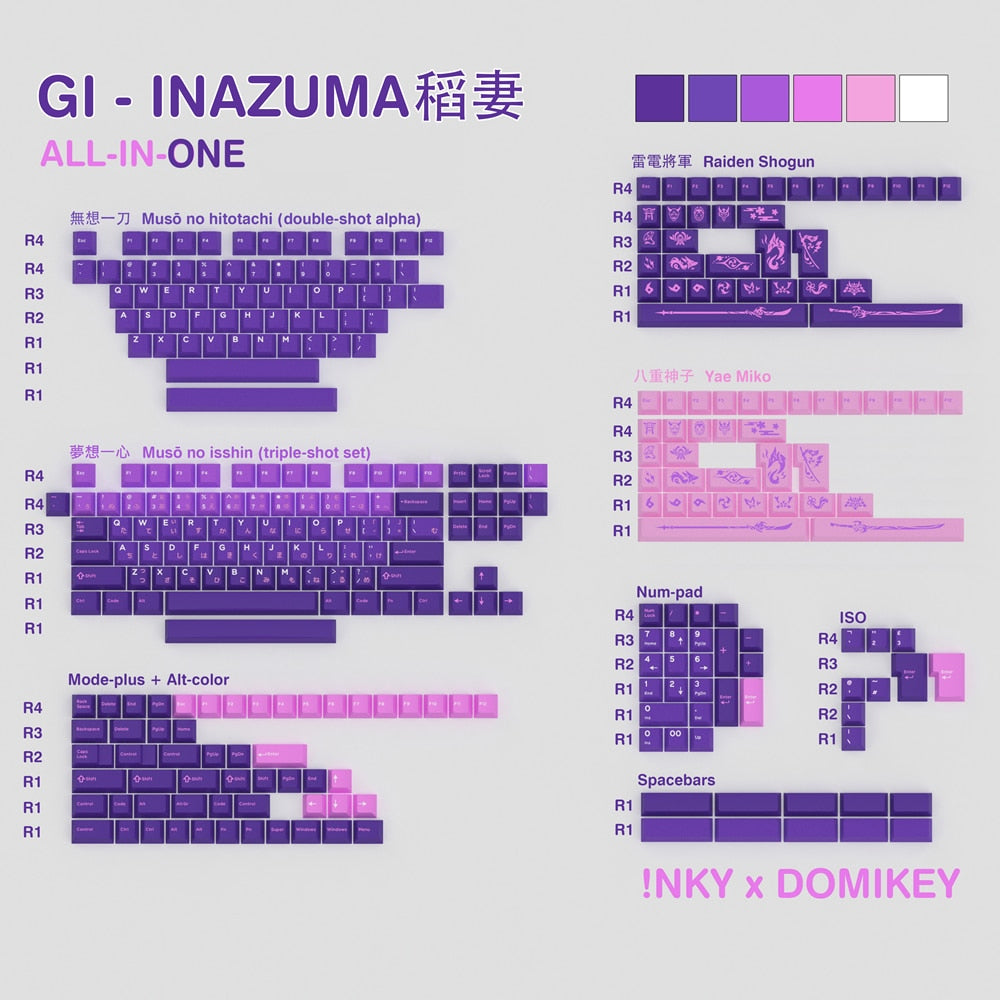
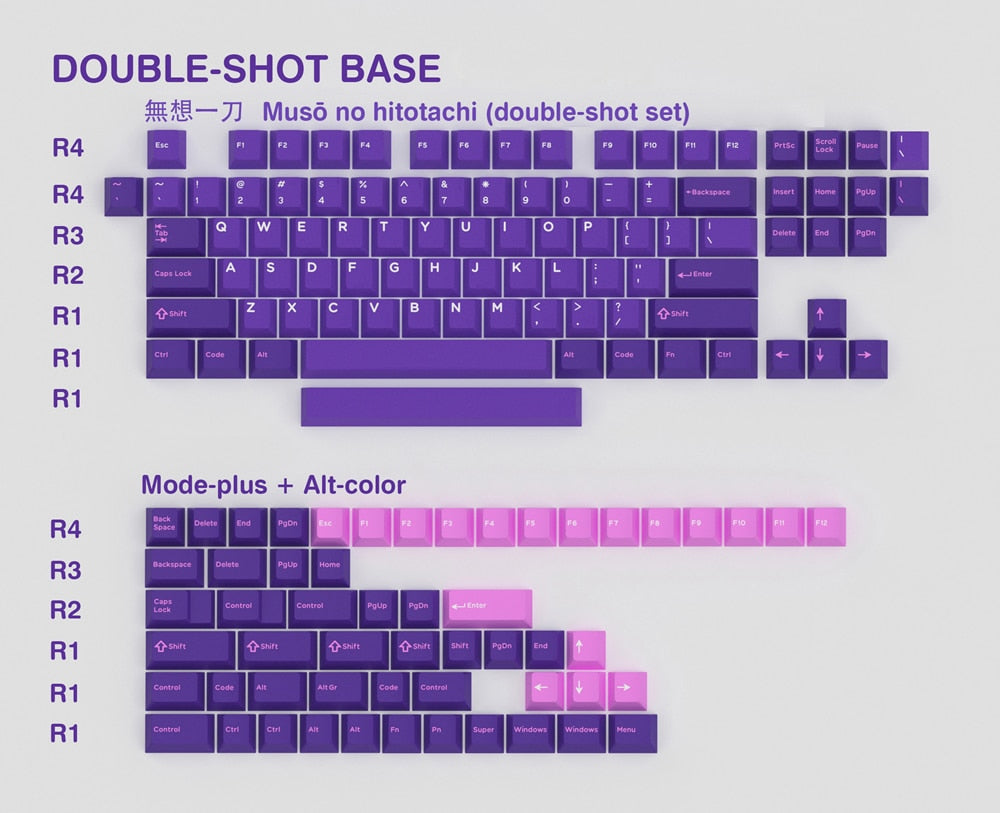
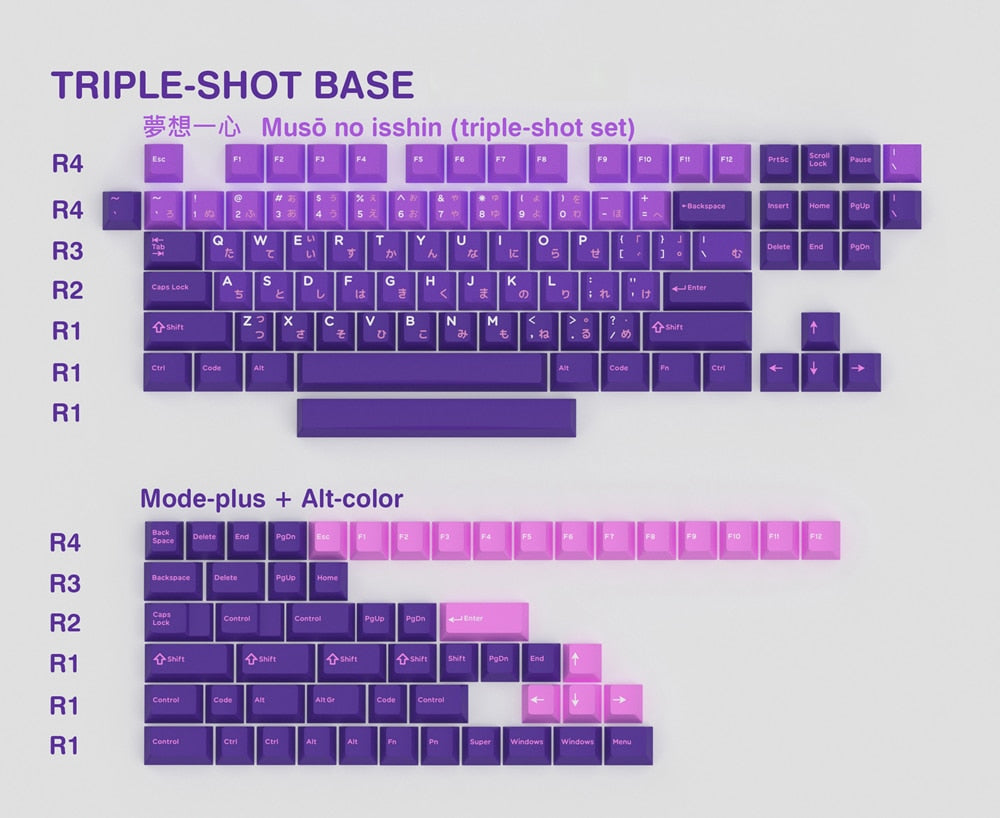
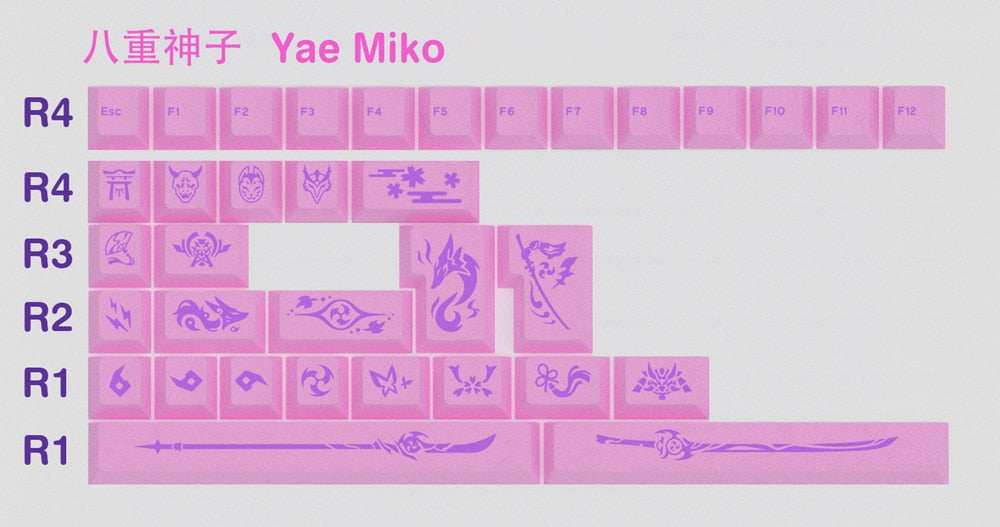
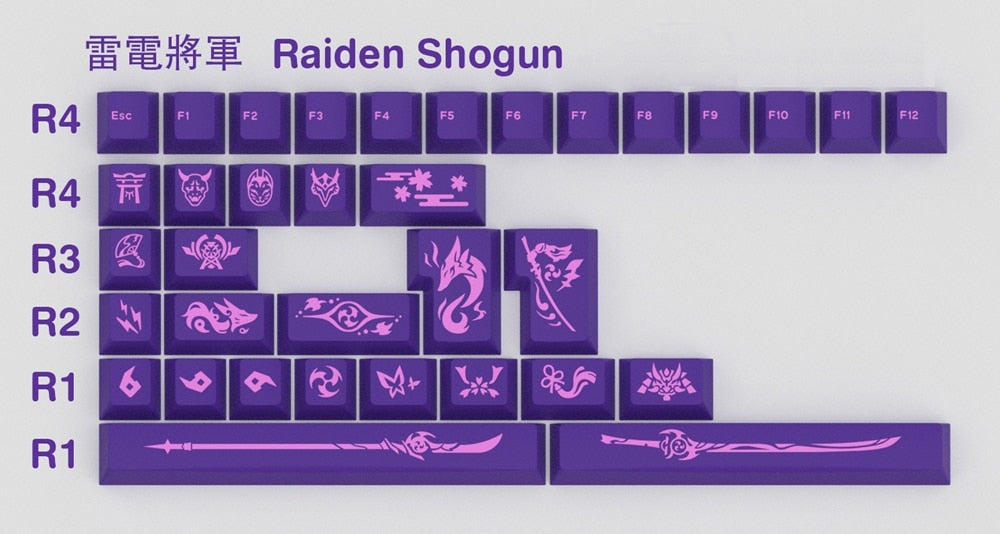
As Inazuman learns Electro, iNKY studio uses purple and purple gradient colours as the main theme colour. Moreover, instead of Base, Alpha and novel, iNKY studio intends to give the kit specific name like
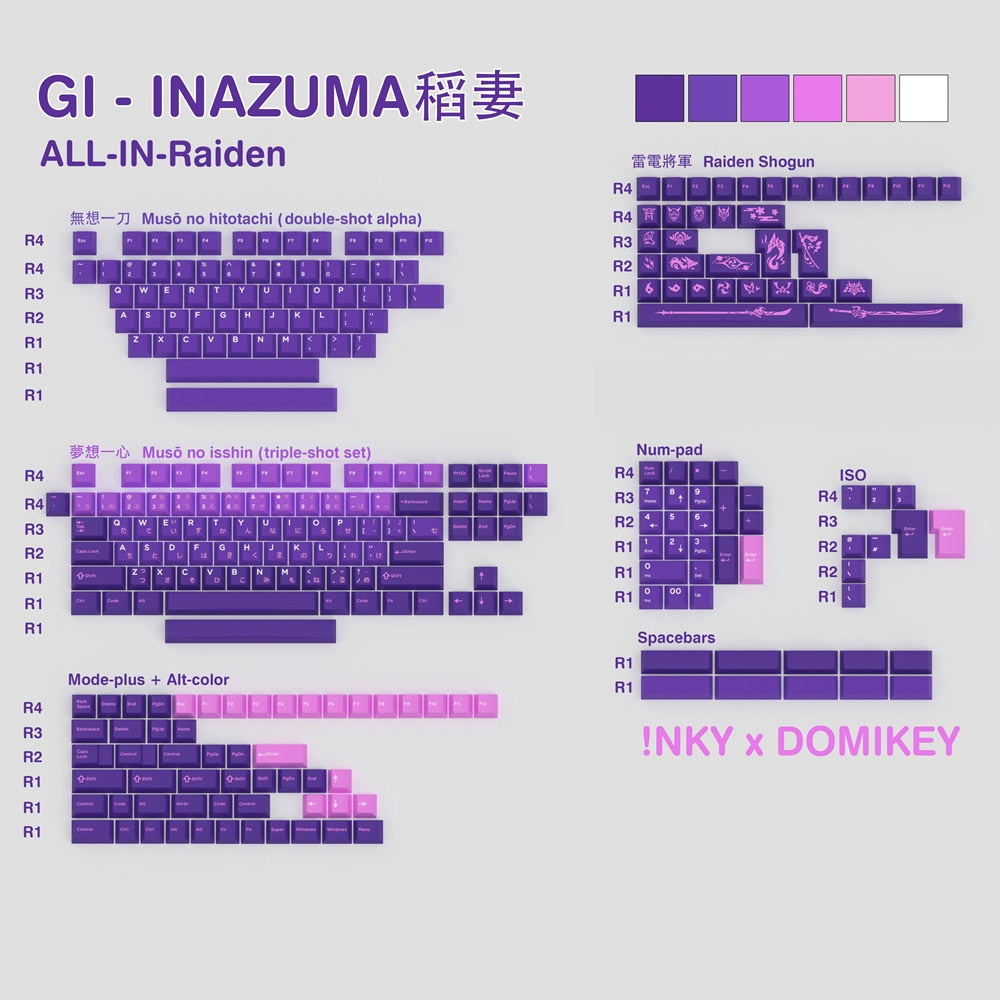
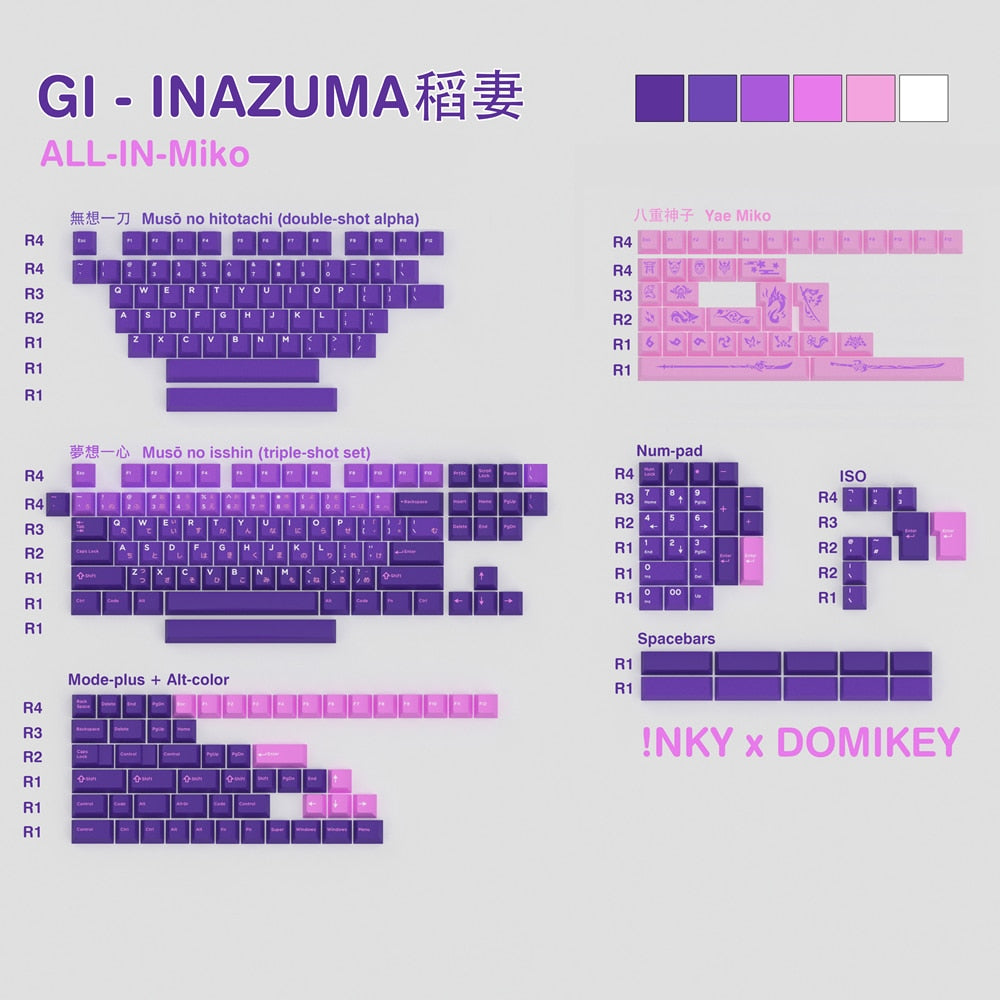
- Musyo no hitotachi for Doubleshot base kit
- Musyo no isshin for tripleshot base kit
- Raiden Shogun for purple Novel kit
- Yae Miko for peach-pink Novel kit
The keycap will feature in Cherry Profle and contain the doubleshot and tripleshot base kits. iNKY gives the two kits different colour scheme to depict the spirit and characteristics of Inazuman.
Join us Discord and share your thoughts about iNKY's new design and talk with iNKY Studio.

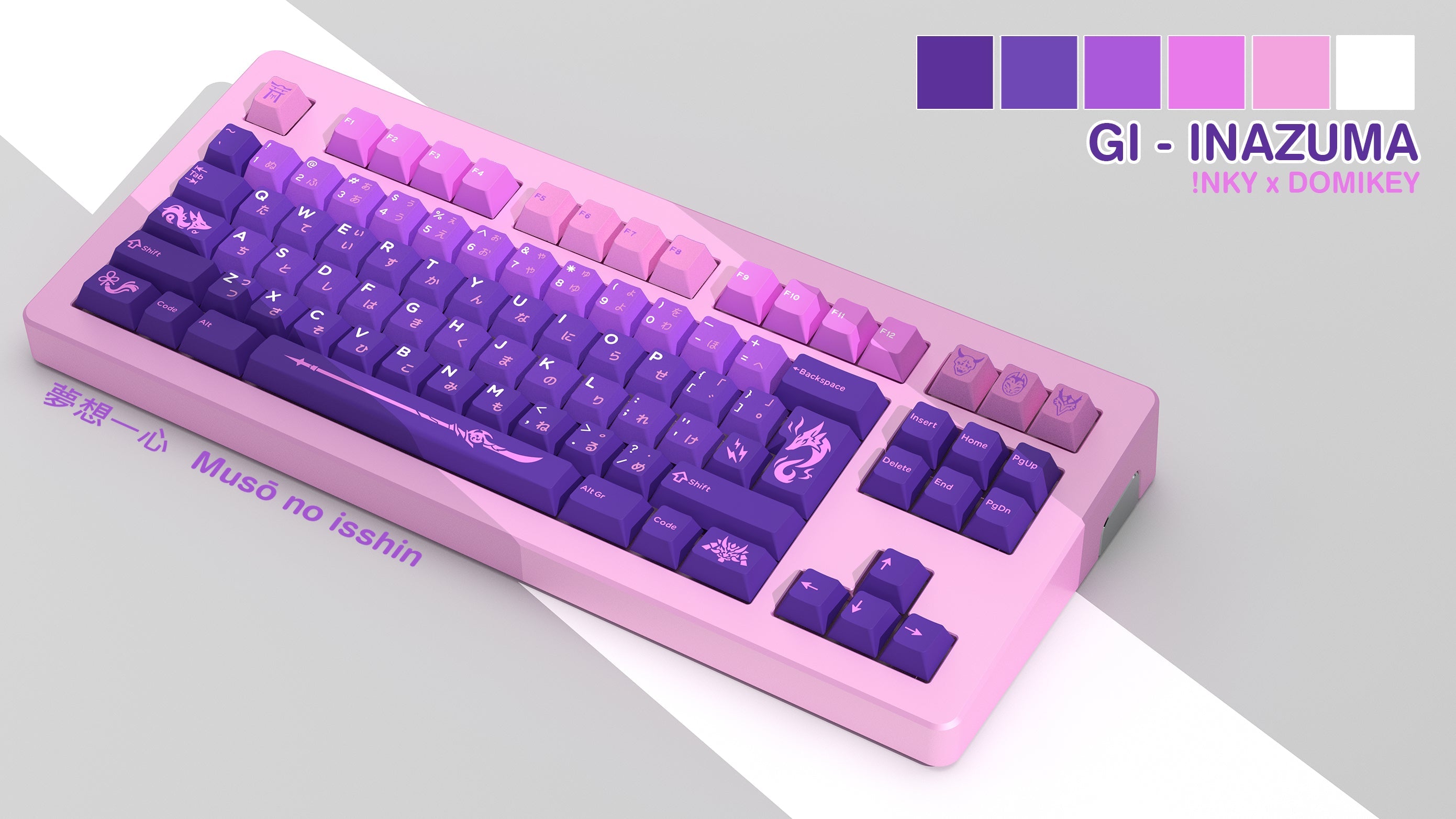
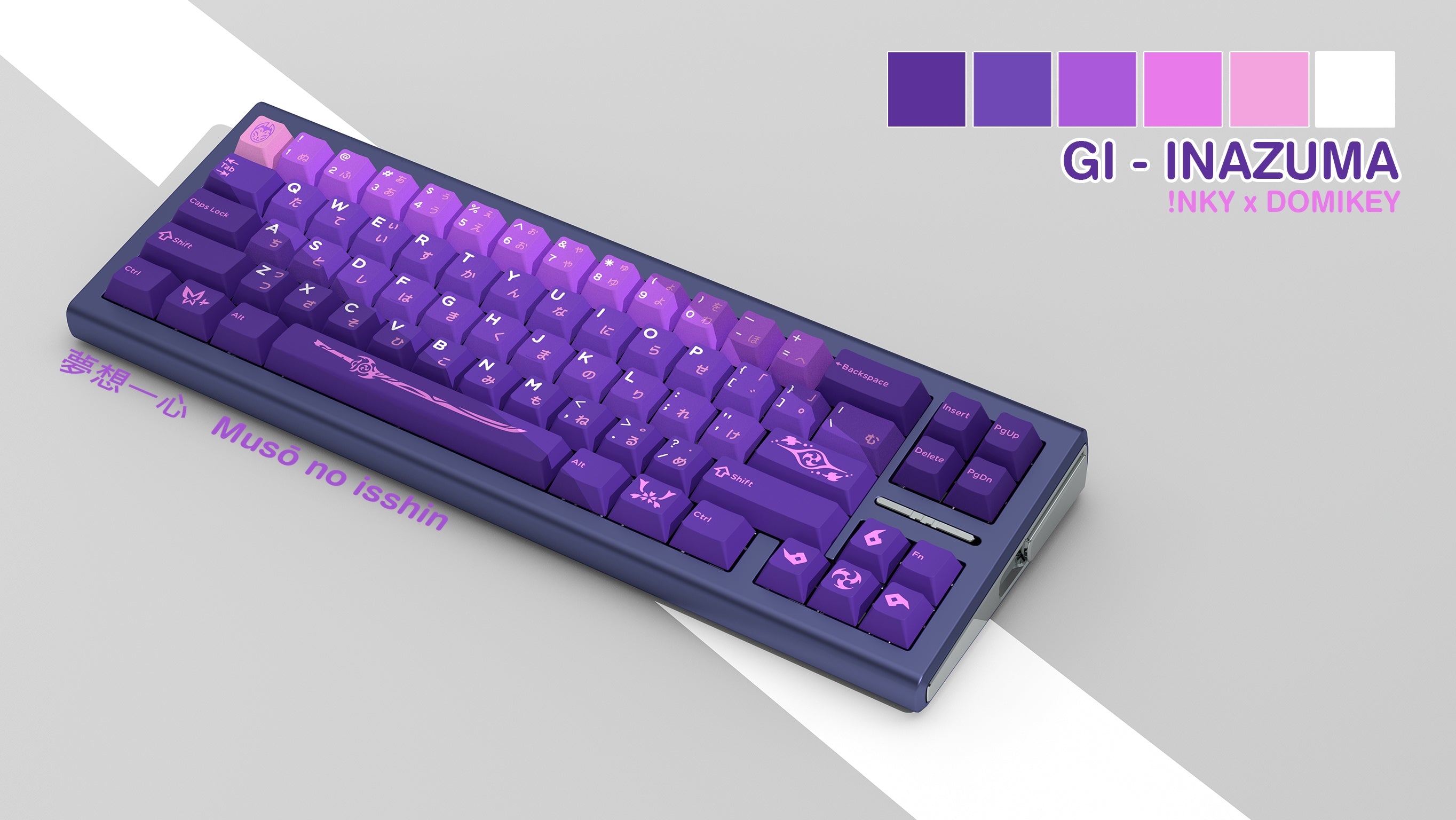
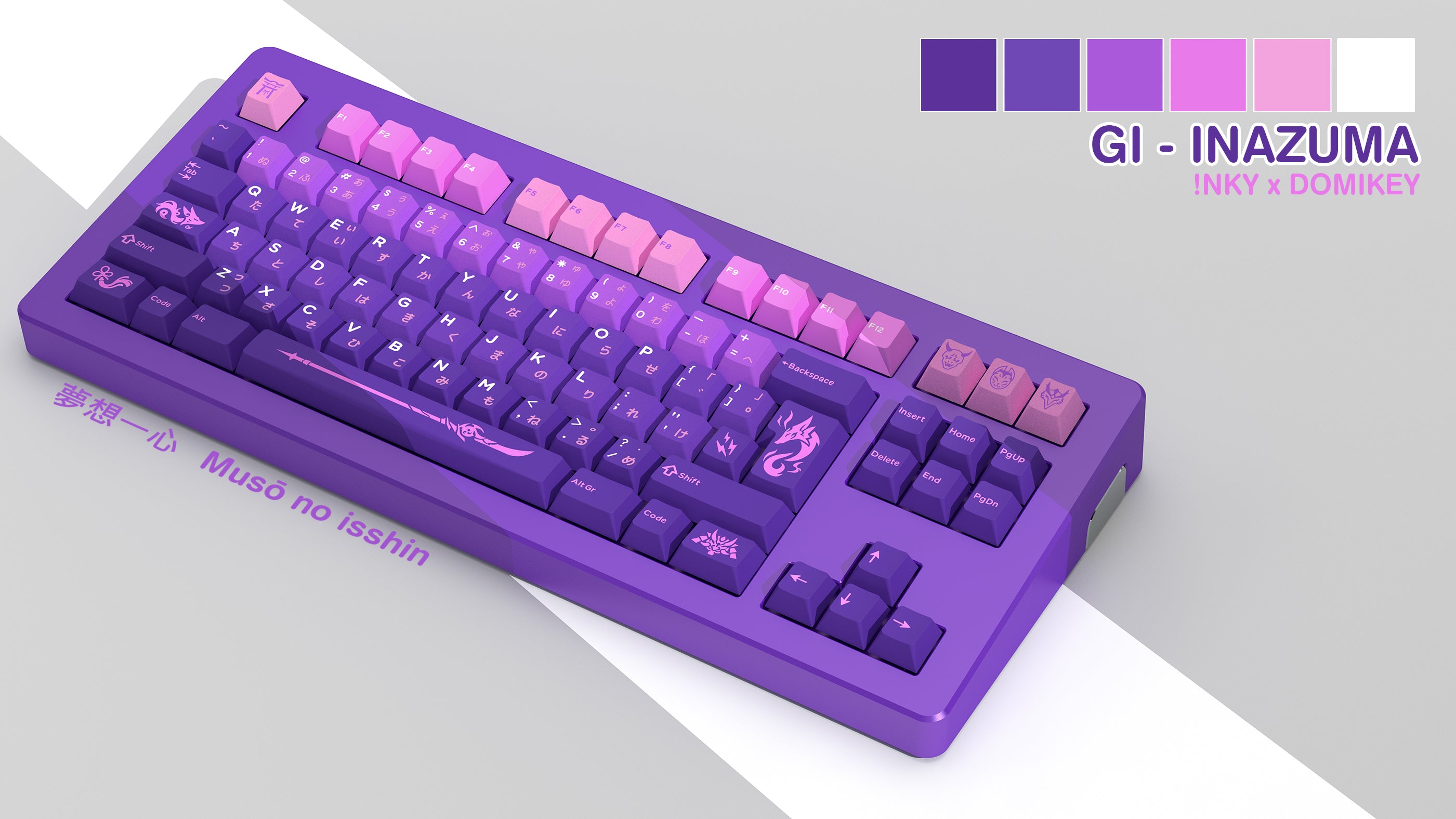
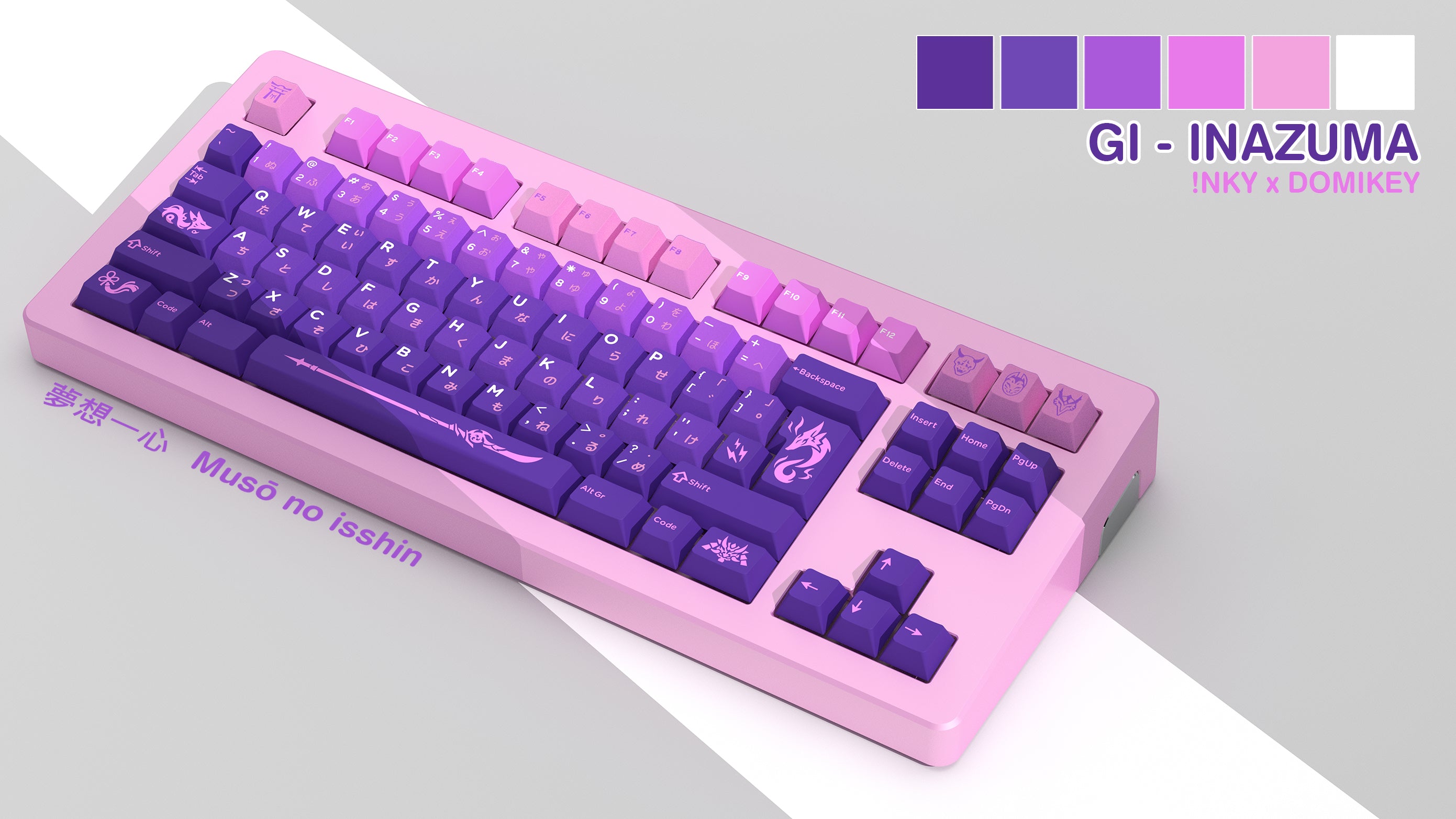
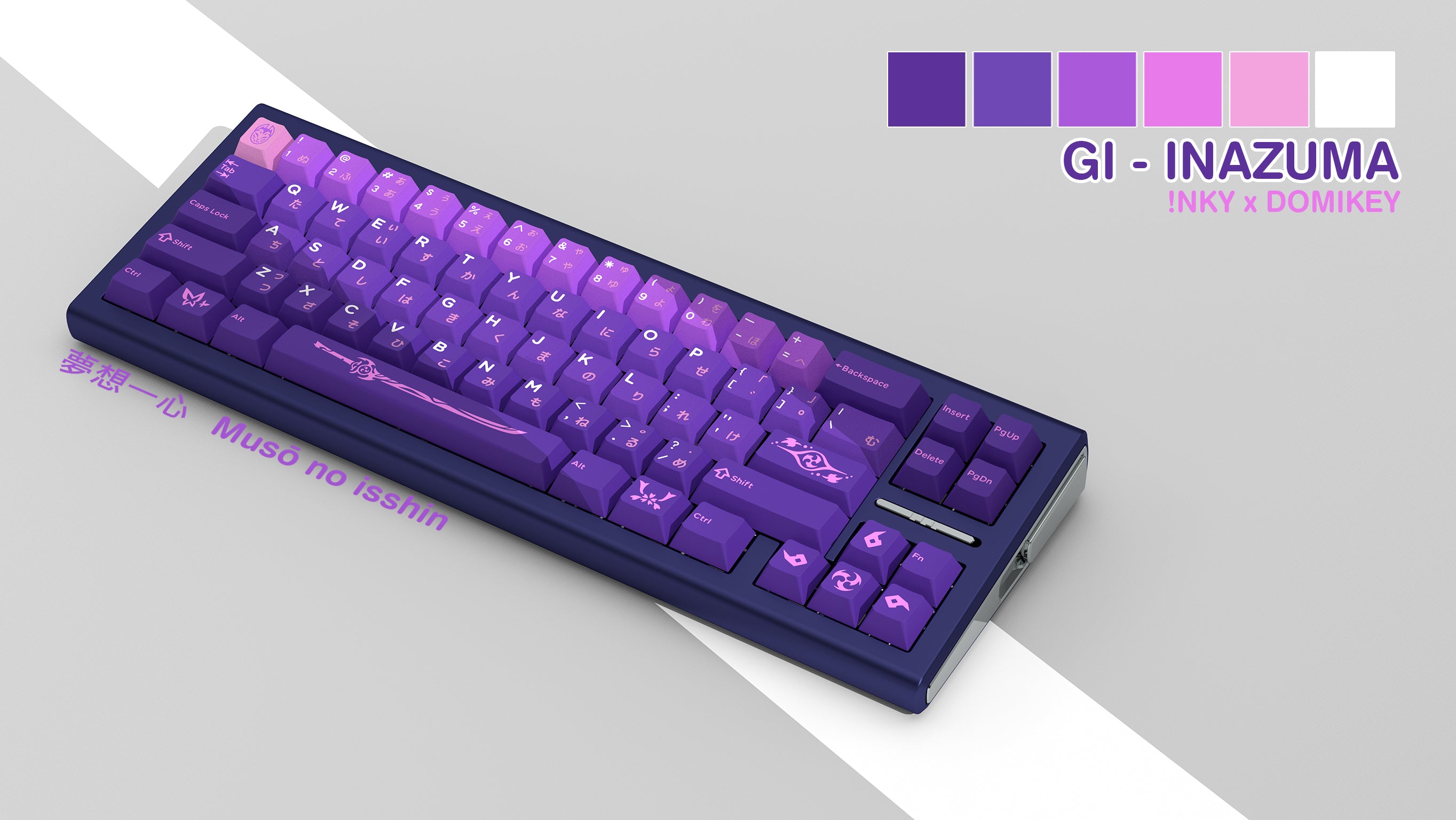
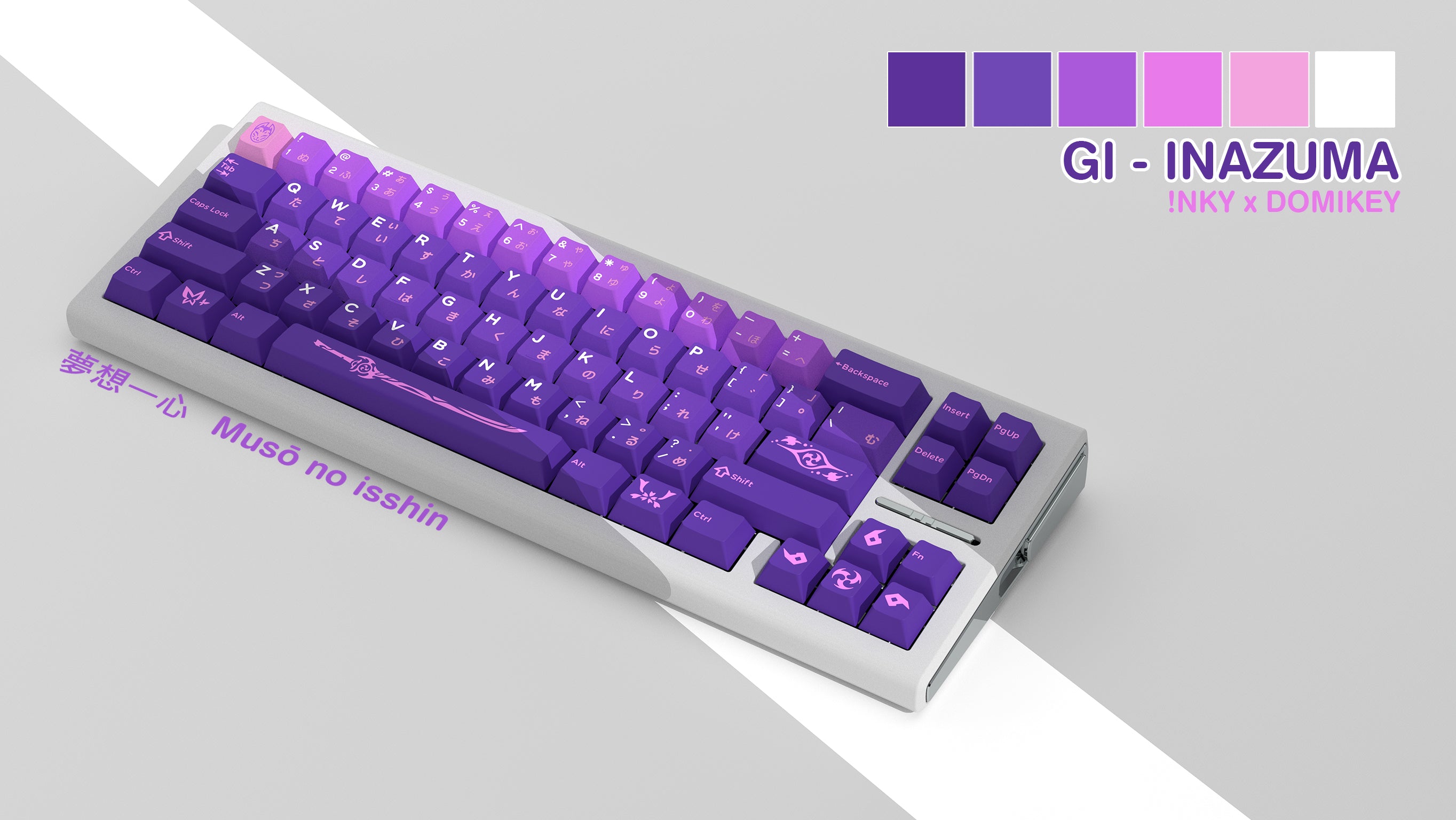
Colour matching render preview
The below are some colour matching renders for keycaps.
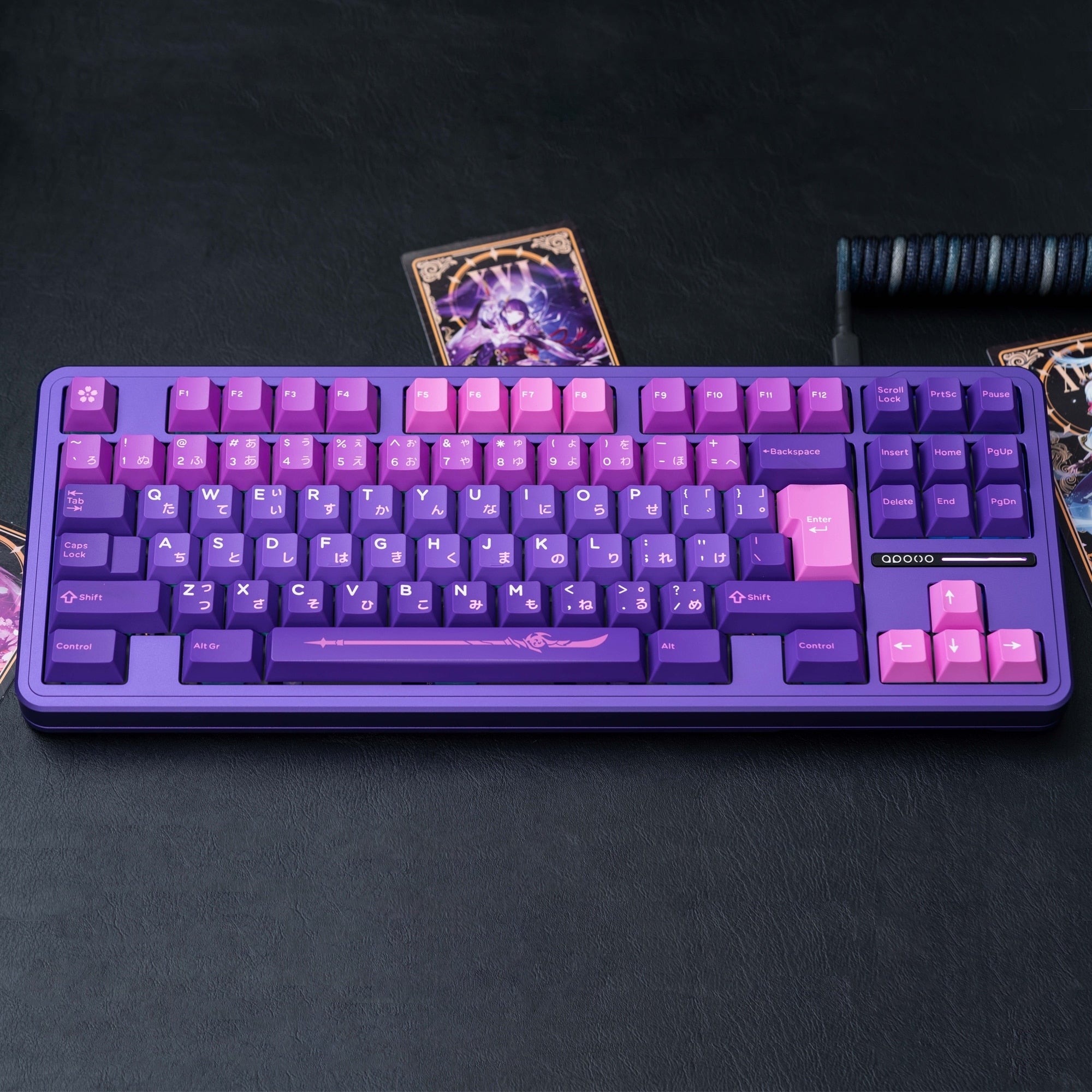
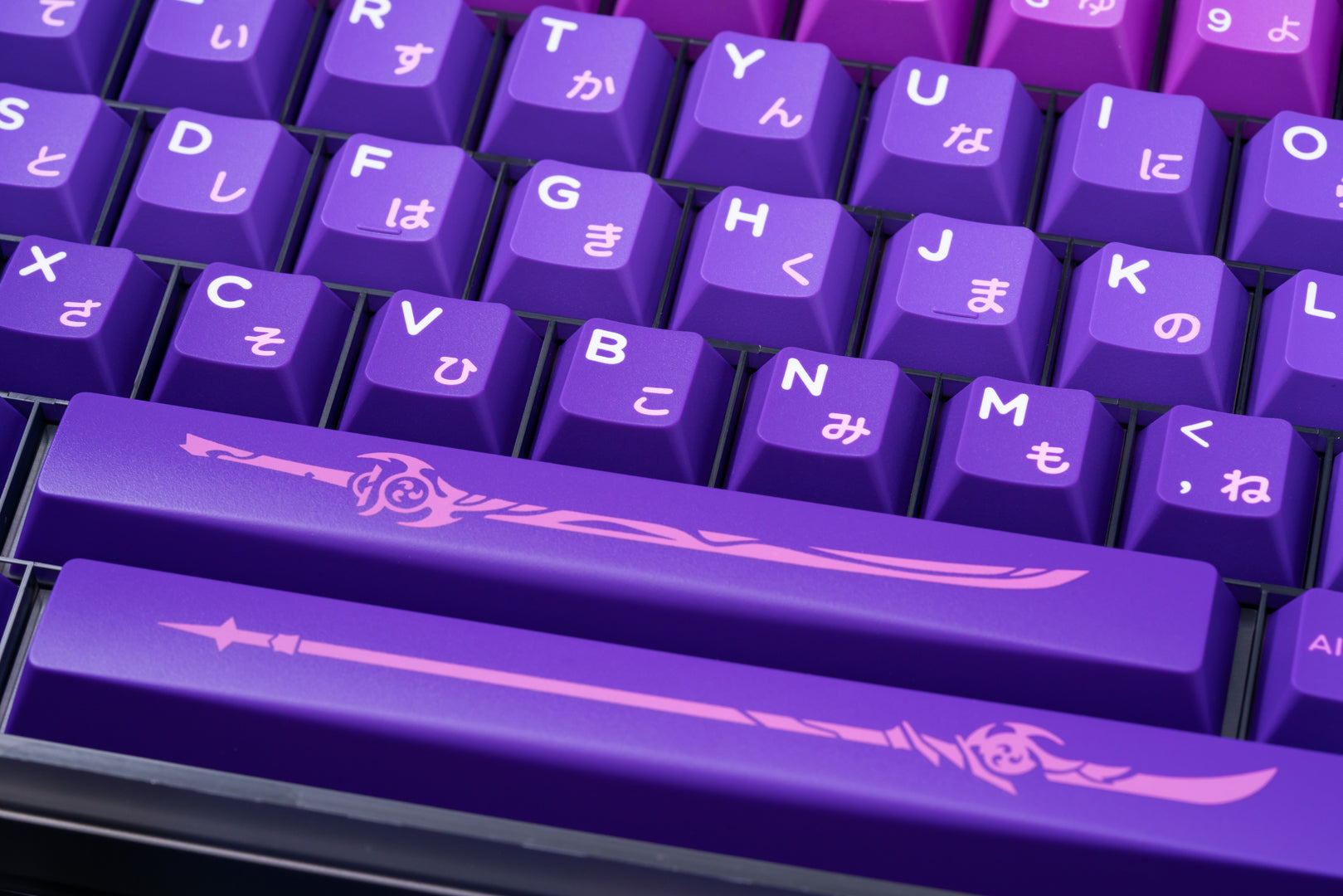
Keycap Real Samples
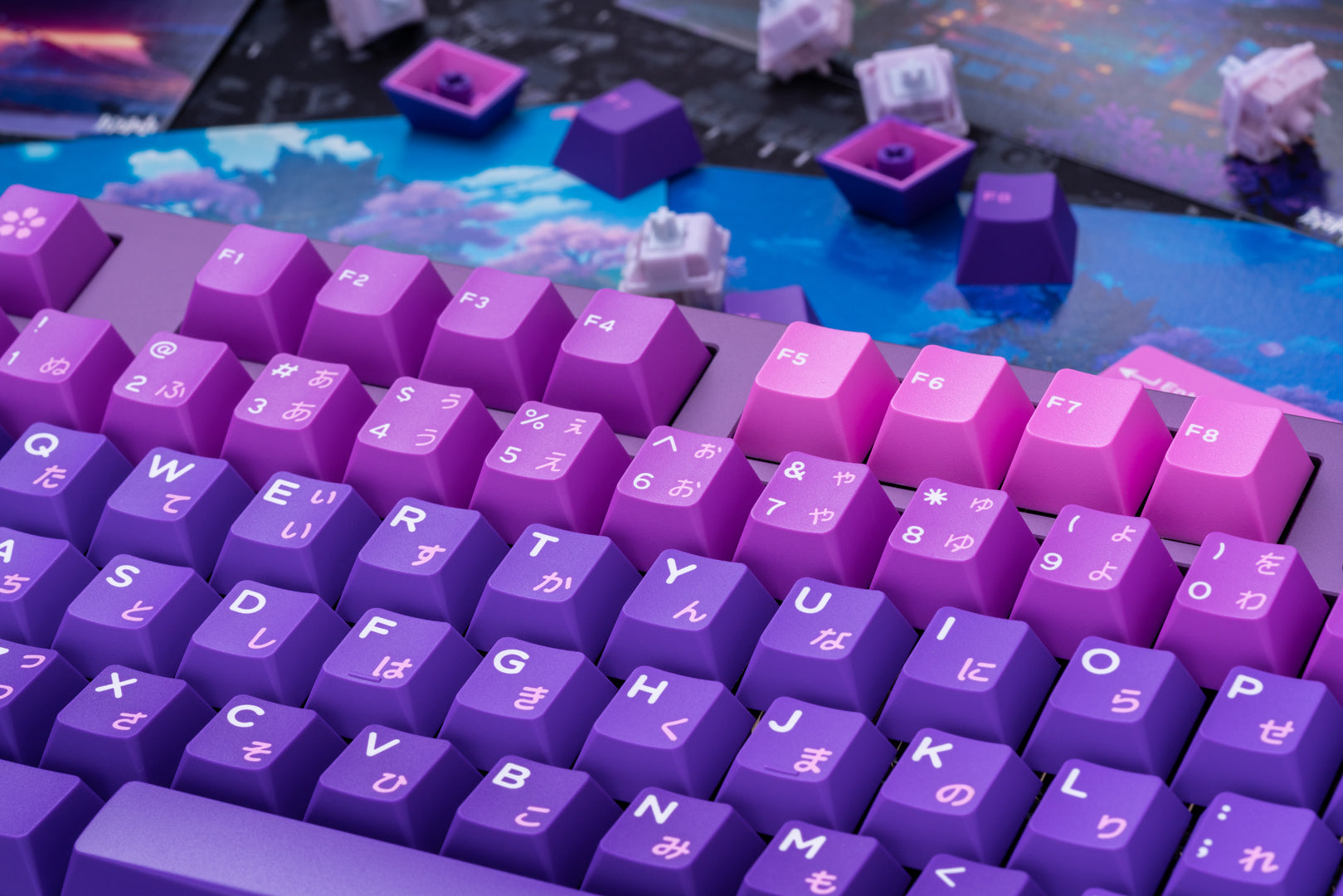
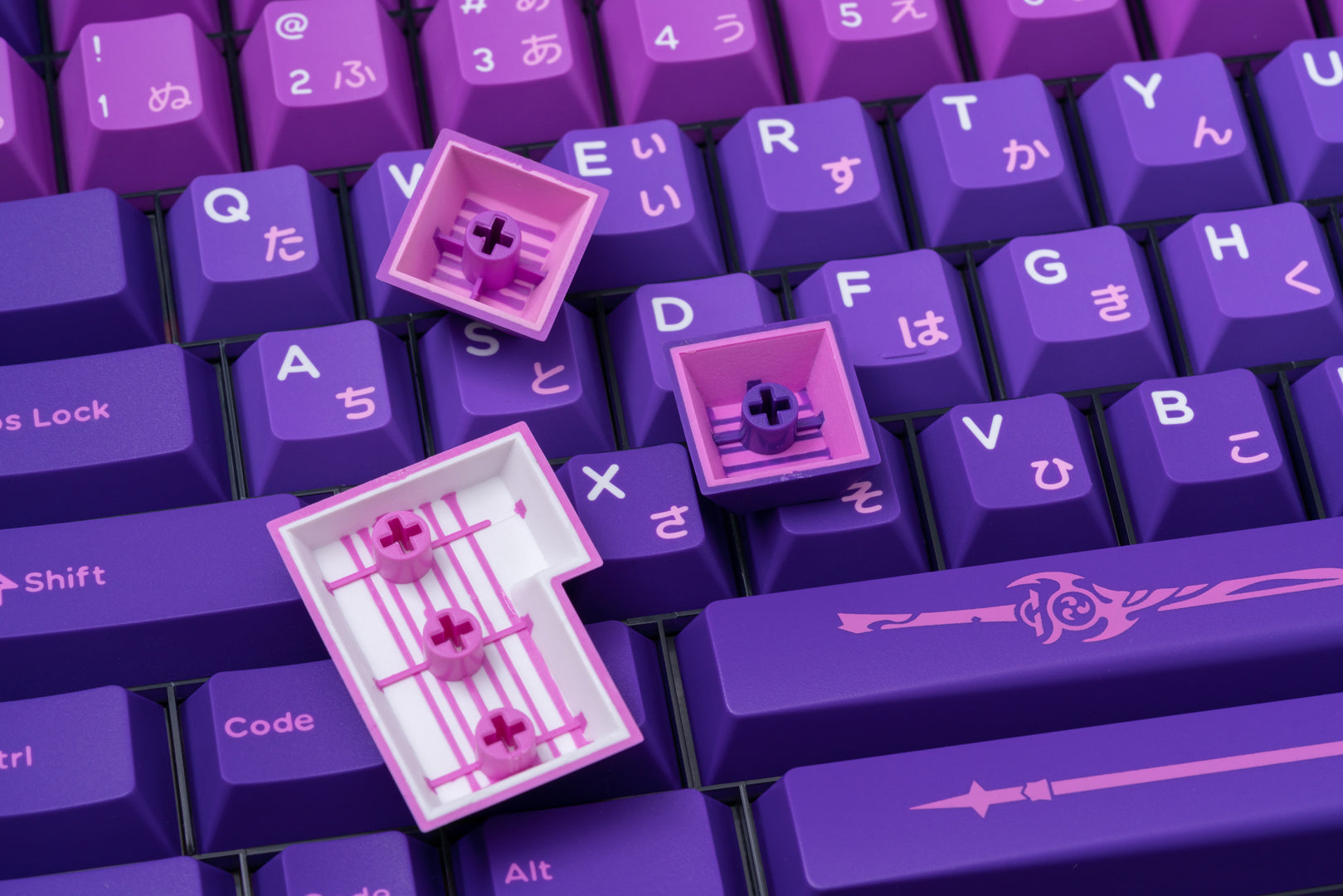
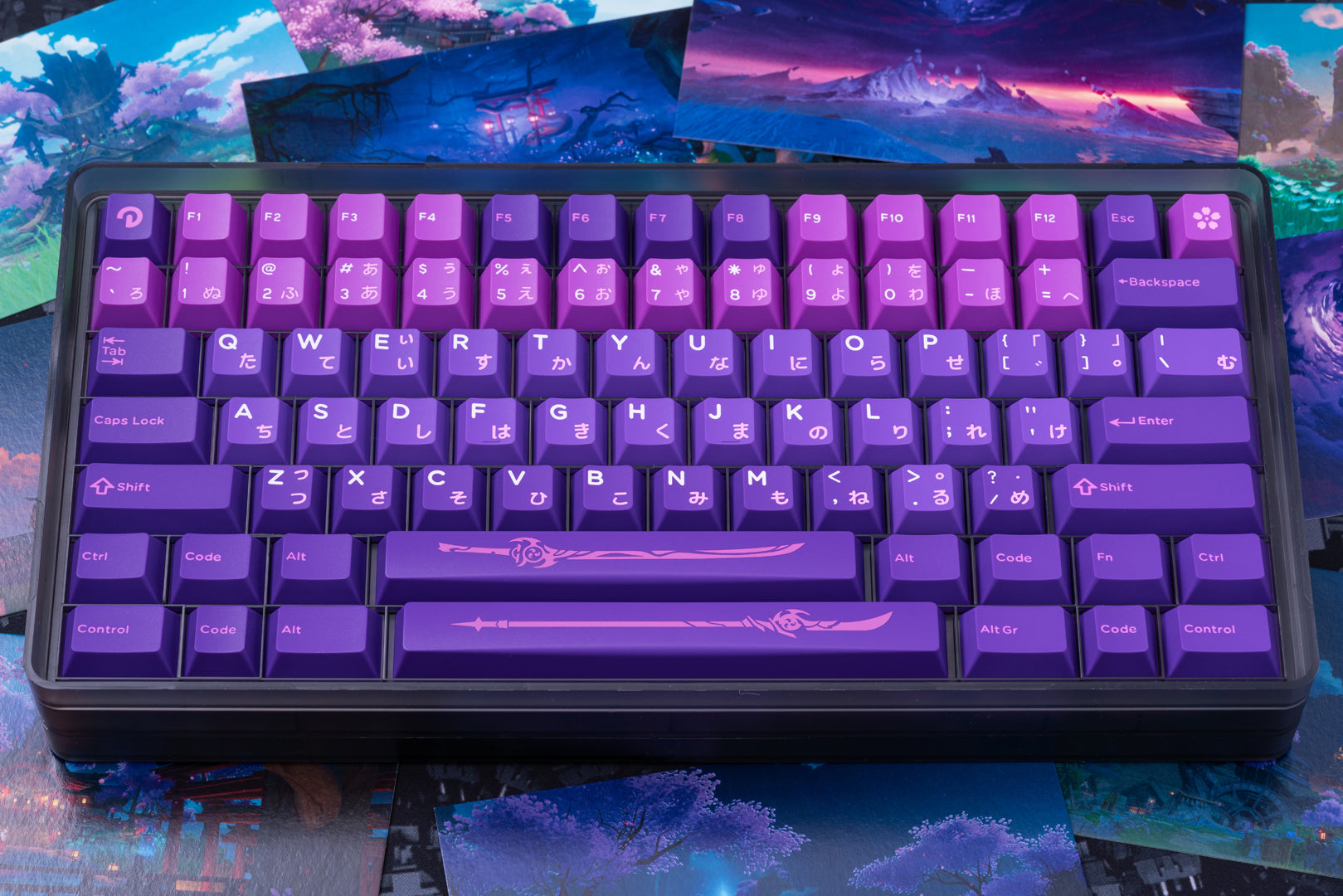
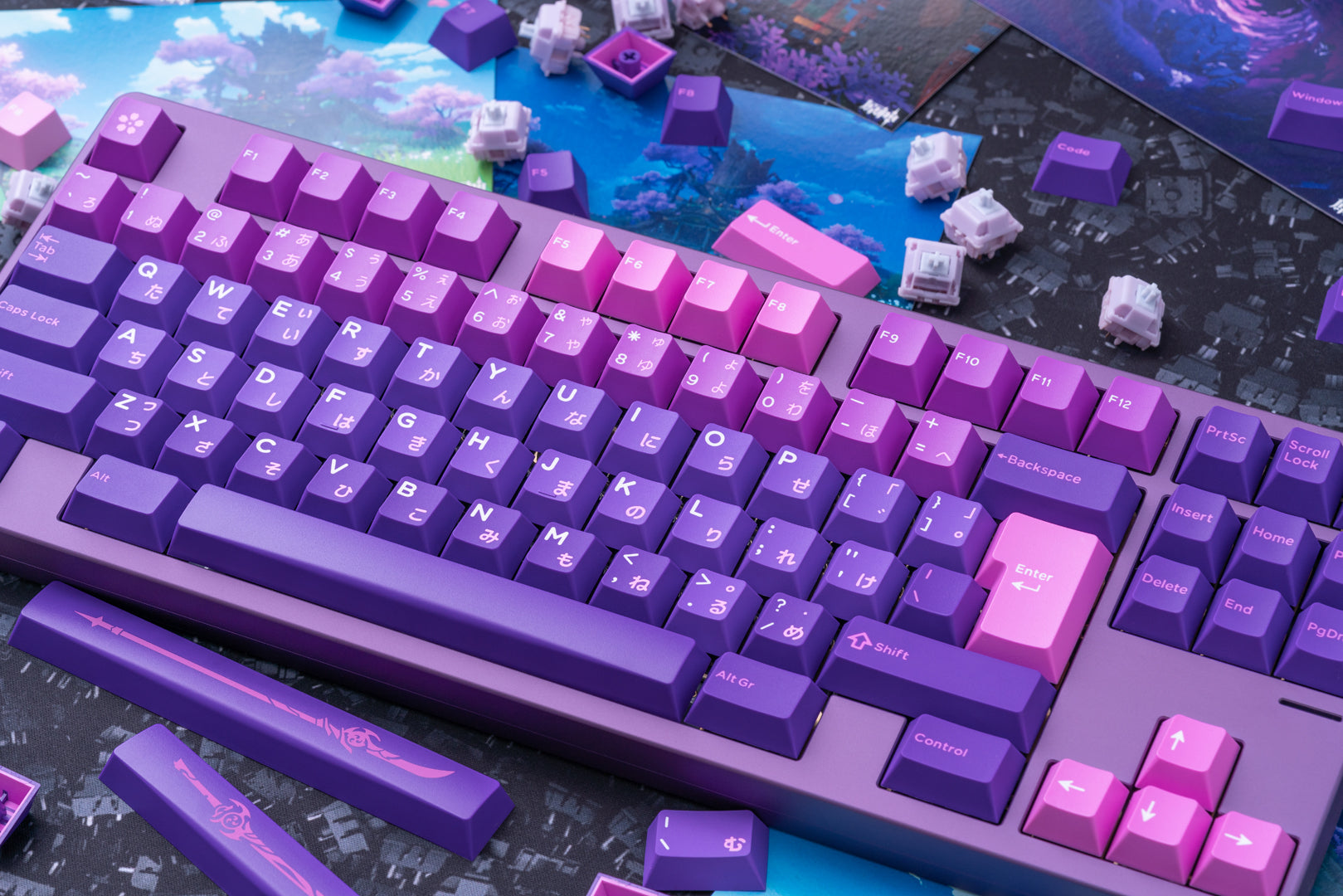
About Transportation
1. Does the selected shipping service apply to my Country and what is the carrier? How long will it take to arrive?
We offer free shipping (free shipping over $60) to most countries.
Only shipments to Norway, Iceland, Cyprus, Puerto Rico, Alaska, and Hawaii are subject to a shipping fee of $118 per item.
Delivery time = Process time ( order preparation )+ Shipping time.
(1) Free Shipping:
• Cost: Free (free shipping over $60)
• Process Time: 1-2 weeks
| Carrier | Corresponding products | Shipping time | Delivery area |
| DPD | Most normal size and weight products | 2 weeks | To most countries |
| Expedited Express for Small Pieces | Specified products with a small size | 1-2 weeks | |
| EMS | Big size but light products | 2-4 weeks |
(2) Fast Shipping: only available to Norway, Iceland, Cyprus, Puerto Rico, Alaska, and Hawaii:
• Cost: $118 per piece
• Process Time: 1-2 weeks
| Carrier | Shipping time | Delivery area |
| UPS/DHL Express | 5-7 days | Available to Norway, Iceland and Cyprus. |
UPS / DHL Express / FedEx | 5-7 days | Available to Puerto Rico, Alaska, and Hawaii. |
Please note: Fluctuating delivery times depending on flight information for the order time. Other remote countries would require more time. We are constantly improving our service, and we will try our best to find more and better carriers to work with.
For a faster shipping, please contact us at [email protected]
>>Please see our Shipping Policy for more details.
2. Can I track my order?
Yes. Once your order has shipped, you will receive an email with a tracking number.
Click on this link https://www.17track.net/en and enter the tracking number.
You can also contact our customer service team [email protected] for the latest logistics information.
About Returns and Refunds
1. How do I cancel an order?
You can cancel your order for free within 24 hours without any reason.
If your order has been shipped, it cannot be canceled. If you insist on canceling it, you will be charged 30%-50% of the order amount for our storage costs, order preparation costs and shipping costs. This fee will be deducted from the refund of your(s) item(s).
2. What if I receive a damaged item?
Products received with broken parts, or dented accessories or deformation are not considered defective and cannot be returned. In this case, we will replace them at no additional charge. If you do not wish to receive a replacement and wish to return the item, we will treat it as a normal return and charge up to 35% of the return fee. We also reserve the right to deduct all outbound shipping charges from refunds.
3. When will I receive the refund?
After receiving your return, it can take up to 5 working days for the funds to credit back to your original payment (PayPal: 1-2 days; Credit card: 3-5 days). If you still have any problem about refund, please get in touch with us at [email protected], we will reply you as soon as possible.
Please note that any cancellations or returns are subject to our Returns and Refunds Policy.
About Product
1. How to choose the keyboard type that suits oneself?
Determine the usage scenario: If it is for office use, you can choose a film keyboard or a static capacitor keyboard, which are usually quieter and more comfortable; If it is for gaming purposes, a mechanical keyboard is a better choice, especially for models with RGB backlight effects.
2. What are the materials of keyboard keycaps and which one is better?
Common keycap materials include ABS, PBT, and POM. ABS: A common industrial plastic with low cost, mature technology, easy molding, and a glossy appearance, but it is prone to oiling after prolonged use. PBT: Matte material, rougher than ABS, harder texture, high temperature resistance, less prone to oiling after long-term use, better wear resistance. POM: It has a glossy surface, high hardness, good wear resistance, and self-lubricating properties, but the material cost is high and there are few manufacturers using it.
3. How to solve the problem of keyboard keys being unresponsive or malfunctioning?
Clean keyboard: Use a compressed air tank or electronic cleaner to remove dust and impurities from the keyboard. Check the keys: Gently remove the non working keys, wipe the bottom of the keys and keyboard panel with an alcohol swab, wait for the alcohol to completely dry, and then reinstall. Software settings: In the Windows system, you can try adjusting the keyboard's repetition rate and repetition delay. Replacing keyboard: If none of the above methods work, it may be due to hardware issues with the keyboard itself. It is recommended to replace the keyboard.
You May Also Like
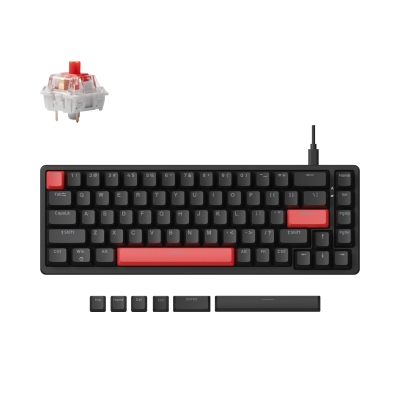
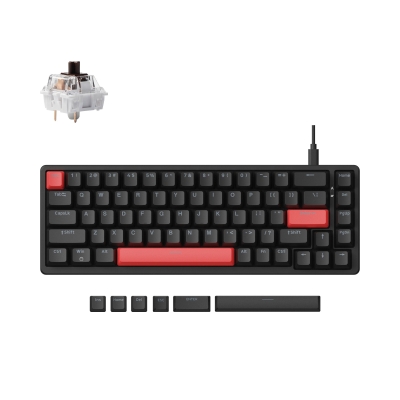
Lemokey X6 QMK Wired Mechanical Keyboard
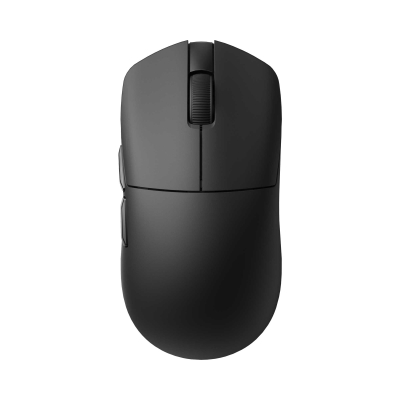
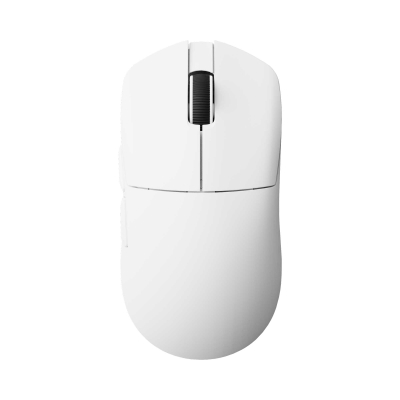
Lemokey G1 Wireless Mouse
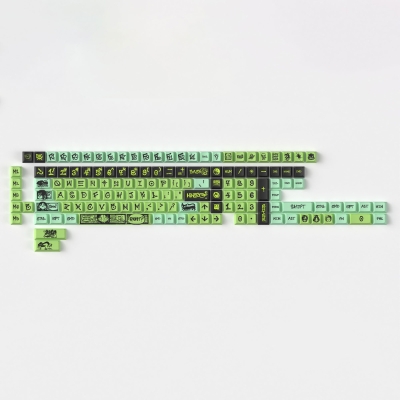
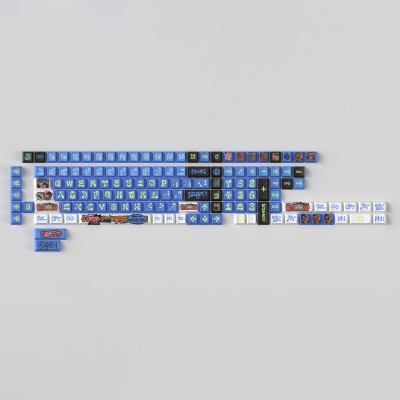
NINEGO - Cherry Profile Dye-Sub PBT Full Keycap Set
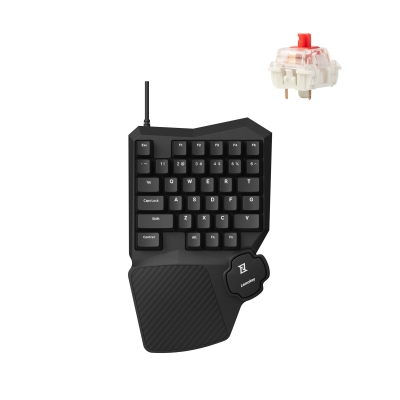
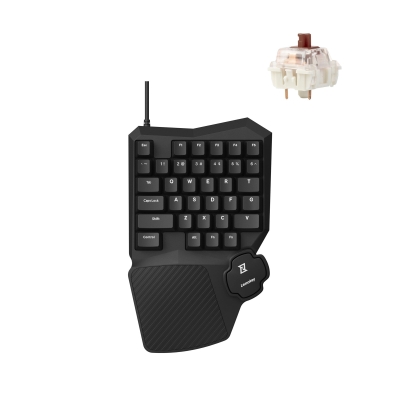
Lemokey X0 QMK Wired Mechanical Gaming Keypad
K15 Max (Alice Layout) QMK Wireless Custom Mechanical Keyboard
V8 Max (Alice Layout) QMK Custom Mechanical Keyboard
K17 Max QMK Wireless Custom Mechanical Keyboard