
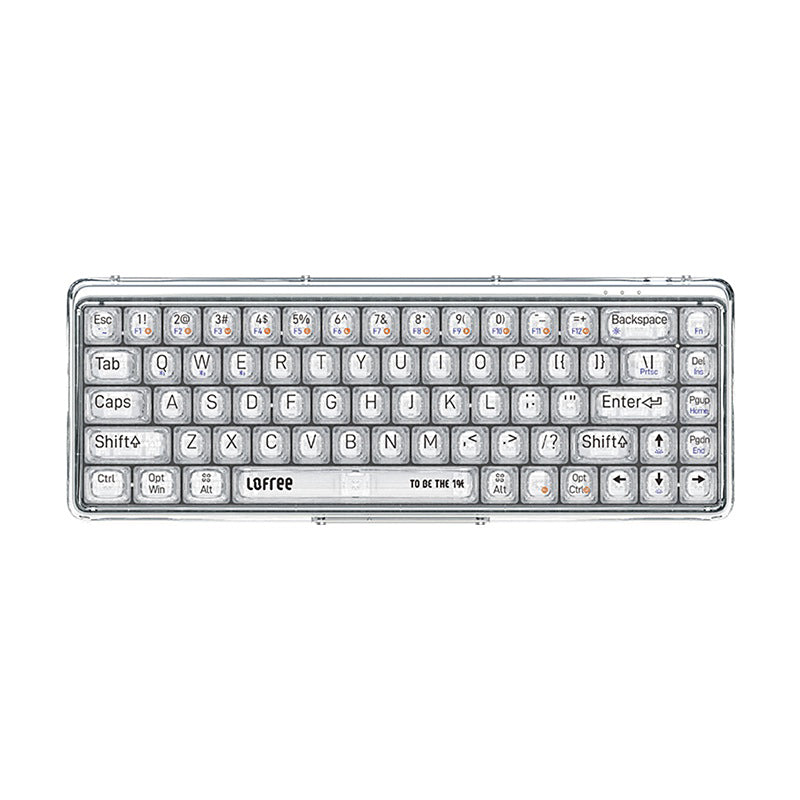
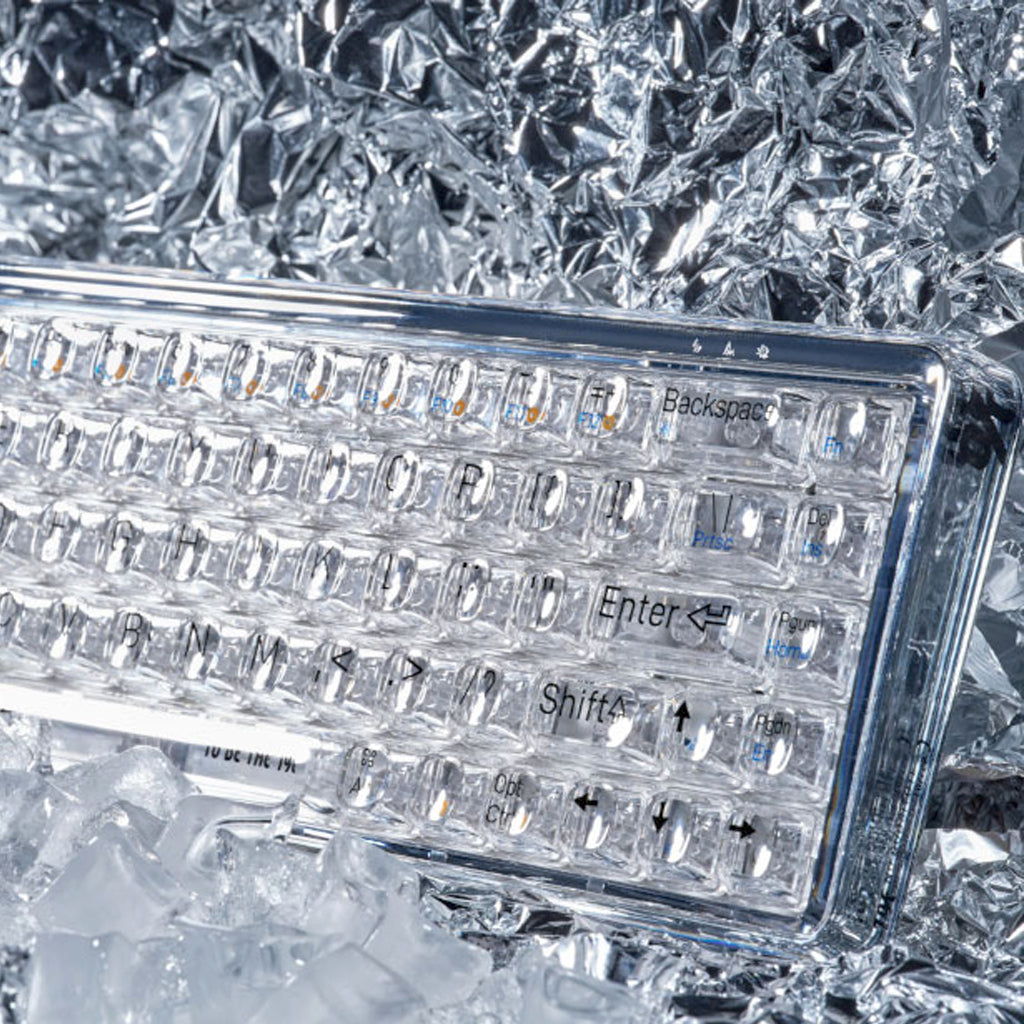
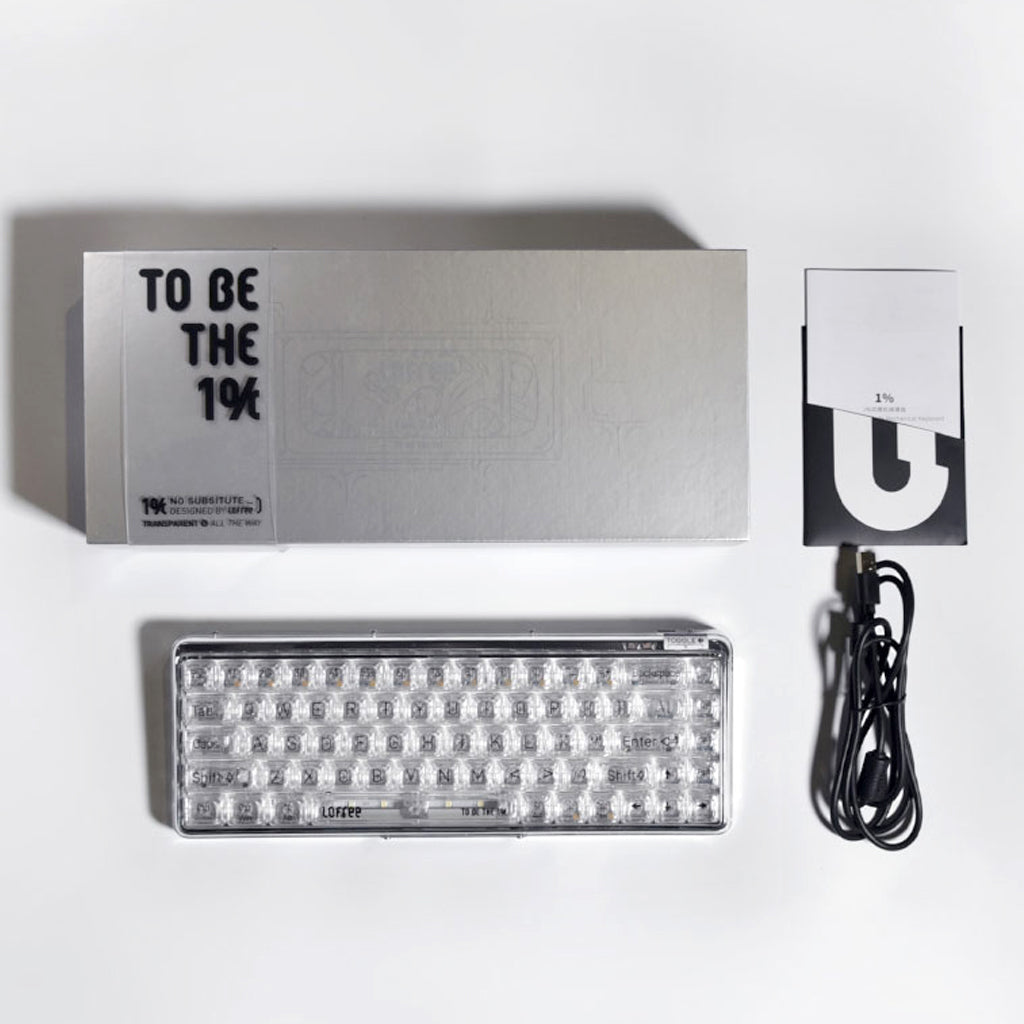
LOFREE 1% Dual Mode Mechanical Keyboard Whole transparent case keycaps with Jellyfish switch
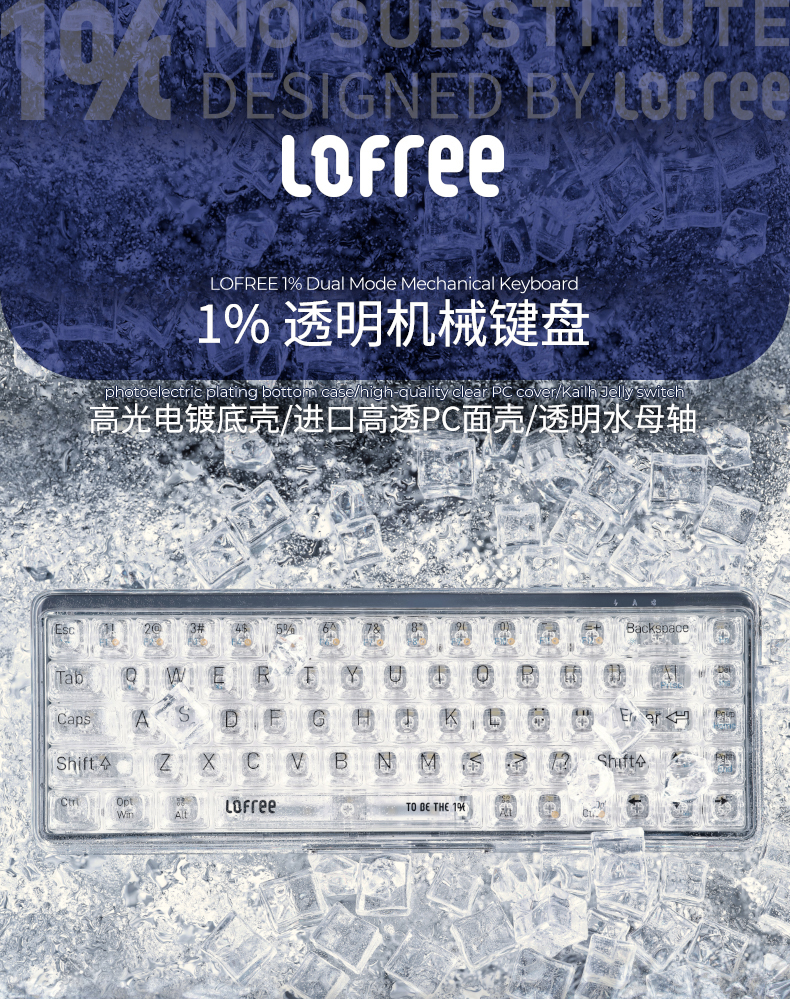
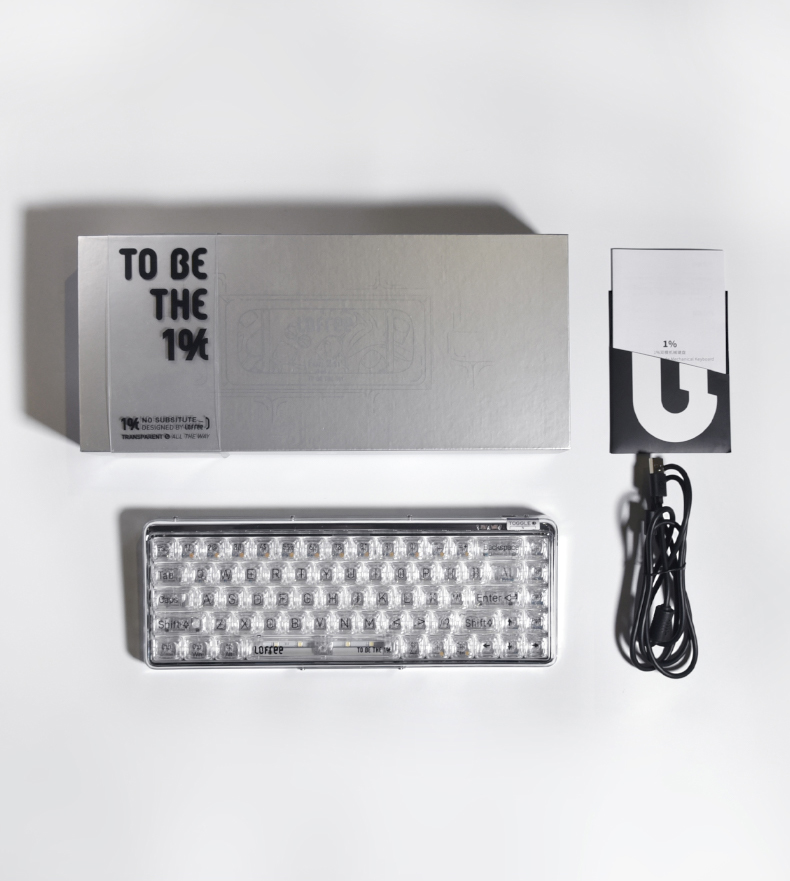
LOFREE 1% Dual Mode Mechanical Keyboard
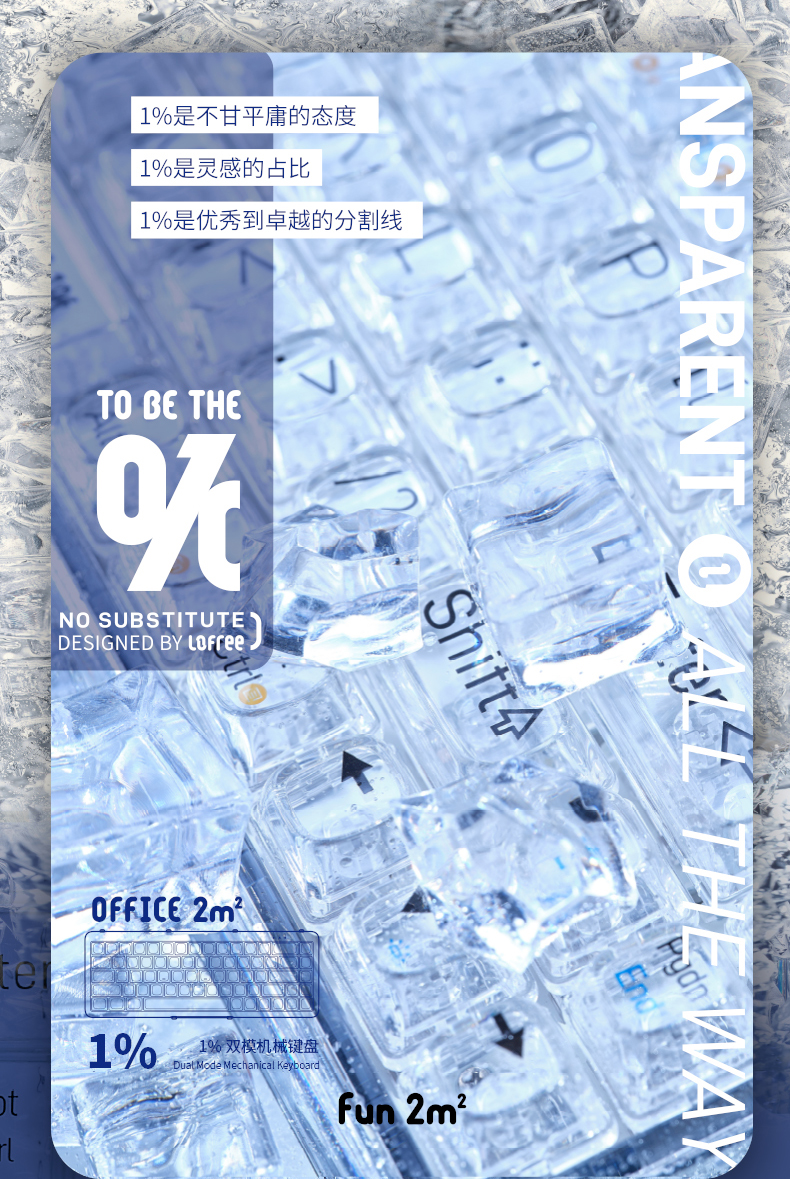
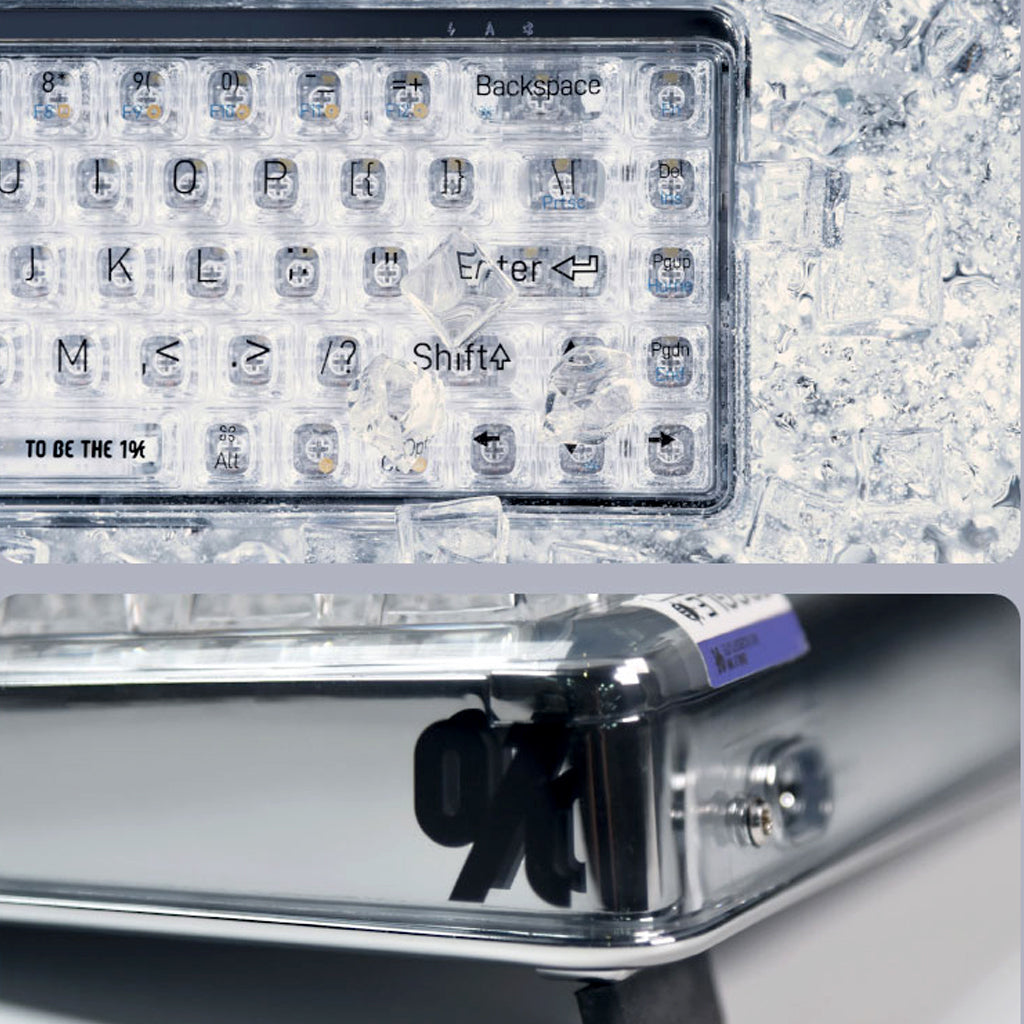
'To be the 1%.'
1% is the spirit of overwhelming difficulties to be extraordinary.
1% is the small portion of mind that inspiration has.
1% is the boundary line between Good and Best.
SPEC
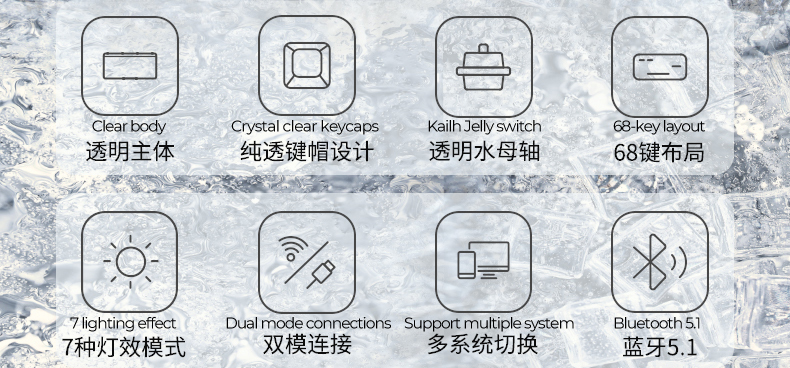
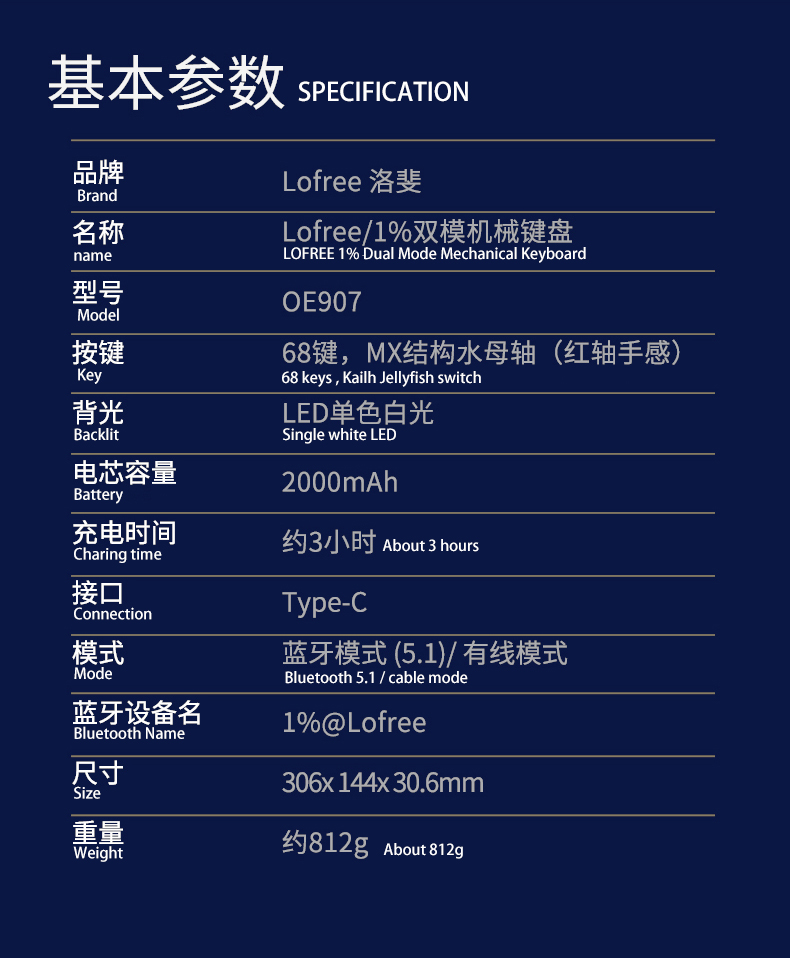
- Bluetooth 5.0
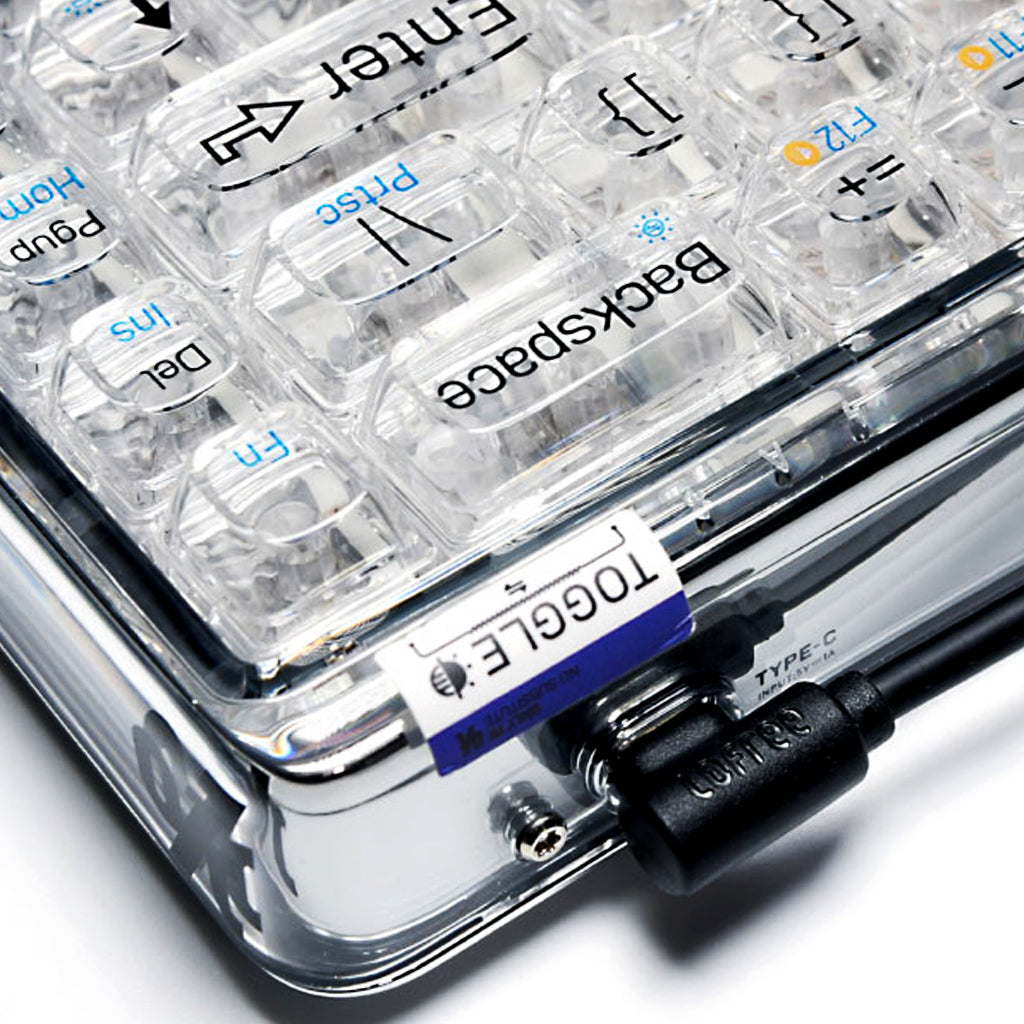
- Type-C
- Dimension 306 x 144 x 30.6 mm
- Keyboard weight 812g
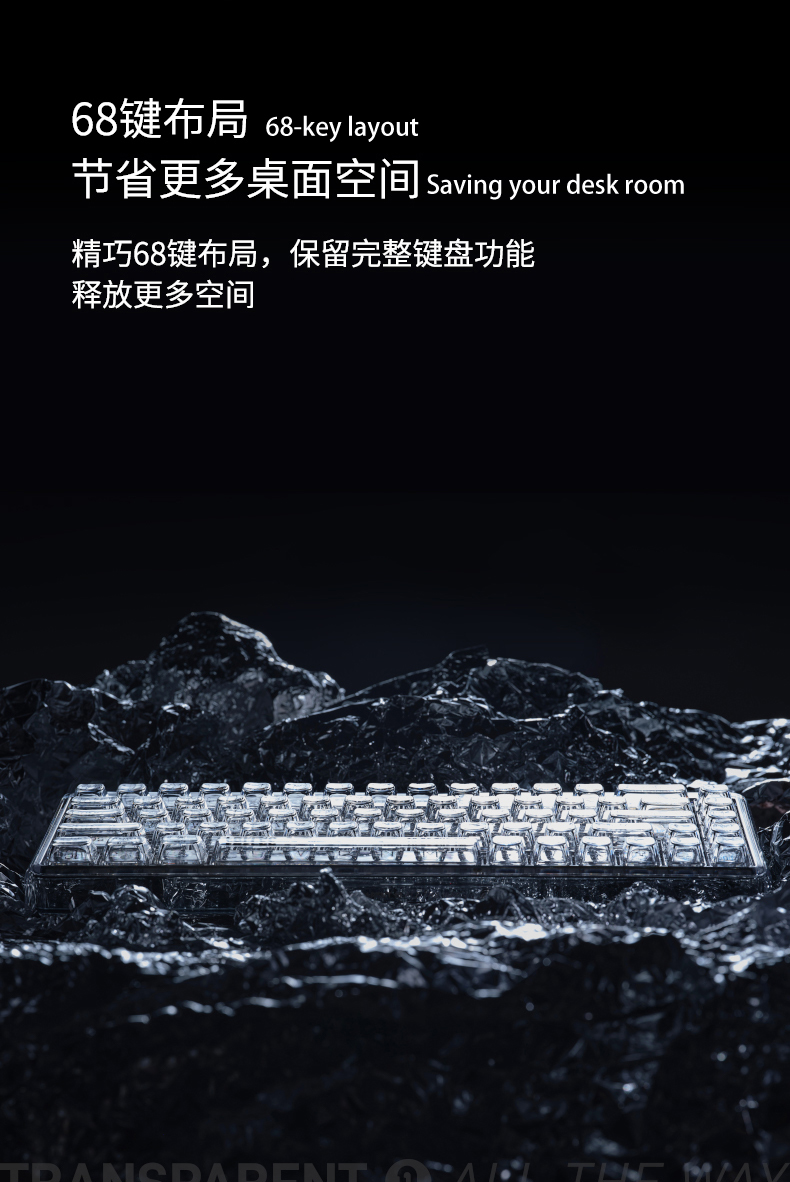
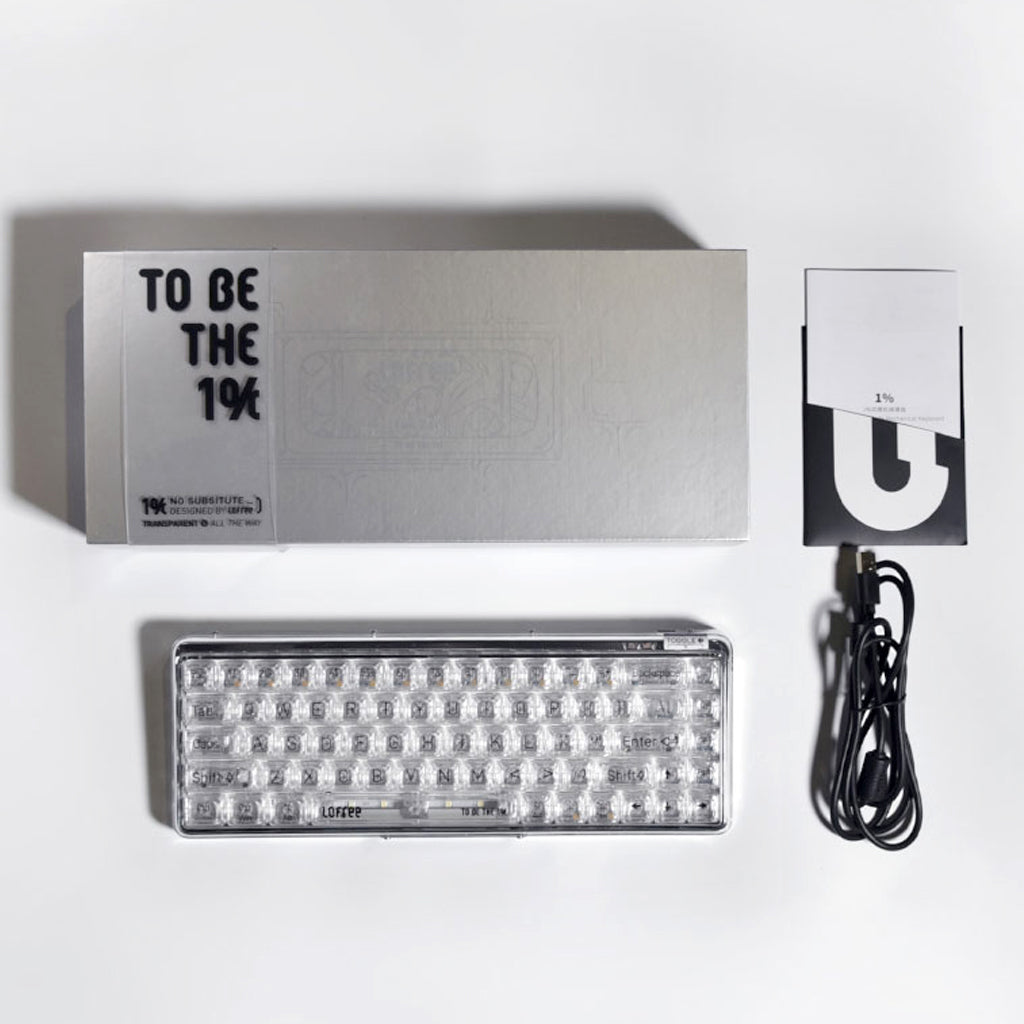
- Features 68-key layout
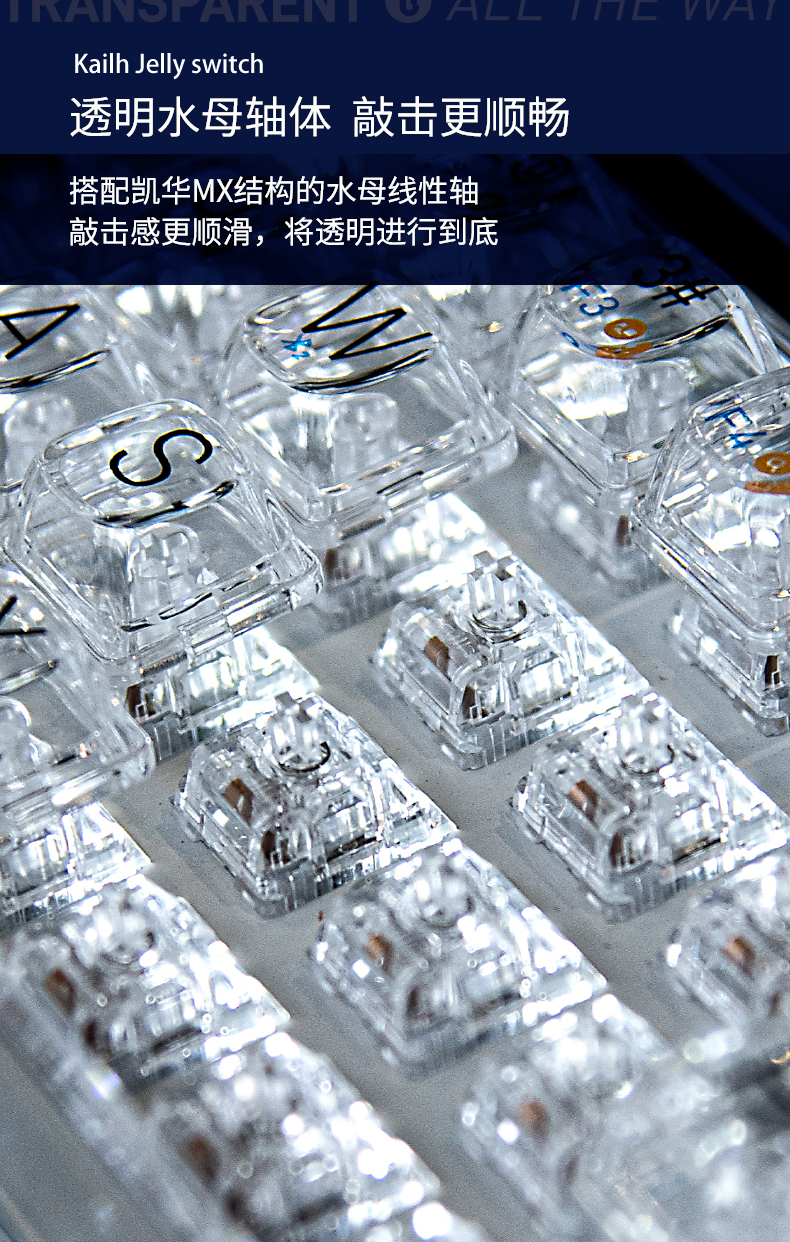
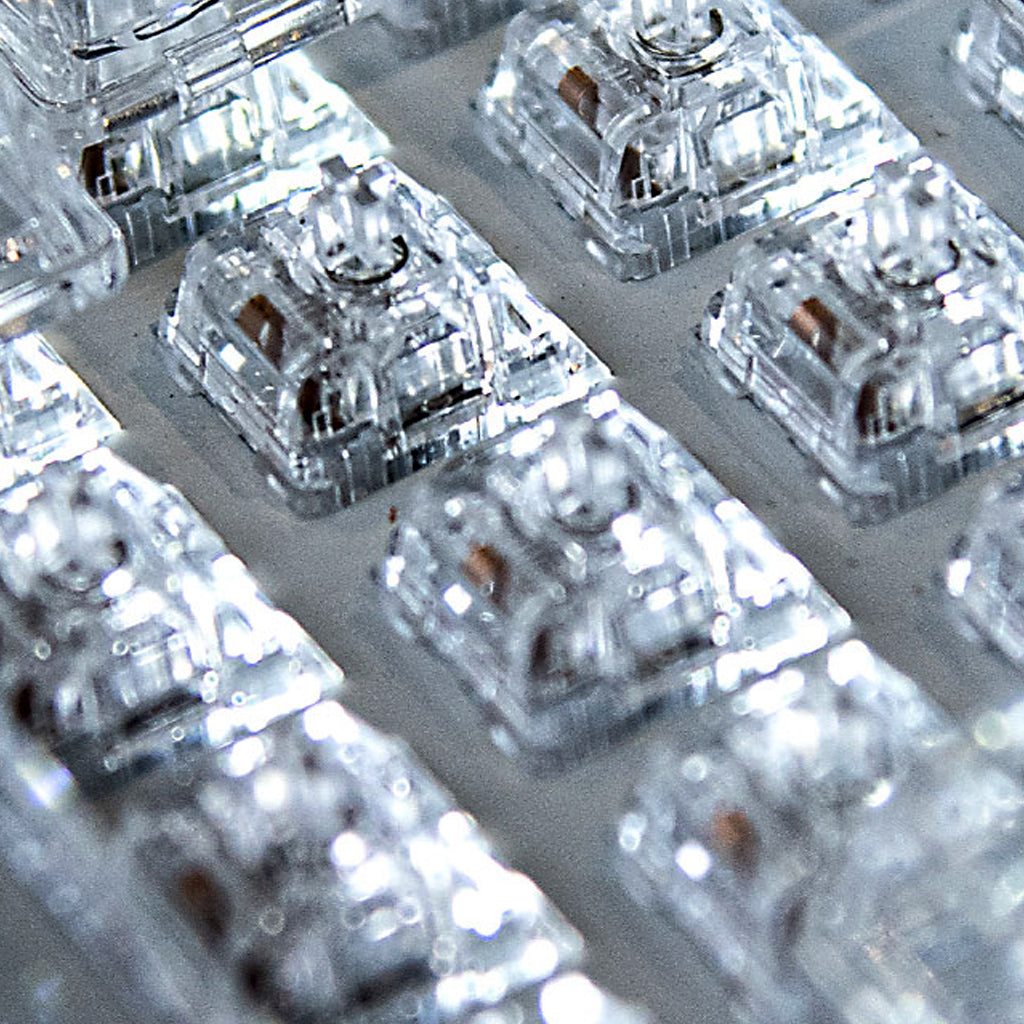
- Pre-installed Kailh Jellyfish Switch
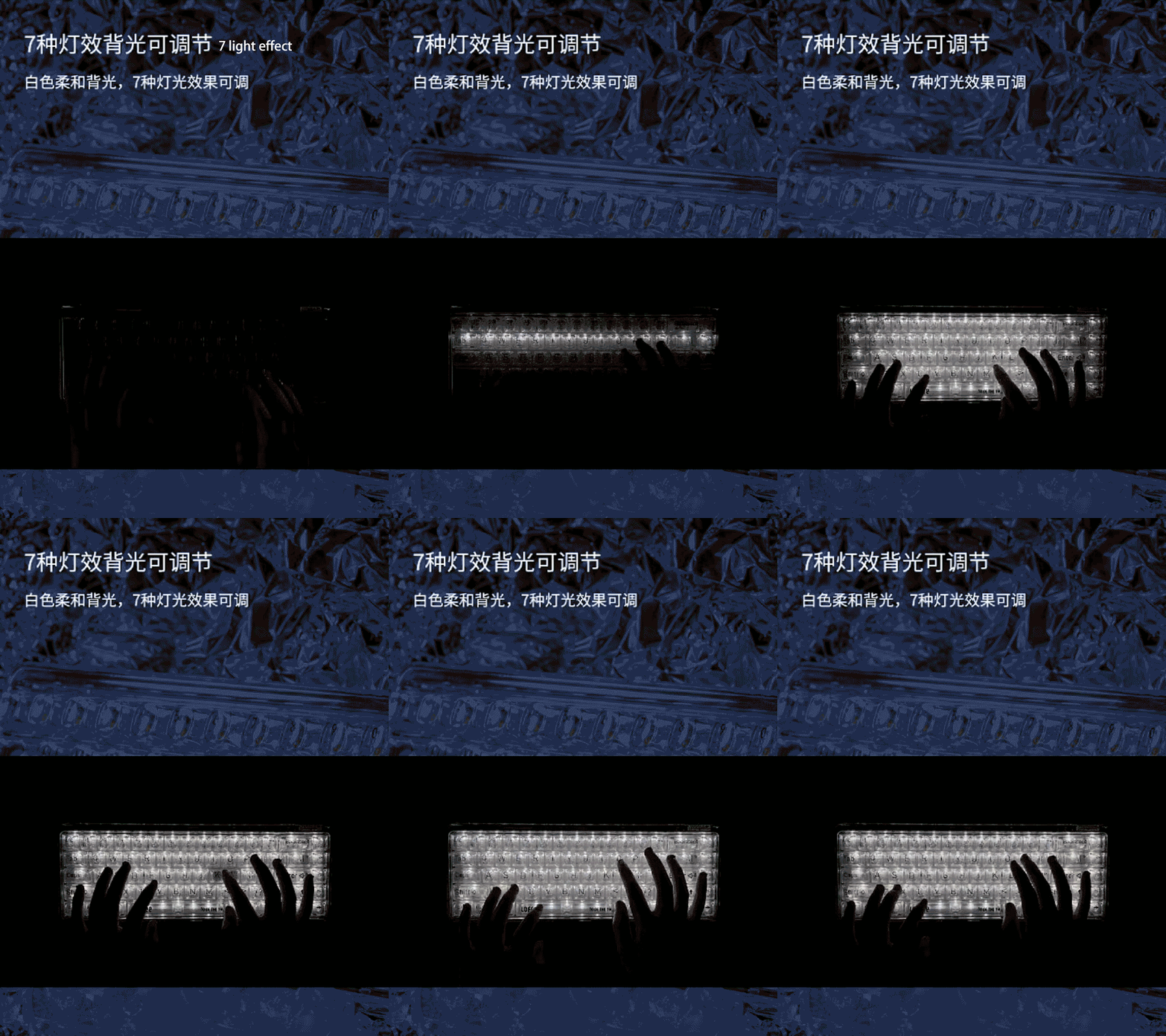
- Singular White LED
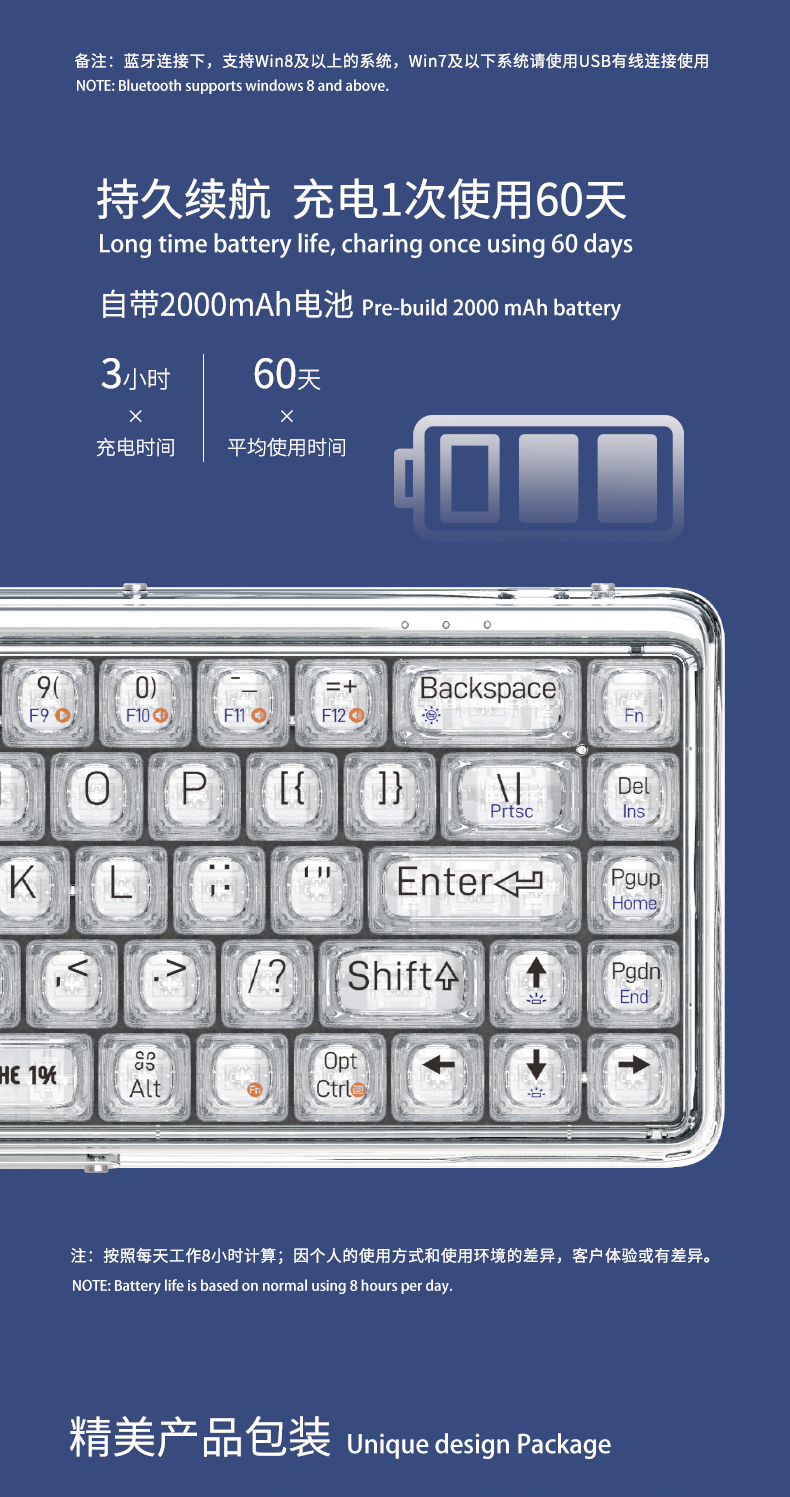
- Baterry compasity 2000mAh
- Charge duration 3hrs
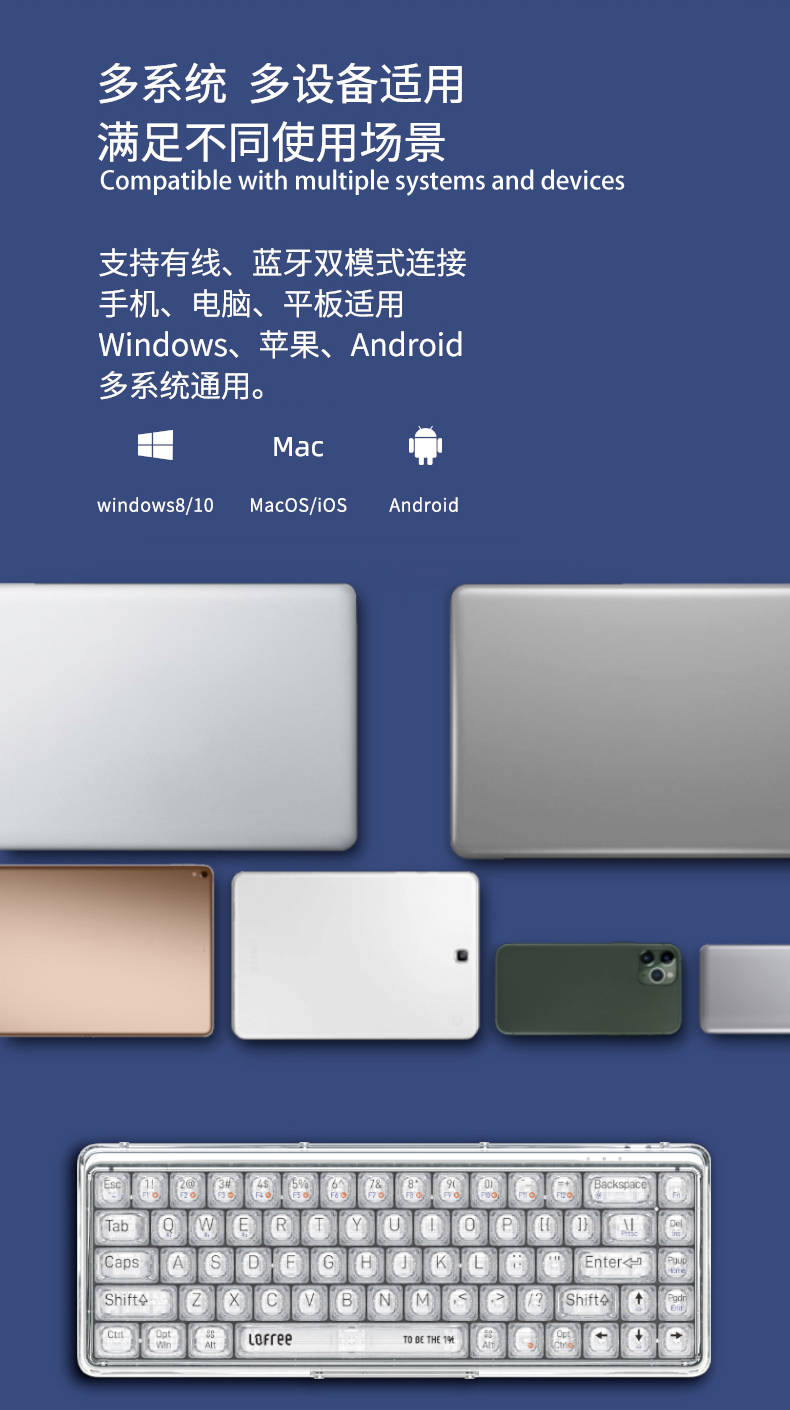
- Support Windows, MacOS/iOS and Android
CRYSTAL CLEAR DESIGN
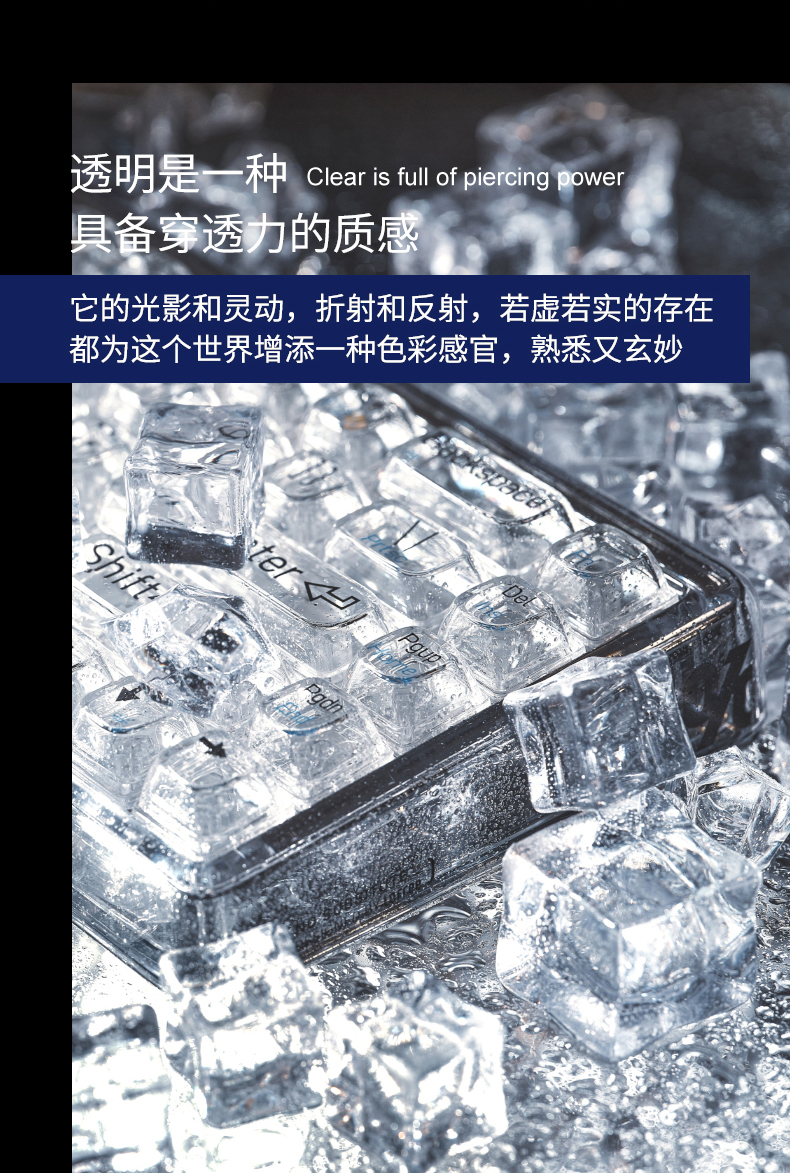
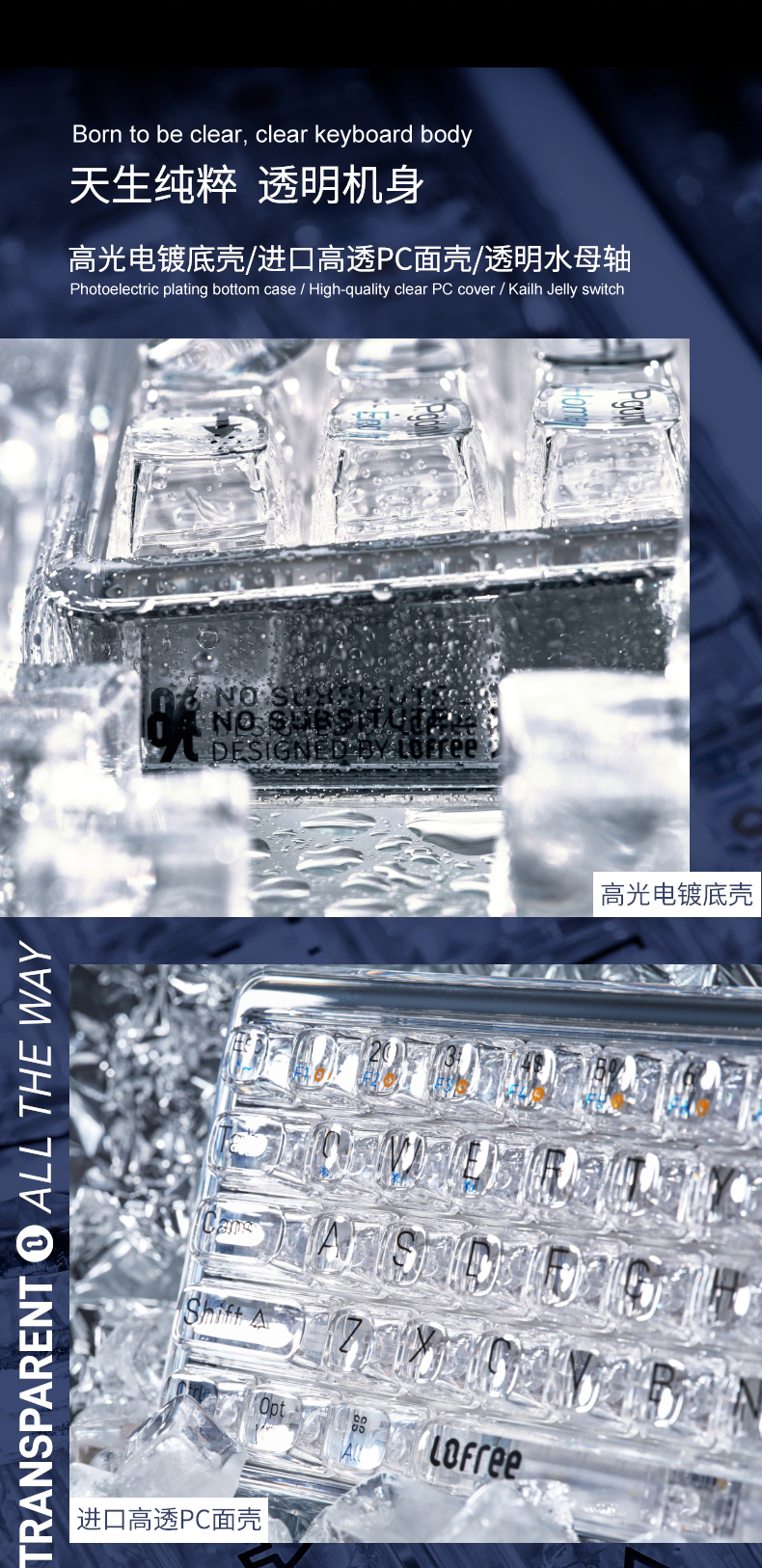
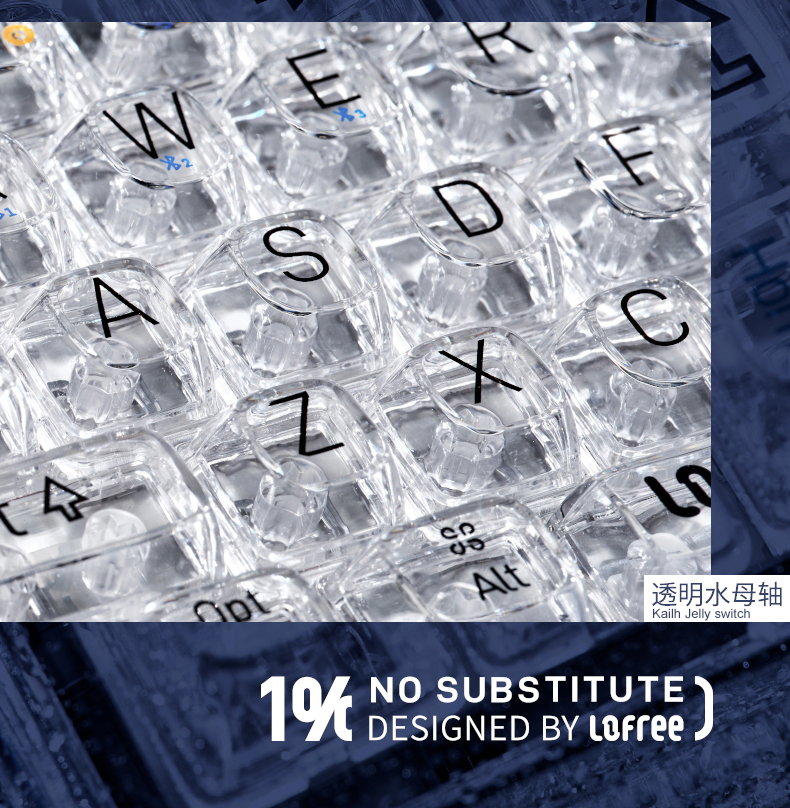
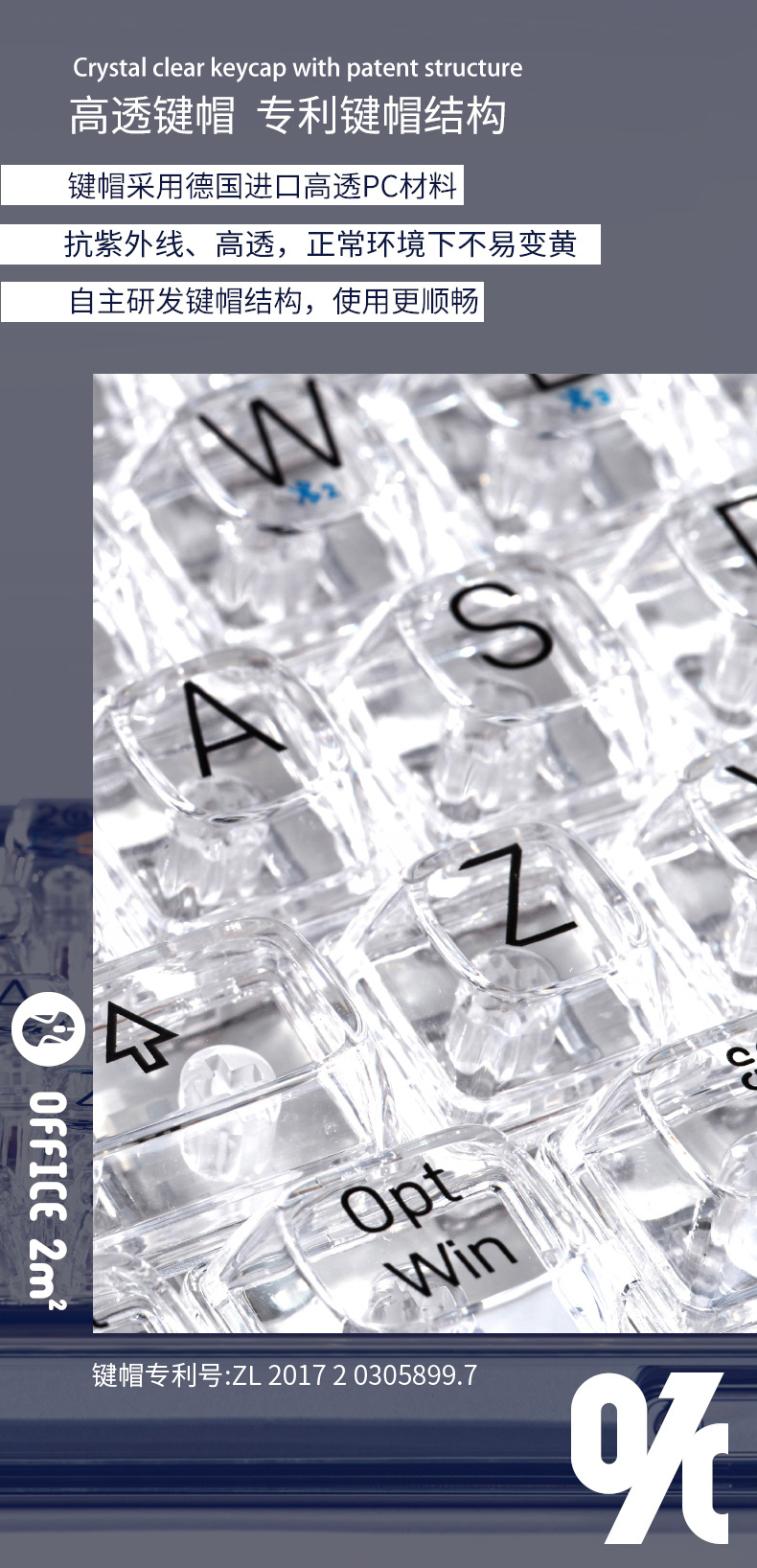
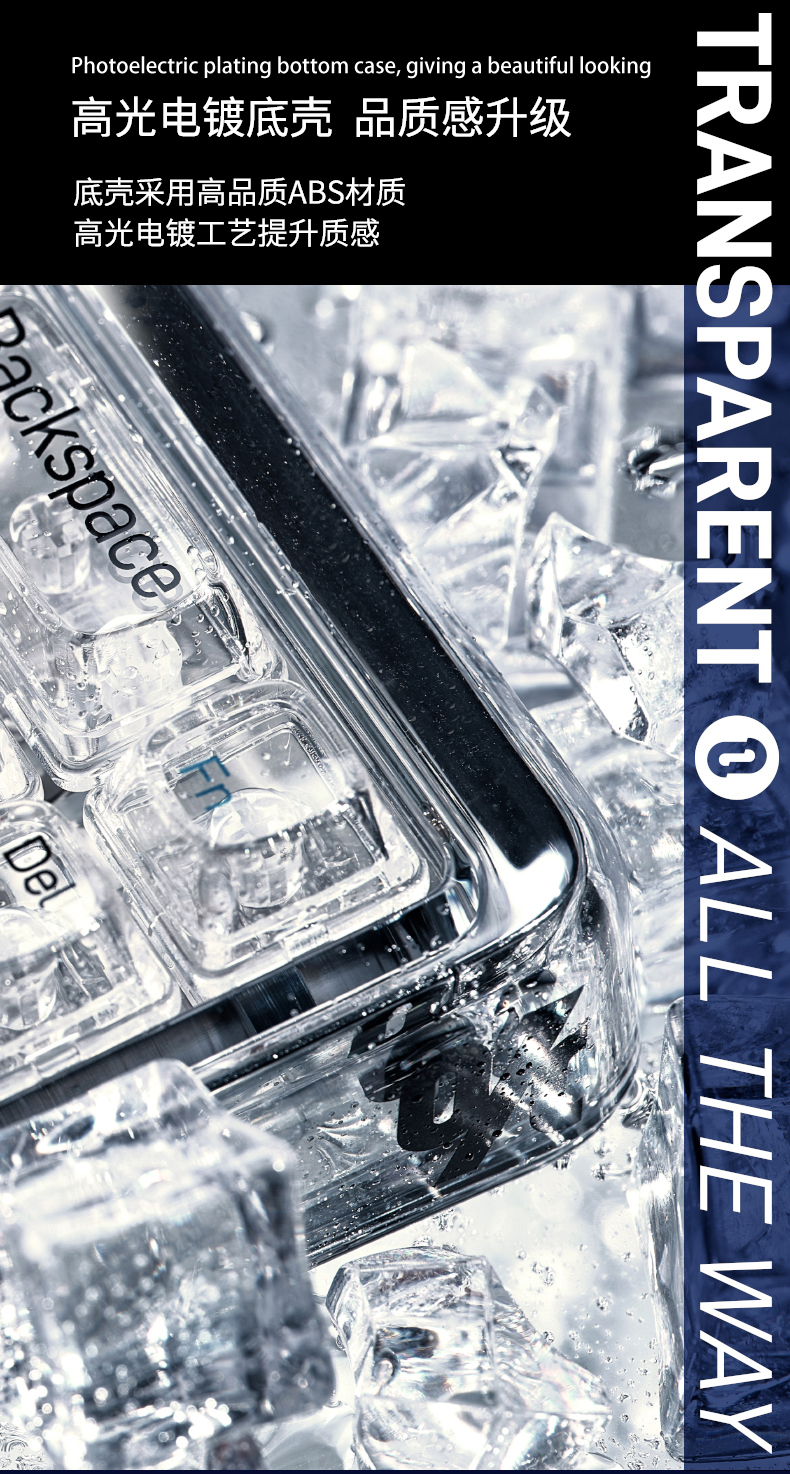
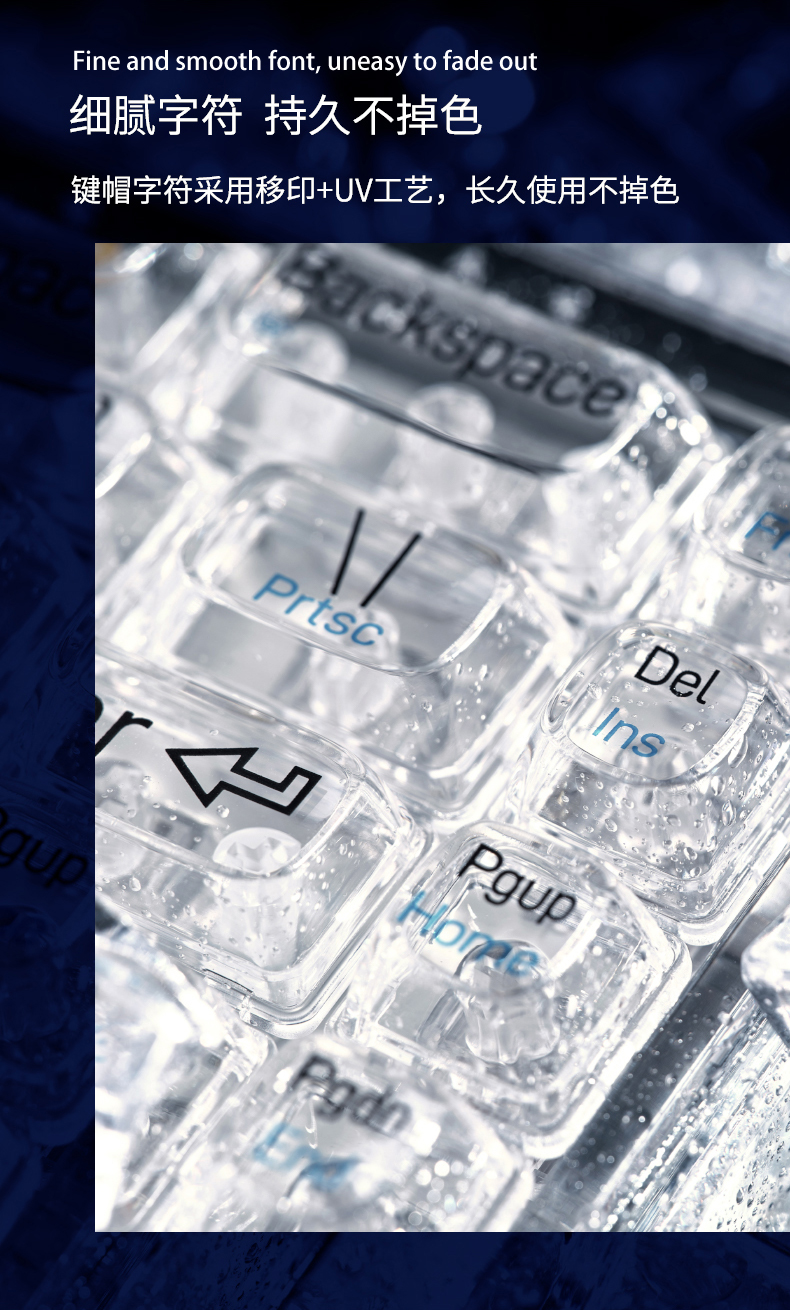
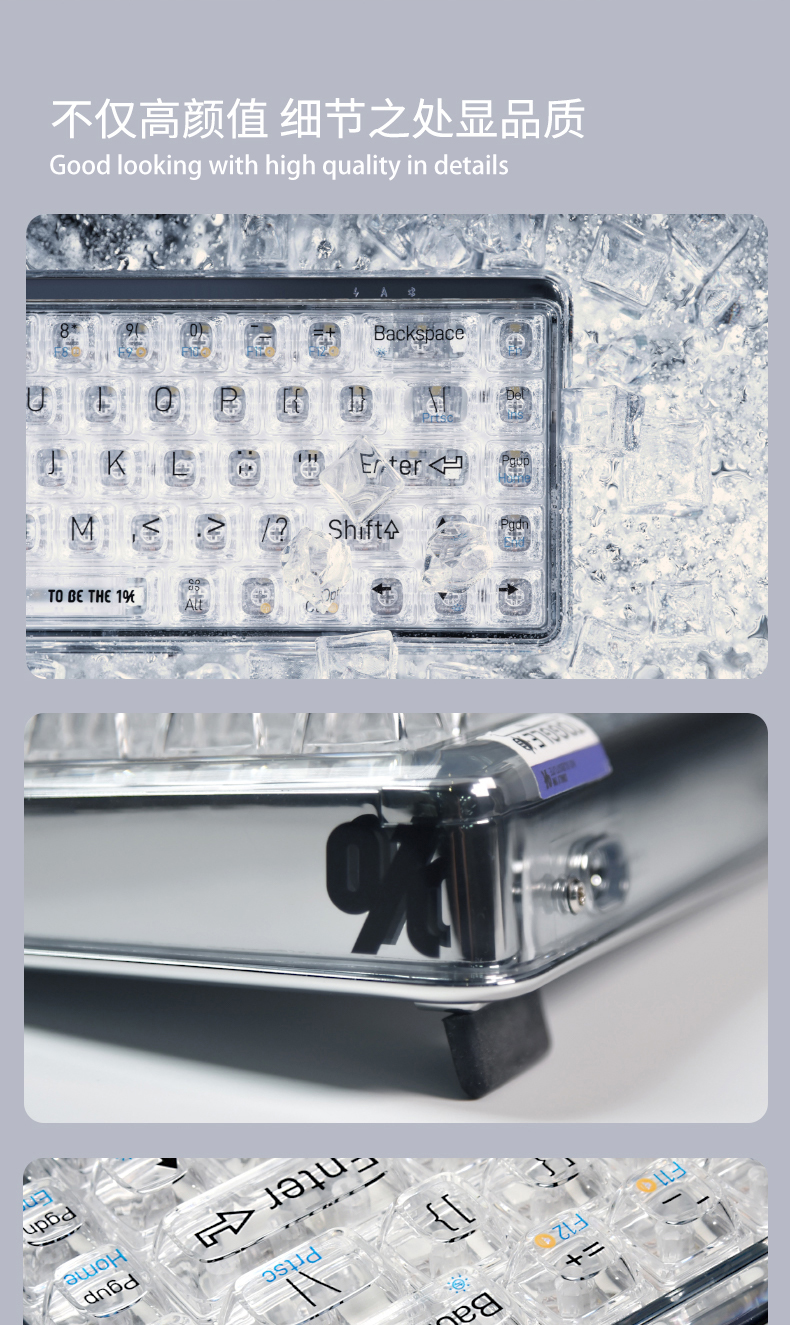
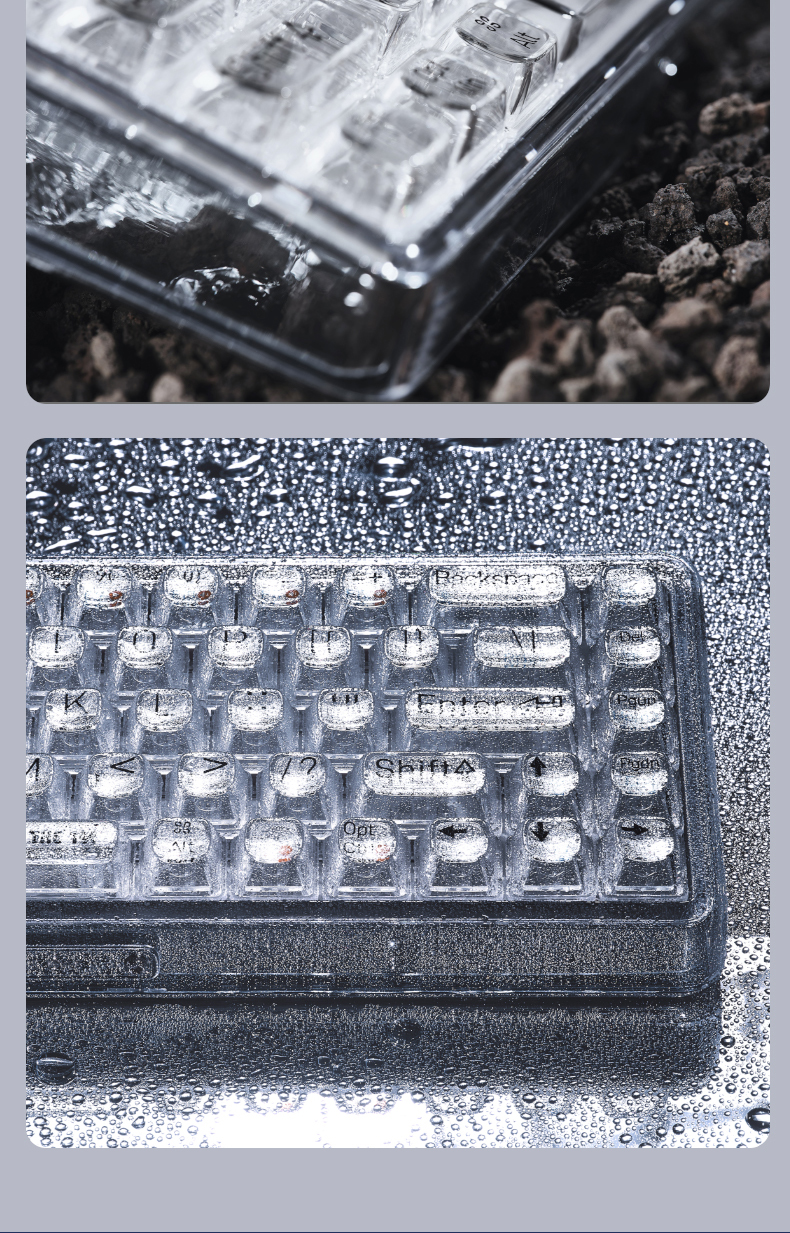
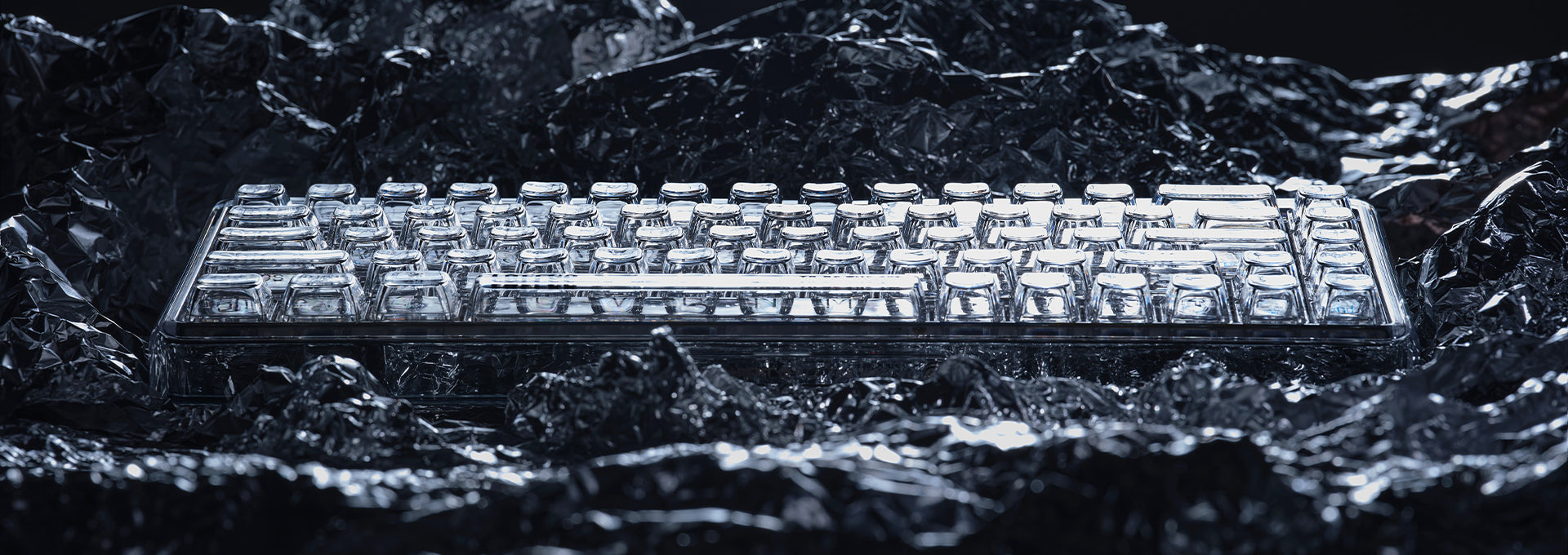
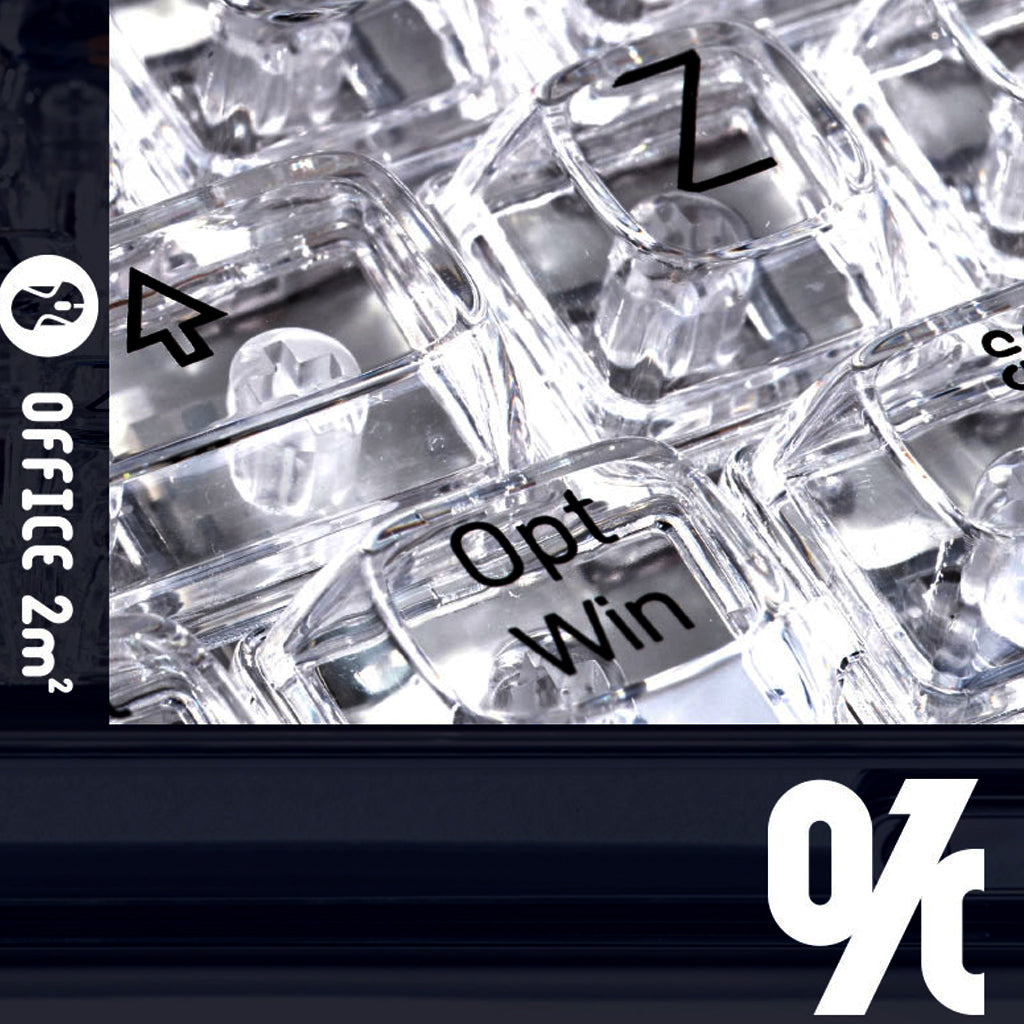
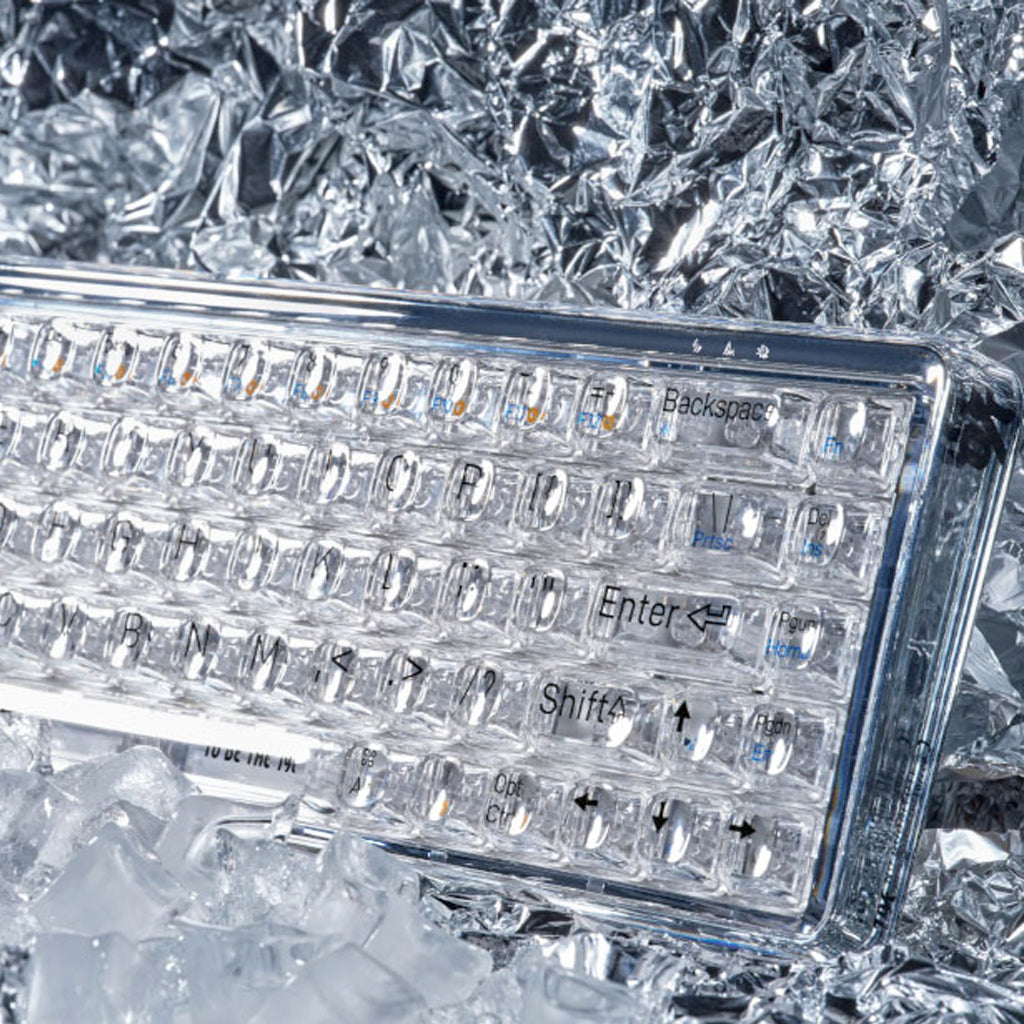
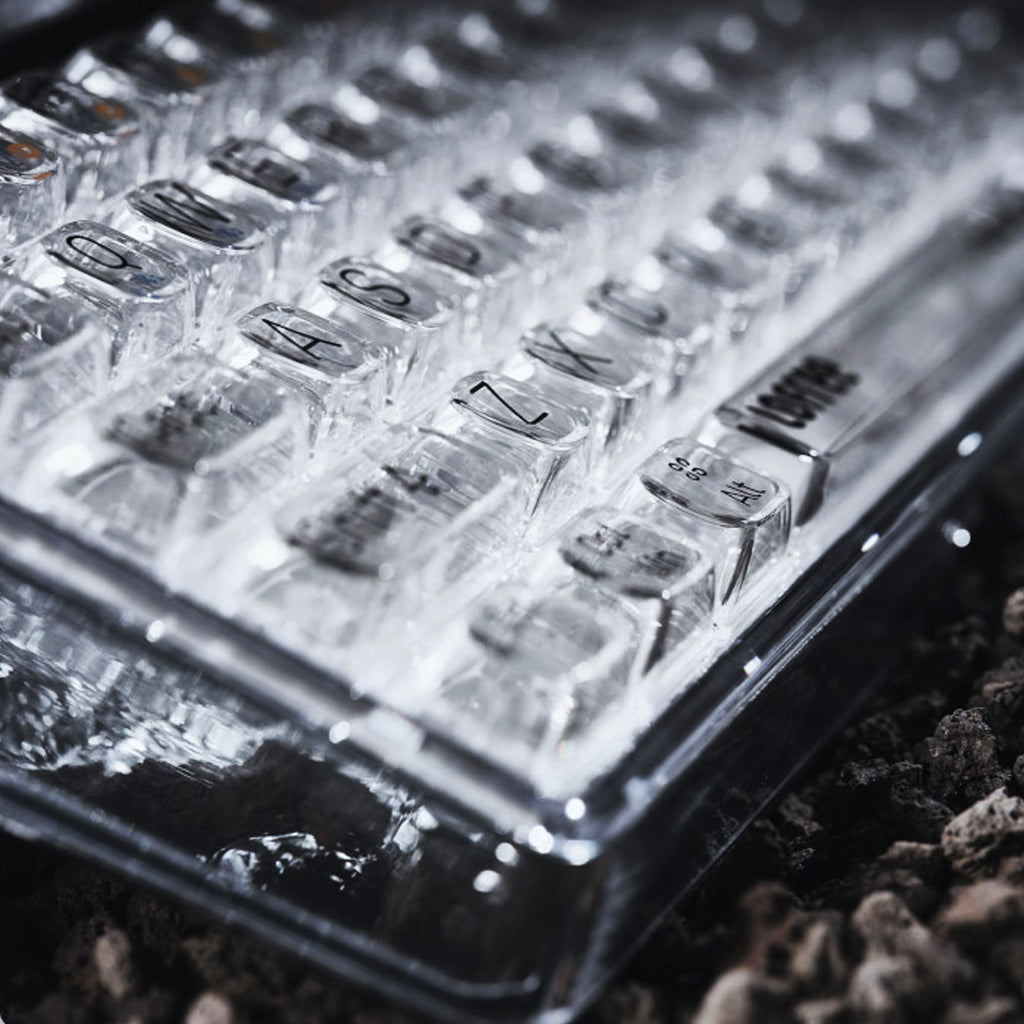
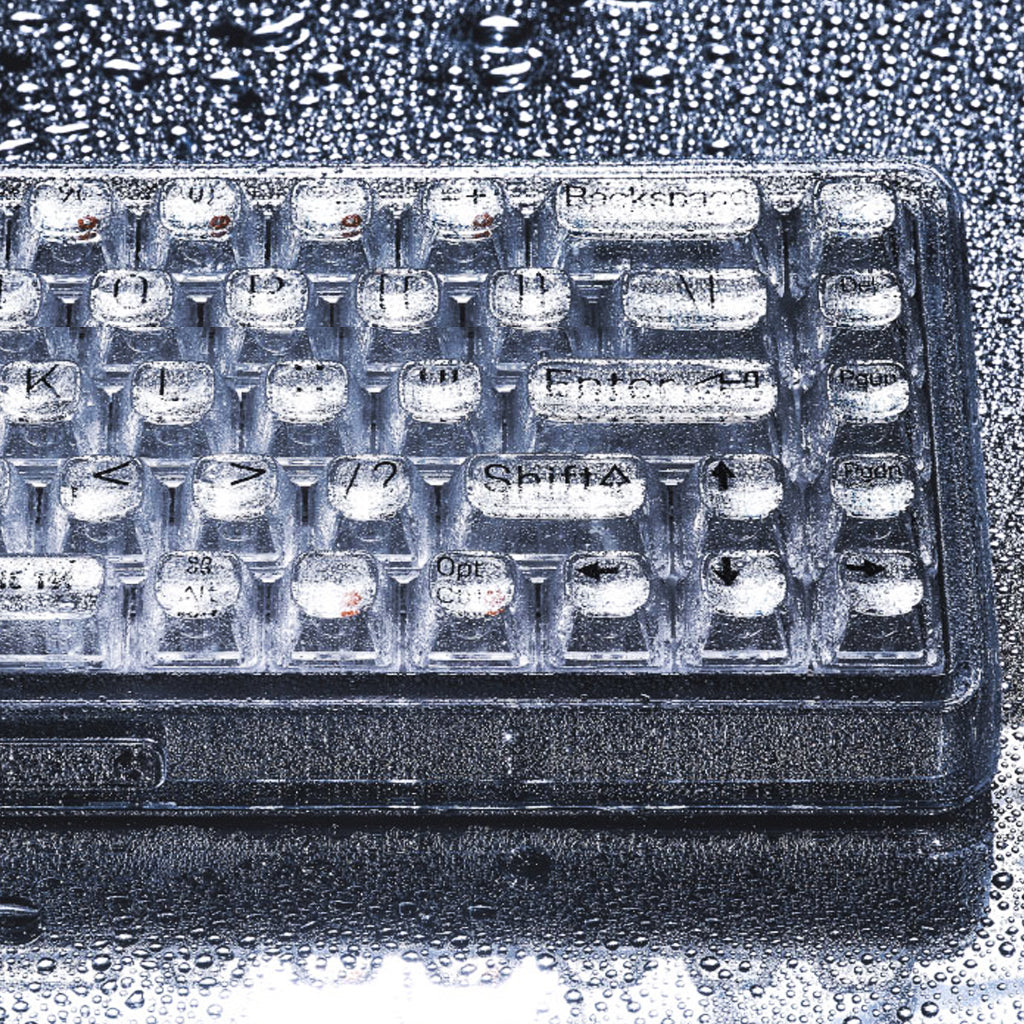
The photoelectric plating bottom case and high-quality clear PC cover give the 1% Keeb a crystal clear outlooking. However, LOFREE isn't satisfied with case only. They cross the line to be the excellent. They designs a set of transparent keycaps for the 1% keeb. The keycap font is pad-printed plus UV coating, increacing the colour endurance.
With Kailh Jellyfish switch, 1% keeb is finally finished as a completely transparent mehcanical keyboard.
COMPACT LAYOUT
Featuring 68-key layout, 1% Keeb keeps the complete keyboard funtions and gives the desk more room.
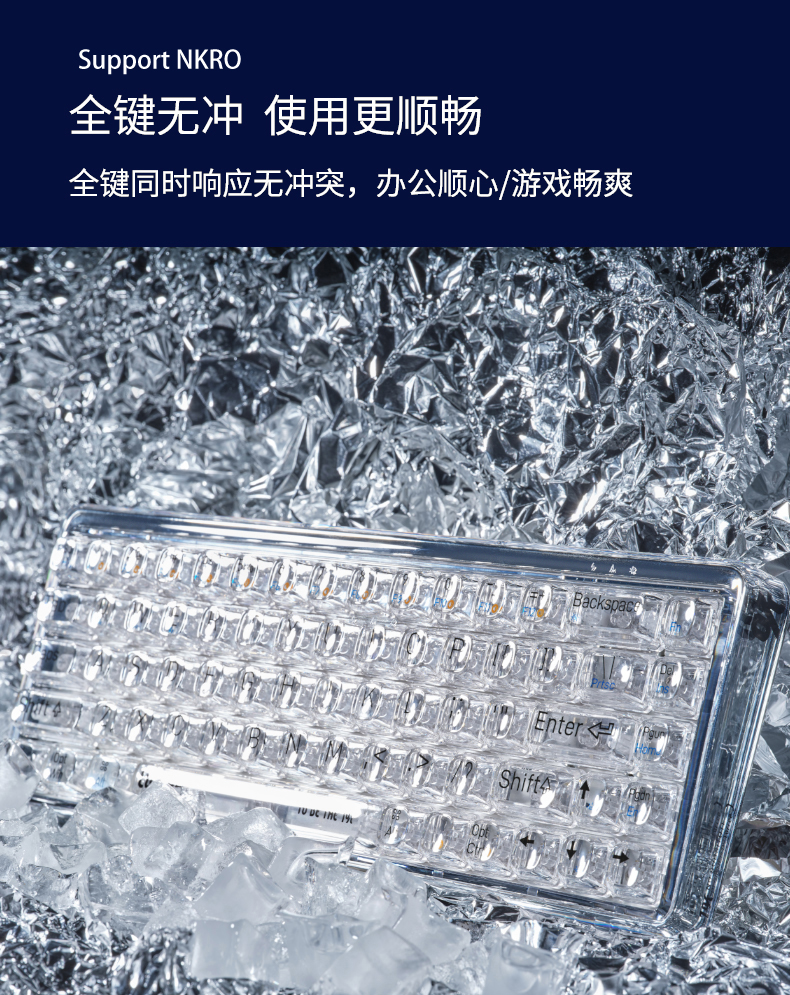
With NKRO feature, 1% keeb is a good companion for officer and gamer.
LONG BATTERY LIFE
The 1% keeb carries a 2000 mAh battery. It is able to give a 60-day life to 1% keeb and only needs 3 hours to charging.
battery life calculated based on normal 8-hr daily use.
MULTI-SYSTEM CONNECTION
Dual mode connections gives 1% keeb more possiblities. Type-C mode and Bluetooth mode. You can connect it with your computer, your Macbook and your phone.
LIGHT TIPS
FN+Backspace:
- short press to switch light effect in order (7 LED effects)
- long press for 2 seconds to switch on/off LED effect
FN+ UP arrow: short press to increase brightness
FN+ Down arrow: short press to decrease brightness
Tips - 4 levels of brightness - 0%, 40%, 70% and 100%. The defaul brightness is 40%. Keyboard is off when brightness is set as 0%. The brigtness is back to 40% when keyboard is on.
FN+ Left arrow: short press to slow the blinking
FN+ Right arrow: short press to fast the blinking

About Transportation
1. Does the selected shipping service apply to my Country and what is the carrier? How long will it take to arrive?
We offer free shipping (free shipping over $60) to most countries.
Only shipments to Norway, Iceland, Cyprus, Puerto Rico, Alaska, and Hawaii are subject to a shipping fee of $118 per item.
Delivery time = Process time ( order preparation )+ Shipping time.
(1) Free Shipping:
• Cost: Free (free shipping over $60)
• Process Time: 1-2 weeks
| Carrier | Corresponding products | Shipping time | Delivery area |
| DPD | Most normal size and weight products | 2 weeks | To most countries |
| Expedited Express for Small Pieces | Specified products with a small size | 1-2 weeks | |
| EMS | Big size but light products | 2-4 weeks |
(2) Fast Shipping: only available to Norway, Iceland, Cyprus, Puerto Rico, Alaska, and Hawaii:
• Cost: $118 per piece
• Process Time: 1-2 weeks
| Carrier | Shipping time | Delivery area |
| UPS/DHL Express | 5-7 days | Available to Norway, Iceland and Cyprus. |
UPS / DHL Express / FedEx | 5-7 days | Available to Puerto Rico, Alaska, and Hawaii. |
Please note: Fluctuating delivery times depending on flight information for the order time. Other remote countries would require more time. We are constantly improving our service, and we will try our best to find more and better carriers to work with.
For a faster shipping, please contact us at [email protected]
>>Please see our Shipping Policy for more details.
2. Can I track my order?
Yes. Once your order has shipped, you will receive an email with a tracking number.
Click on this link https://www.17track.net/en and enter the tracking number.
You can also contact our customer service team [email protected] for the latest logistics information.
About Returns and Refunds
1. How do I cancel an order?
You can cancel your order for free within 24 hours without any reason.
If your order has been shipped, it cannot be canceled. If you insist on canceling it, you will be charged 30%-50% of the order amount for our storage costs, order preparation costs and shipping costs. This fee will be deducted from the refund of your(s) item(s).
2. What if I receive a damaged item?
Products received with broken parts, or dented accessories or deformation are not considered defective and cannot be returned. In this case, we will replace them at no additional charge. If you do not wish to receive a replacement and wish to return the item, we will treat it as a normal return and charge up to 35% of the return fee. We also reserve the right to deduct all outbound shipping charges from refunds.
3. When will I receive the refund?
After receiving your return, it can take up to 5 working days for the funds to credit back to your original payment (PayPal: 1-2 days; Credit card: 3-5 days). If you still have any problem about refund, please get in touch with us at [email protected], we will reply you as soon as possible.
Please note that any cancellations or returns are subject to our Returns and Refunds Policy.
About Product
1. How to choose the keyboard type that suits oneself?
Determine the usage scenario: If it is for office use, you can choose a film keyboard or a static capacitor keyboard, which are usually quieter and more comfortable; If it is for gaming purposes, a mechanical keyboard is a better choice, especially for models with RGB backlight effects.
2. What are the materials of keyboard keycaps and which one is better?
Common keycap materials include ABS, PBT, and POM. ABS: A common industrial plastic with low cost, mature technology, easy molding, and a glossy appearance, but it is prone to oiling after prolonged use. PBT: Matte material, rougher than ABS, harder texture, high temperature resistance, less prone to oiling after long-term use, better wear resistance. POM: It has a glossy surface, high hardness, good wear resistance, and self-lubricating properties, but the material cost is high and there are few manufacturers using it.
3. How to solve the problem of keyboard keys being unresponsive or malfunctioning?
Clean keyboard: Use a compressed air tank or electronic cleaner to remove dust and impurities from the keyboard. Check the keys: Gently remove the non working keys, wipe the bottom of the keys and keyboard panel with an alcohol swab, wait for the alcohol to completely dry, and then reinstall. Software settings: In the Windows system, you can try adjusting the keyboard's repetition rate and repetition delay. Replacing keyboard: If none of the above methods work, it may be due to hardware issues with the keyboard itself. It is recommended to replace the keyboard.


