
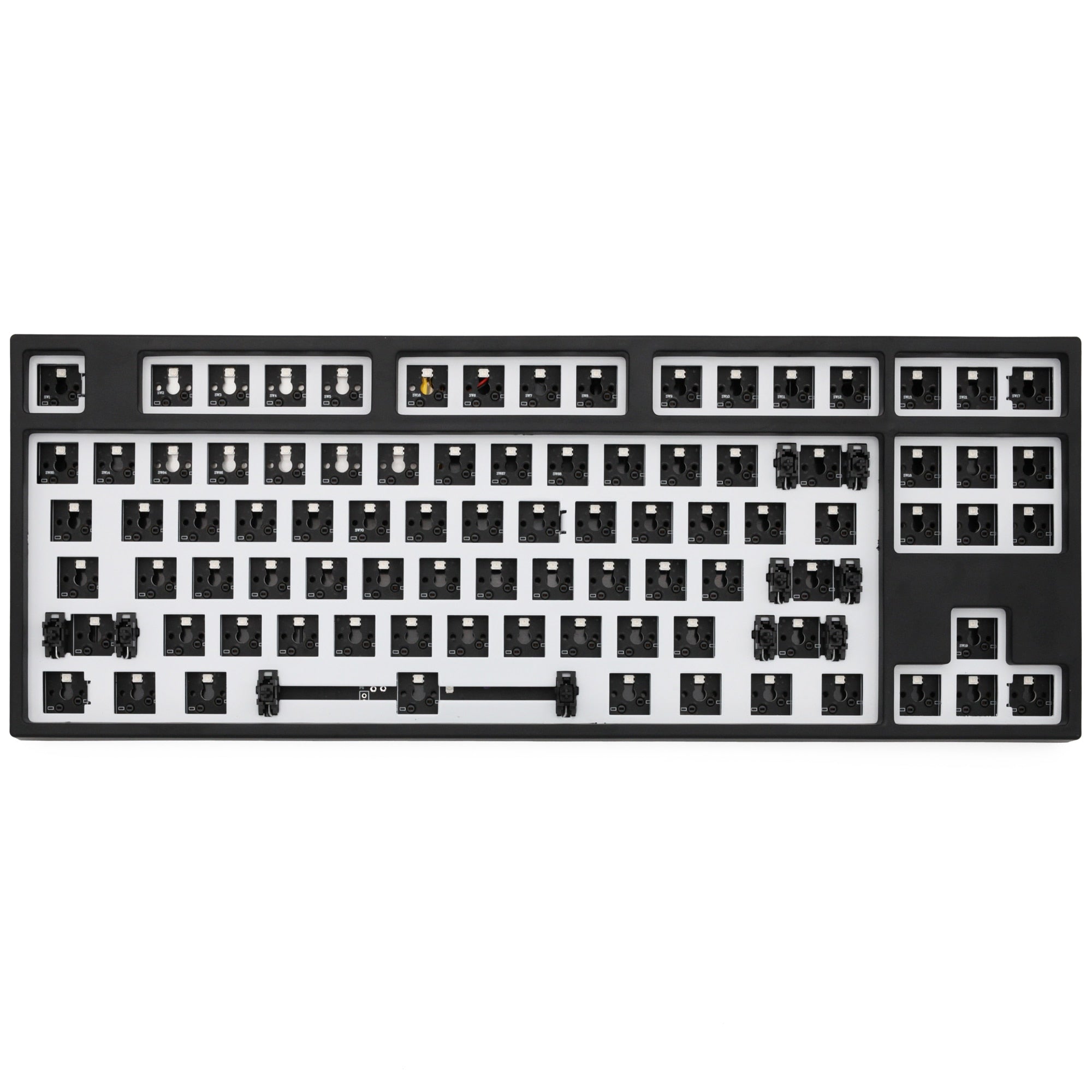
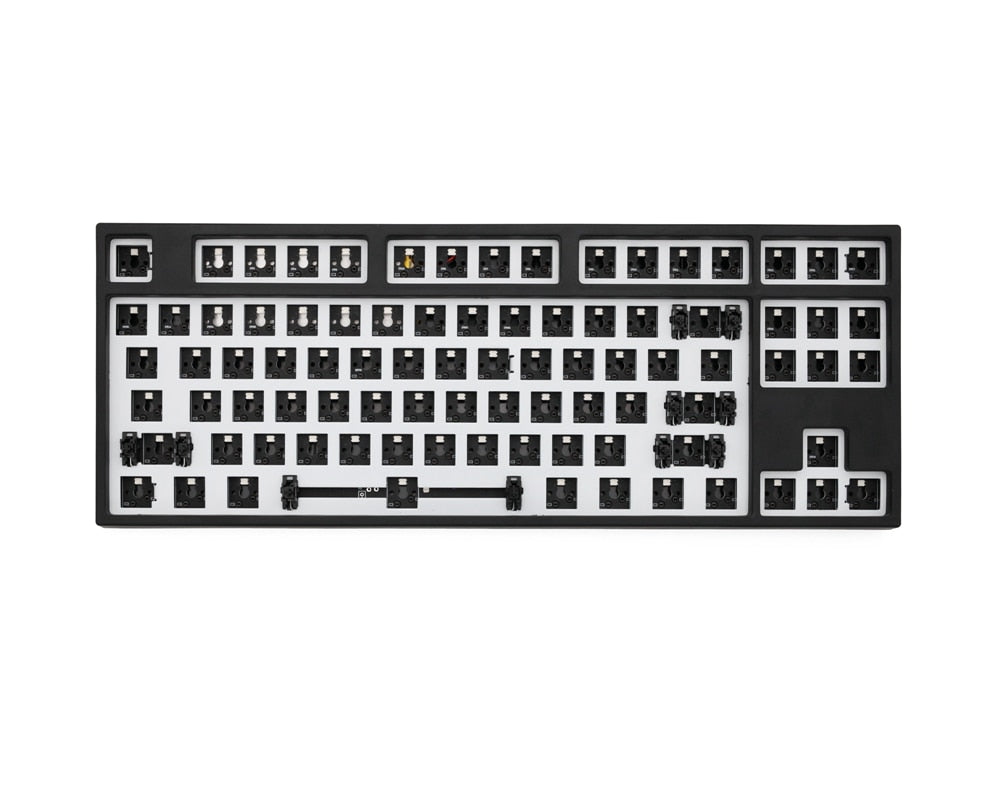
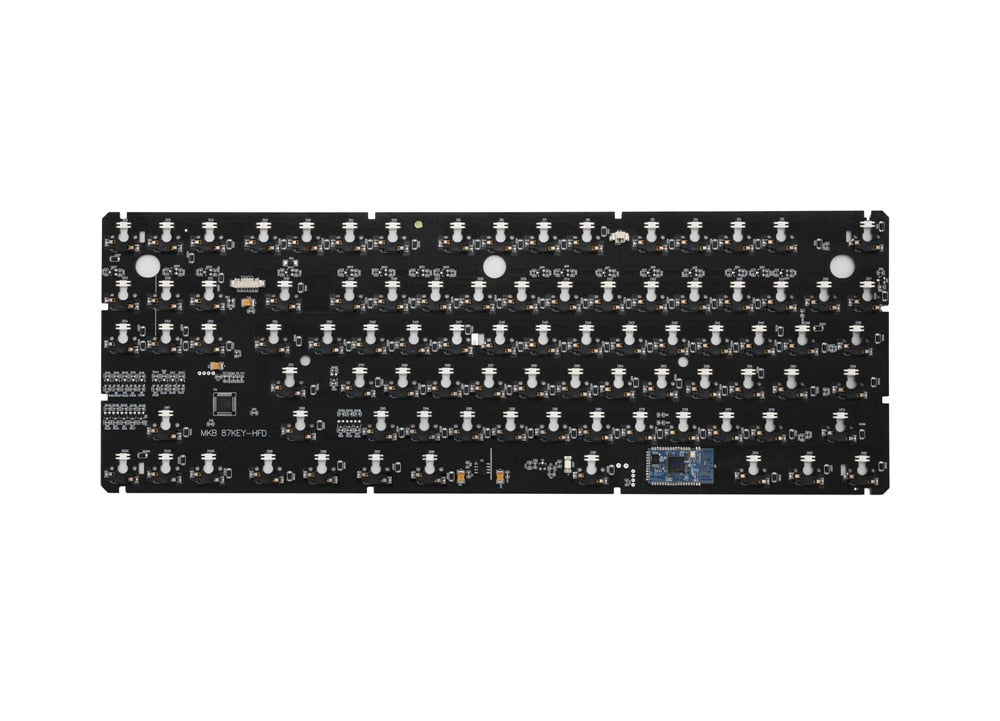
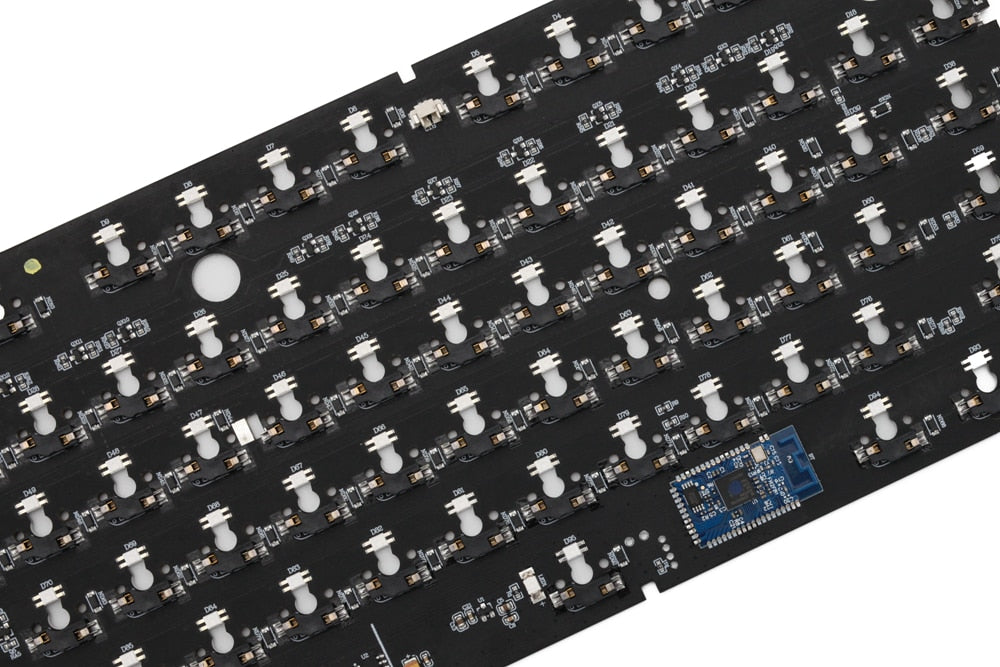
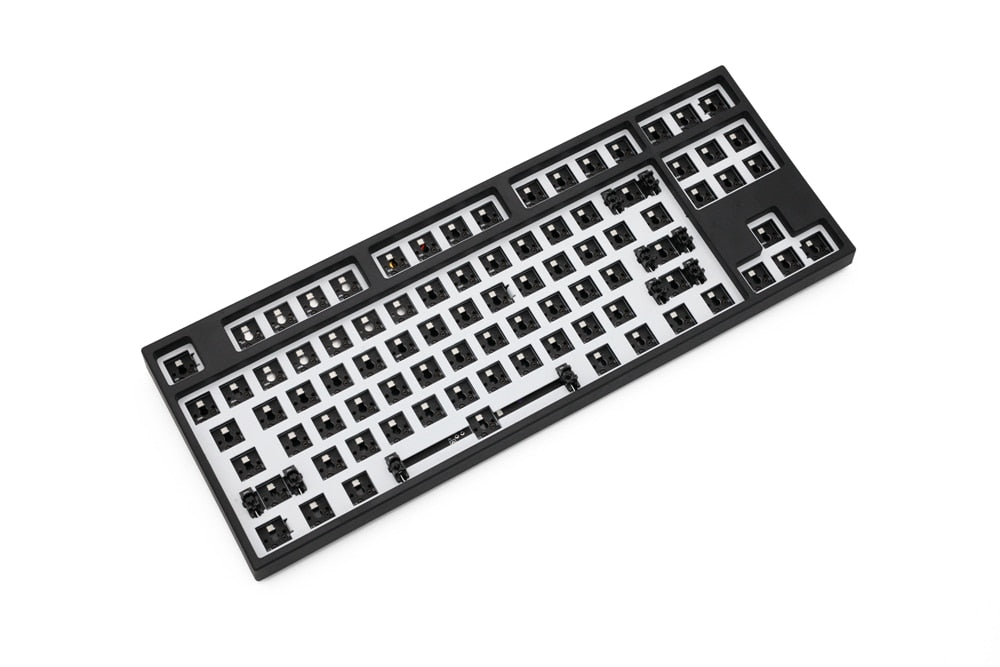
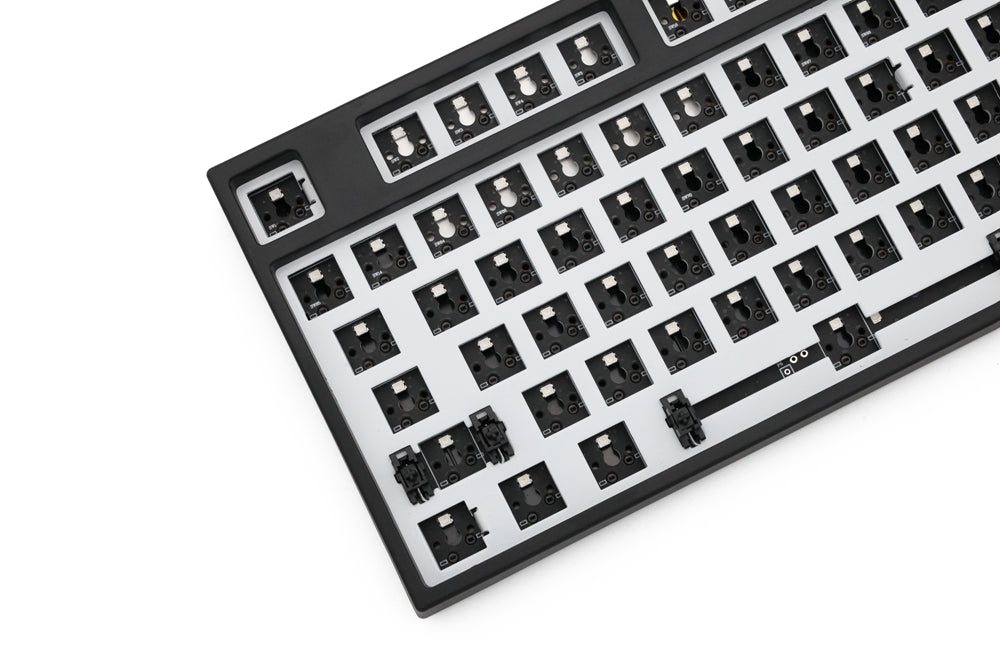
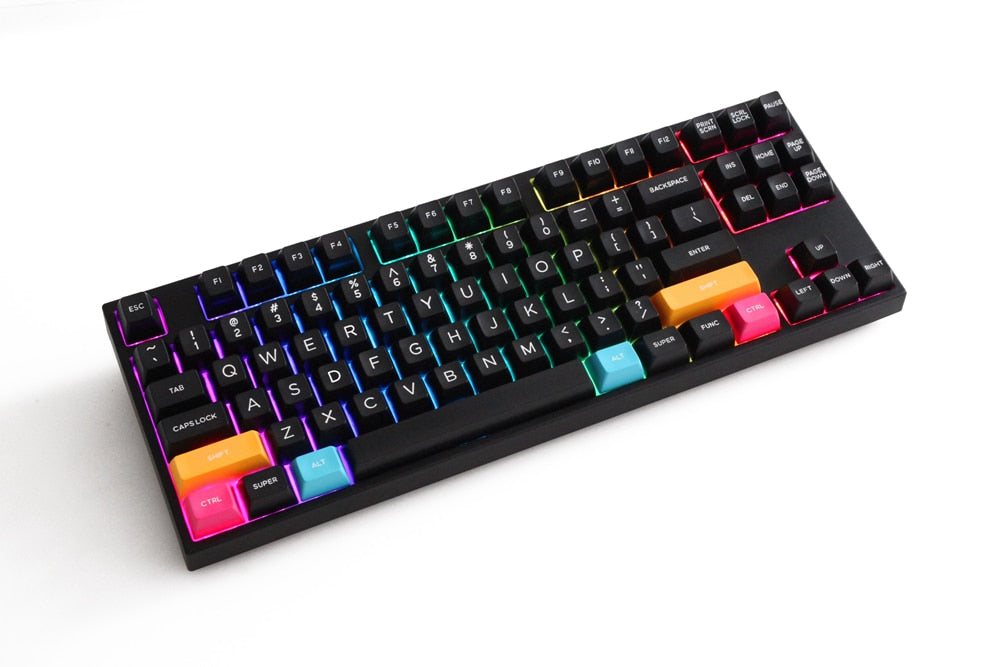
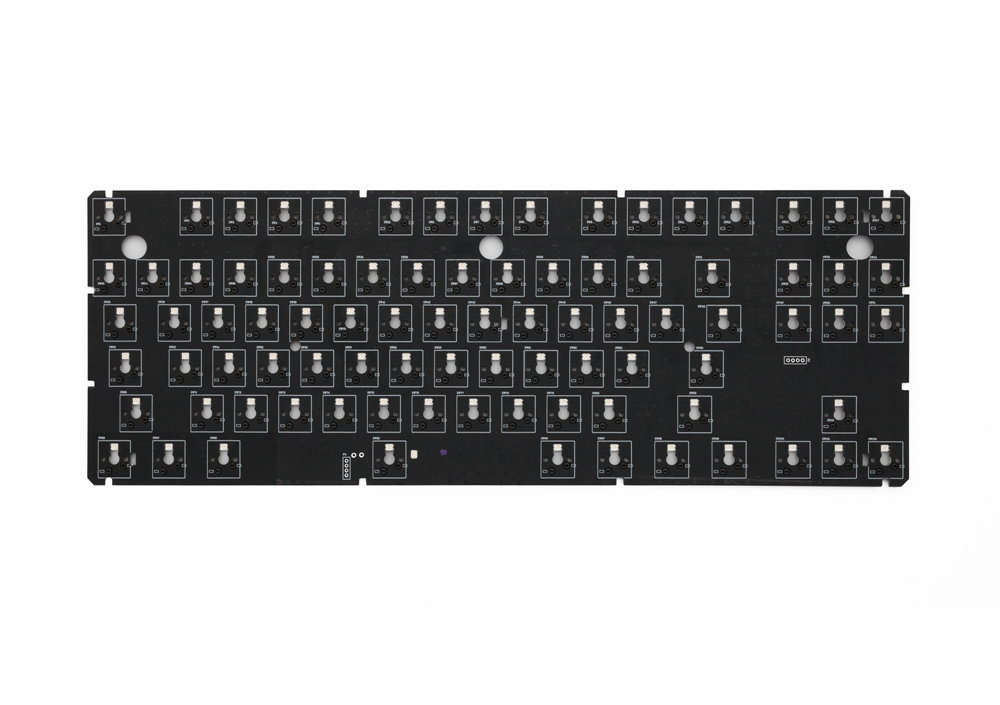
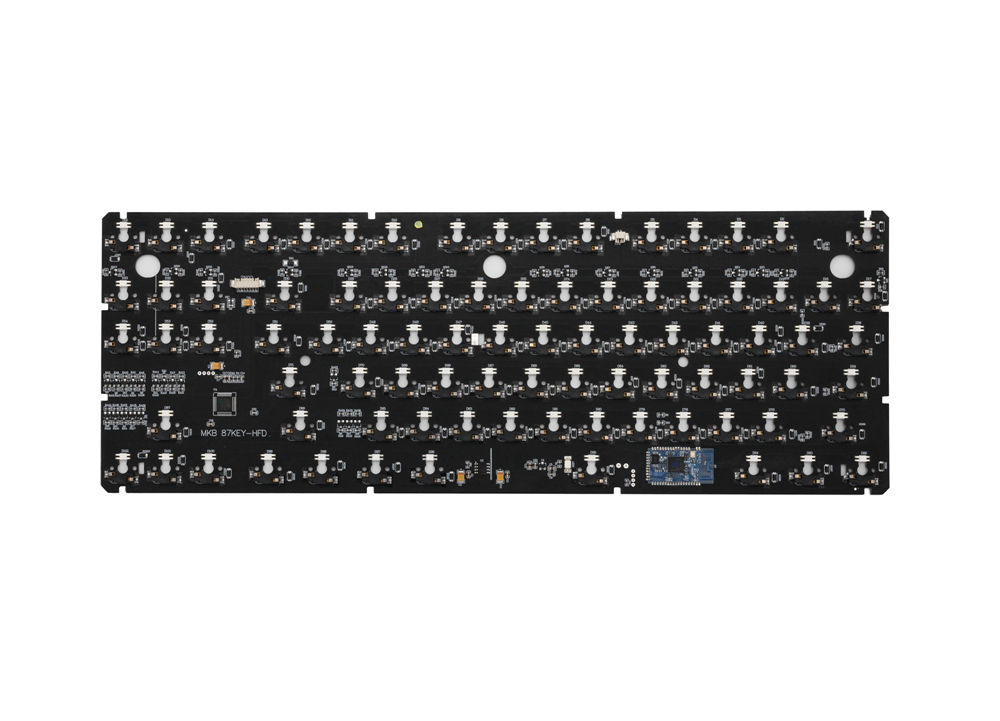
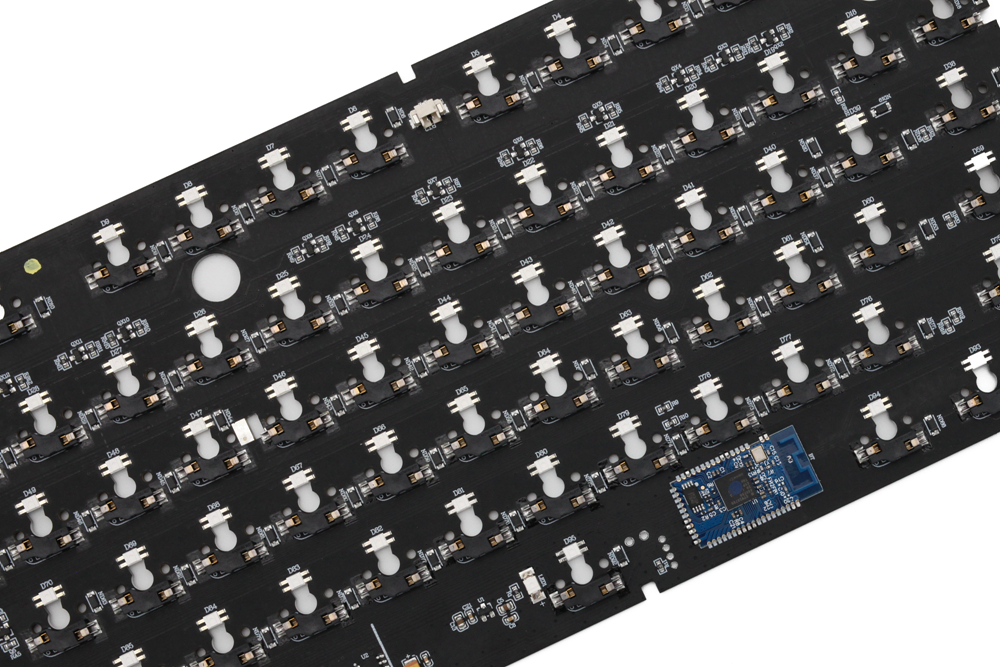
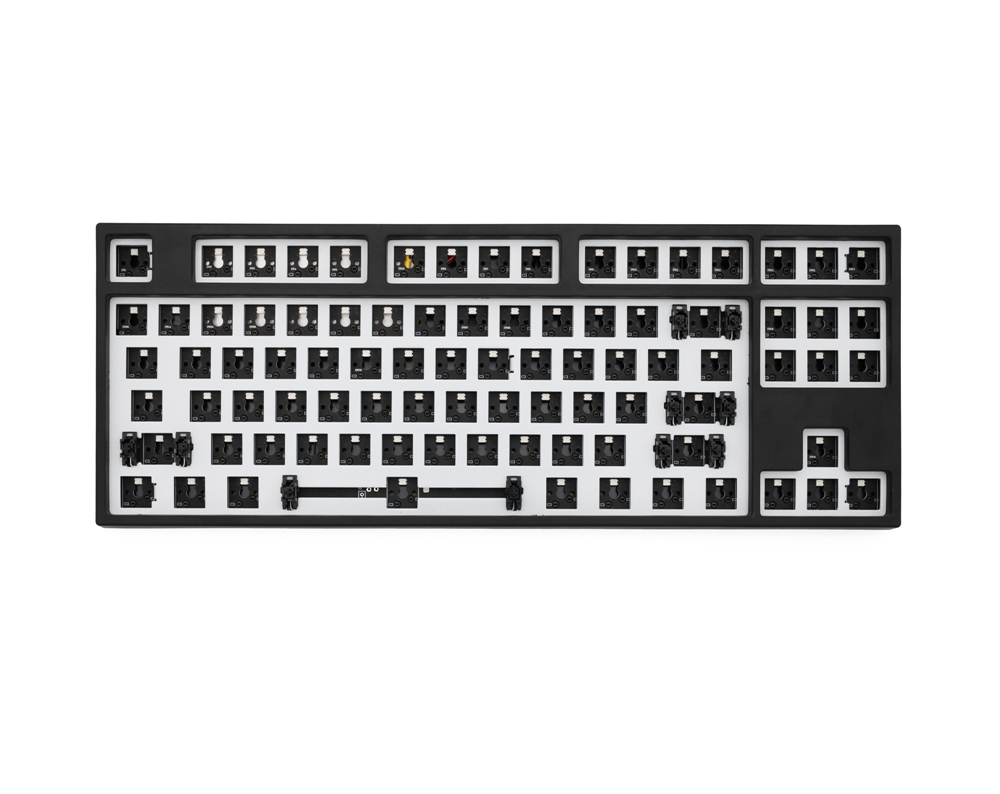
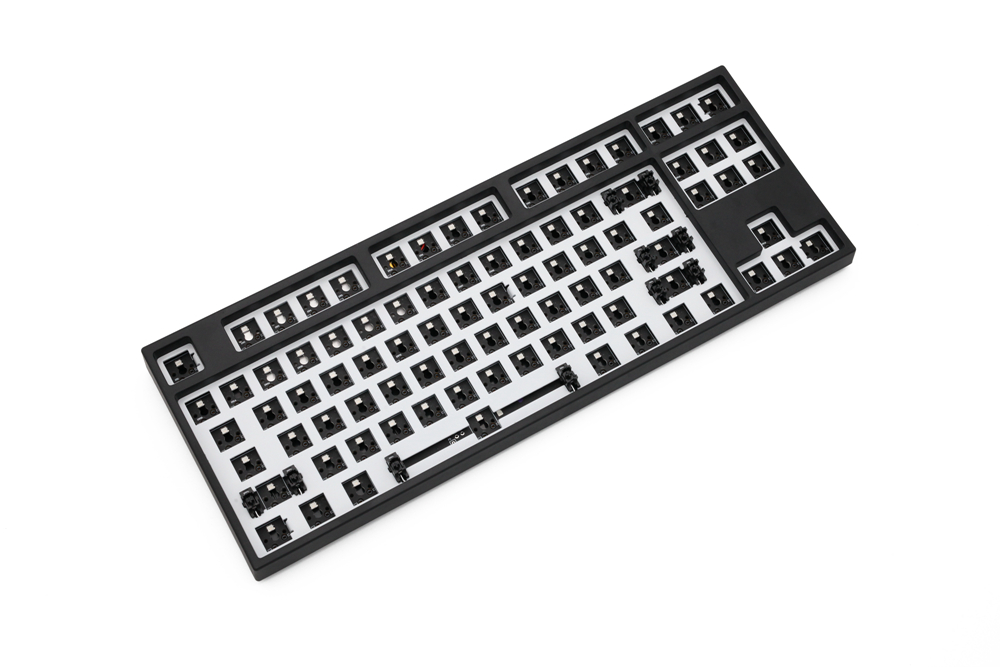
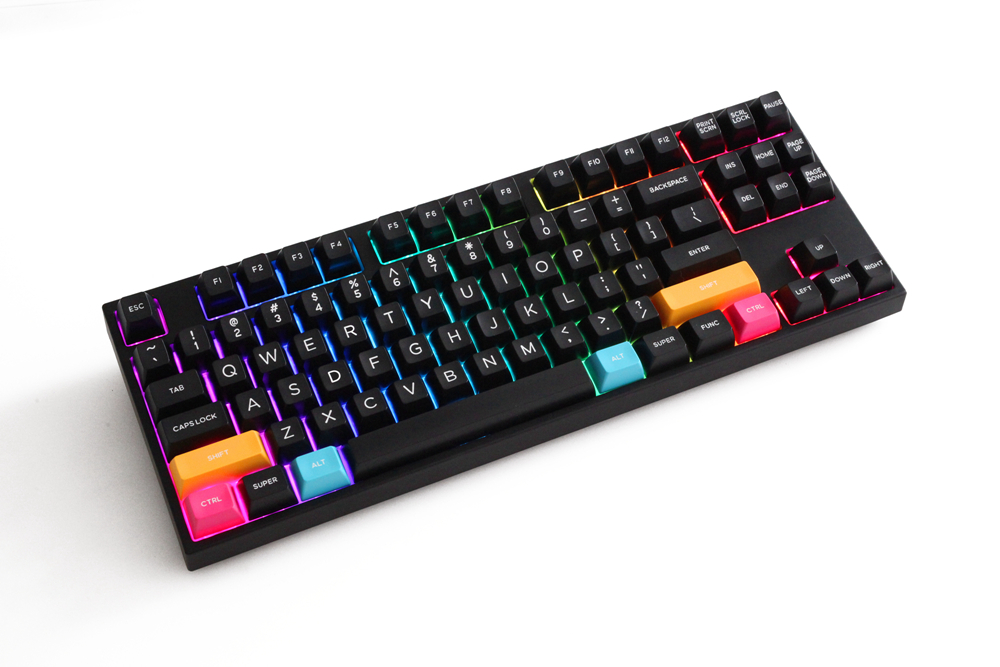
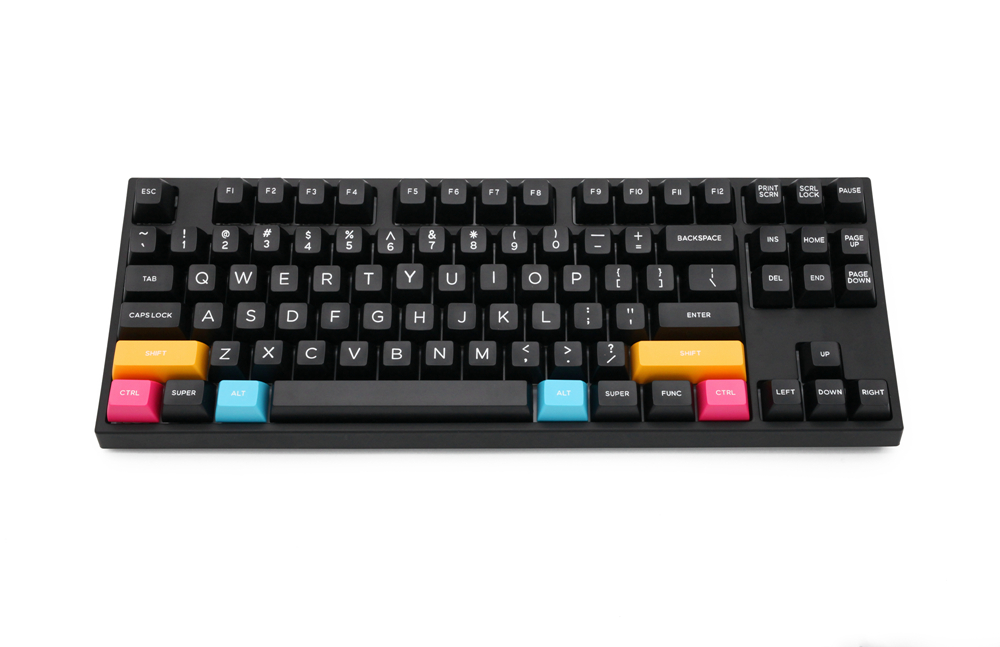
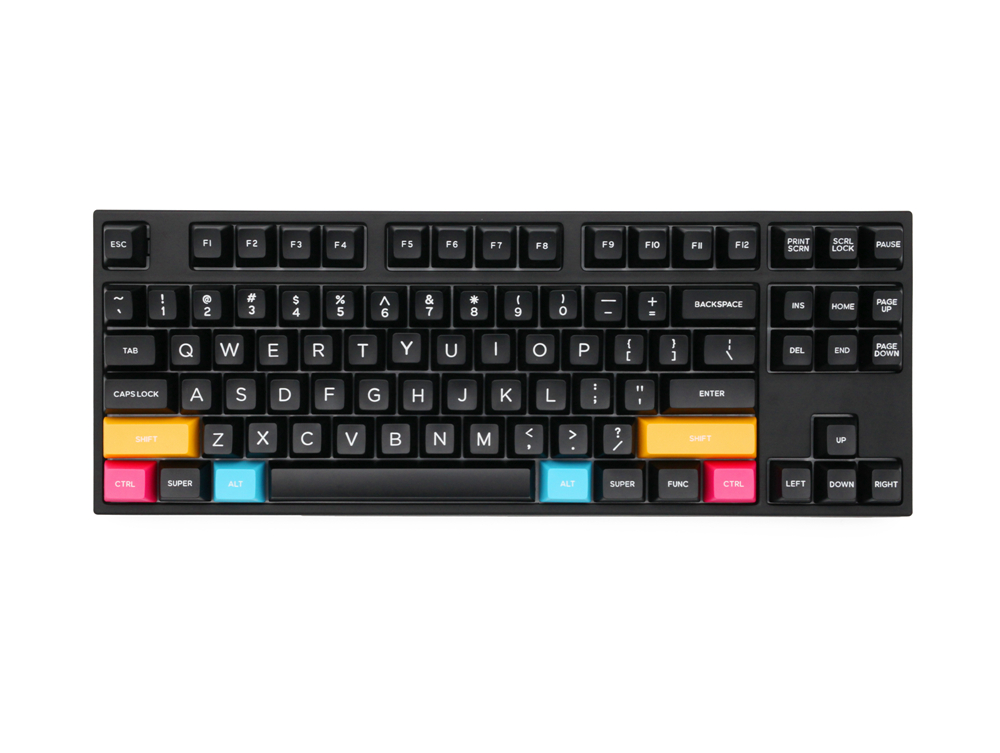
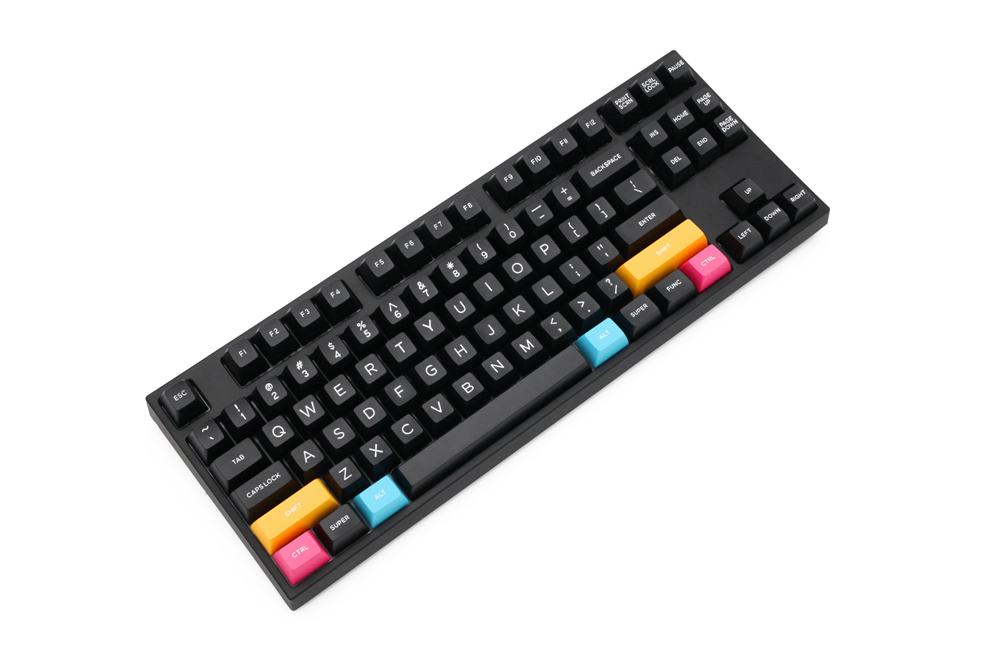
MKB87 dual mode bluetooth Mechanical Keyboard kit 80% TKL hot swap RGB type c
MKB87 dual mode bluetooth Mechanical Keyboard kit 80% TKL hot swap RGB type c
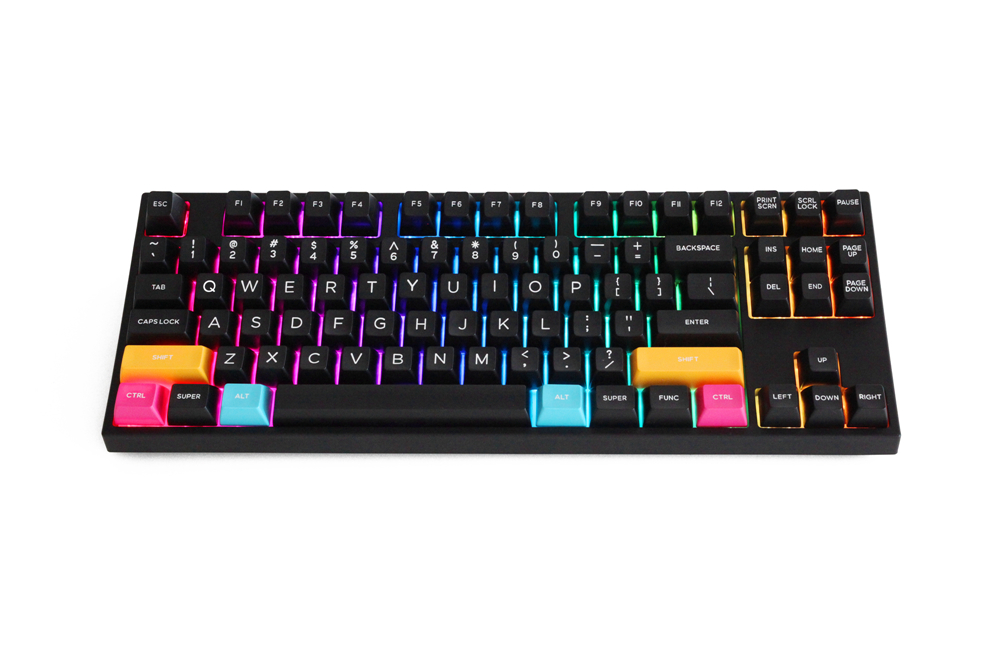
- 1\Full RGB LEDs(support kinds of light effects)
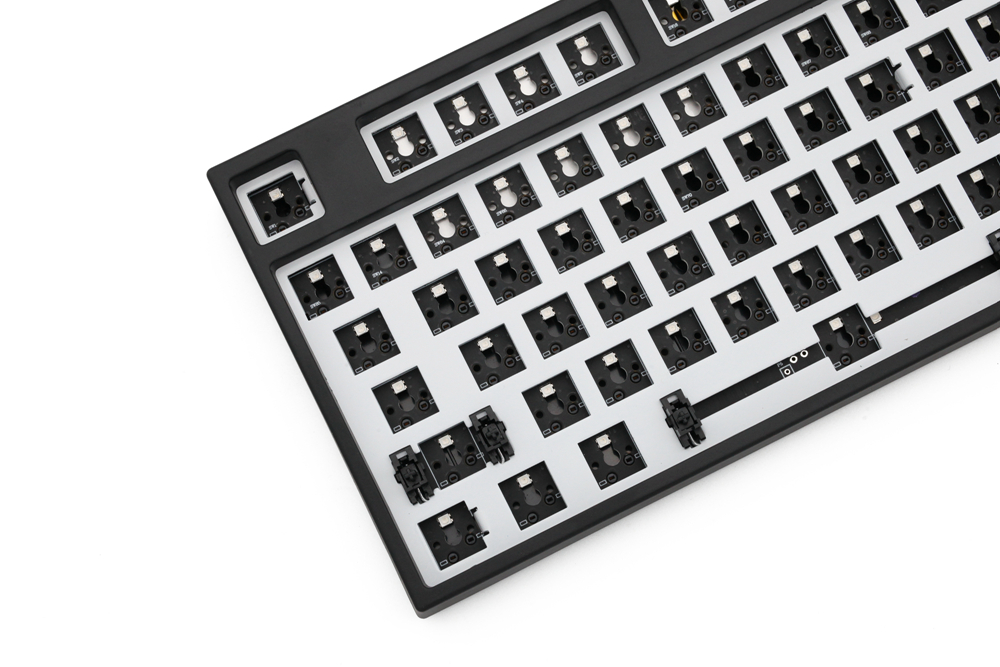
- 2\Full Switch Hot-swappable sockets(can support both 3pin and 5pin switches)
- 3\Dual Mode(cable Mode+Bluetooth 5.0 Mode)
- 4\Type C(USB detachable design)
- 5\NKRO
- 6\Setting Memory Core
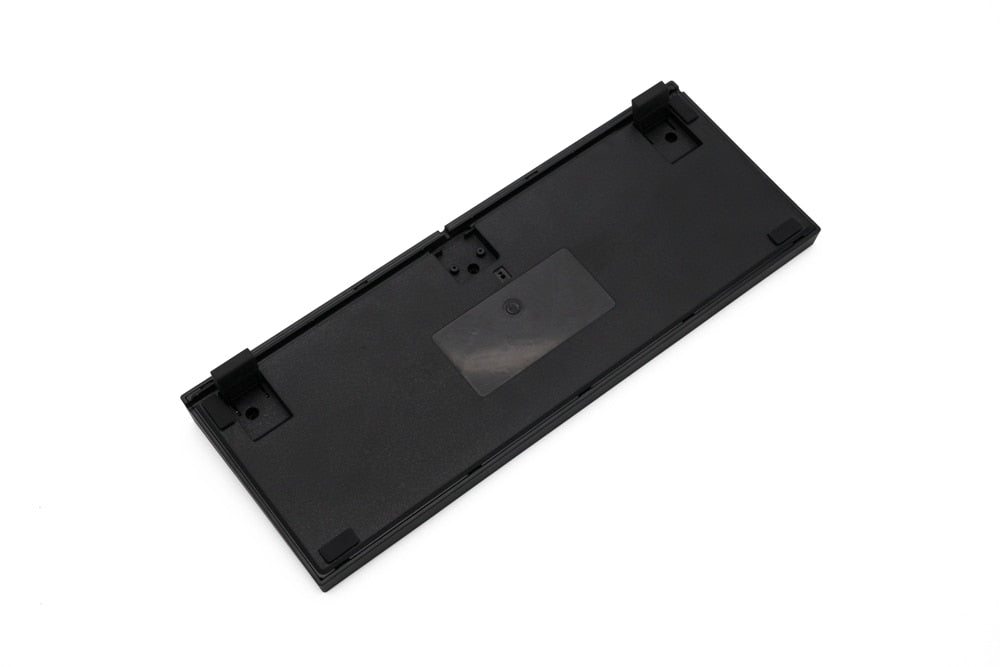
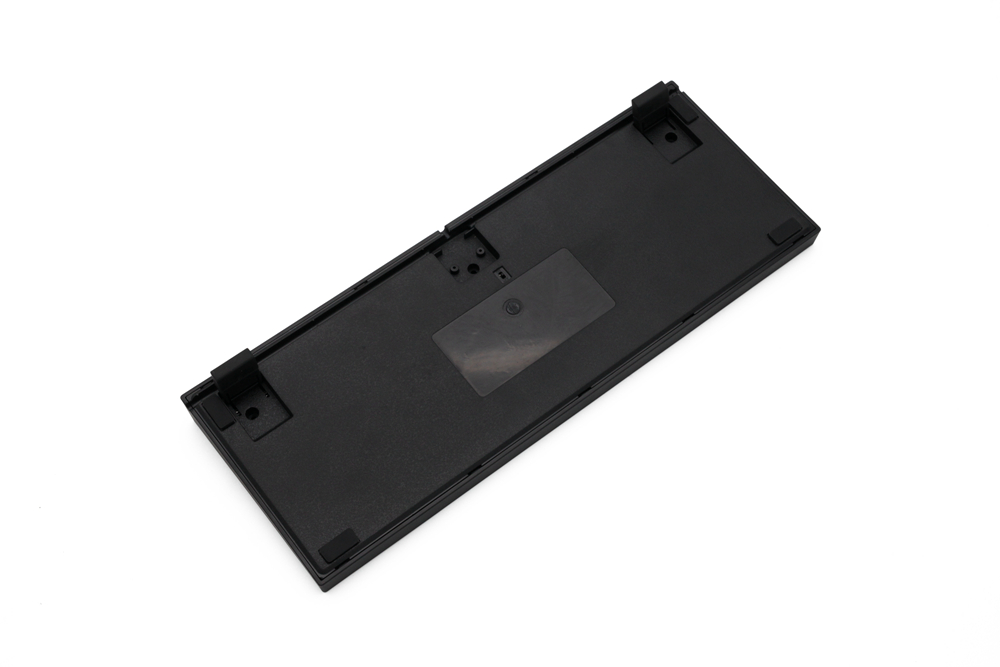
- 1\Turn on battery button at bottom of case
- 2\Fn+Tab change to Bluetooth mode
- 3\Fn+Q/W/E to choose 1 device
- 4\Press Fn+P for 5 sec, make sure MKB87 is in Bluetooth pairing mode
- 5\Open your pc or mobile device Bluetooth function, then search keyboard and connect it.
- Fn+Arrow Keys----Adjust brightness and RGB effect speed
- Fn+Ins---RGB led on/off
- Fn+PgUp---Lighting effect cycle(RGB color)
- Fn+PgDn---Lighting effect cycle(single color)
- Fn+Tab---Cable Mode/Bluetooth Mode change
- Fn+P for 5 sec---Bluetooth pairing mode
- Fn+Q/W/E---You can change between 3 different Bluetooth device
- Fn+Win---Lock/Unlock Win
- Fn+Spacebar for 3 sec----Reset default setting
- Fn+S---MAC OS Mode
- Fn+A---Win Mode
About Transportation
1. Does the selected shipping service apply to my Country and what is the carrier? How long will it take to arrive?
We offer free shipping on any order to most countries.
Only shipments to Norway, Iceland, Cyprus, Lebanon, Puerto Rico, Alaska, and Hawaii are subject to a shipping fee of $118 per item.
Delivery time = Process time ( order preparation )+ Shipping time.
(1) Free Shipping:
• Cost: Free
• Process Time: 1-2 weeks
| Carrier | Corresponding products | Shipping time | Delivery area |
| DPD | Most normal size and weight products | 2 weeks | To most countries |
| Expedited Express for Small Pieces | Specified products with a small size | 1-2 weeks | |
| EMS | Big size but light products | 2-4 weeks |
(2) Fast Shipping: only available to Norway, Iceland, Cyprus, Lebanon, Puerto Rico, Alaska, and Hawaii:
• Cost: $118 per piece
• Process Time: 1-2 weeks
| Carrier | Shipping time | Delivery area |
| UPS/DHL Express | 5-7 days | Available to Norway, Iceland and Cyprus. |
UPS / DHL Express / FedEx | 5-7 days | Available to Puerto Rico, Alaska, Hawaii, and Lebanon. |
Please note: Fluctuating delivery times depending on flight information for the order time. Other remote countries would require more time. We are constantly improving our service, and we will try our best to find more and better carriers to work with.
For a faster shipping, please contact us at [email protected]
>>Please see our Shipping Policy for more details.
2. Can I track my order?
Yes. Once your order has shipped, you will receive an email with a tracking number.
Click on this link https://www.17track.net/en and enter the tracking number.
You can also contact our customer service team [email protected] for the latest logistics information.
About Returns and Refunds
1. How do I cancel an order?
You can cancel your order for free within 24 hours without any reason.
If your order has been shipped, it cannot be canceled. If you insist on canceling it, you will be charged 30%-50% of the order amount for our storage costs, order preparation costs and shipping costs. This fee will be deducted from the refund of your(s) item(s).
2. What if I receive a damaged item?
Products received with broken parts, or dented accessories or deformation are not considered defective and cannot be returned. In this case, we will replace them at no additional charge. If you do not wish to receive a replacement and wish to return the item, we will treat it as a normal return and charge up to 35% of the return fee. We also reserve the right to deduct all outbound shipping charges from refunds.
3. When will I receive the refund?
After receiving your return, it can take up to 5 working days for the funds to credit back to your original payment (PayPal: 1-2 days; Credit card: 3-5 days). If you still have any problem about refund, please get in touch with us at [email protected], we will reply you as soon as possible.
Please note that any cancellations or returns are subject to our Returns and Refunds Policy.
Questions
What are the shipping terms?
Where can I find dimensions and options?
Review this product’s description and option selector. If a detail is missing, send us the product link and the option you are considering.
Who should I contact?
Write to [email protected] with the product link, option name or order reference.


Quiet notes from UIKOBO
You are on the list. This does not send a coupon or a receipt by itself.