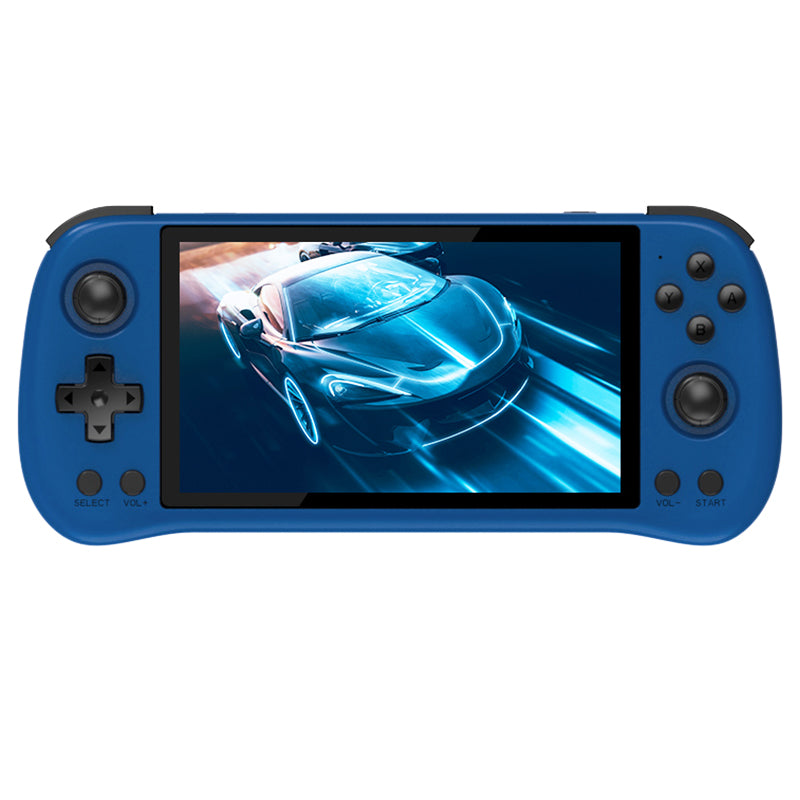
Powkiddy X55 Blue Handheld Game Console
[DESCRIPTION]
Large Screen
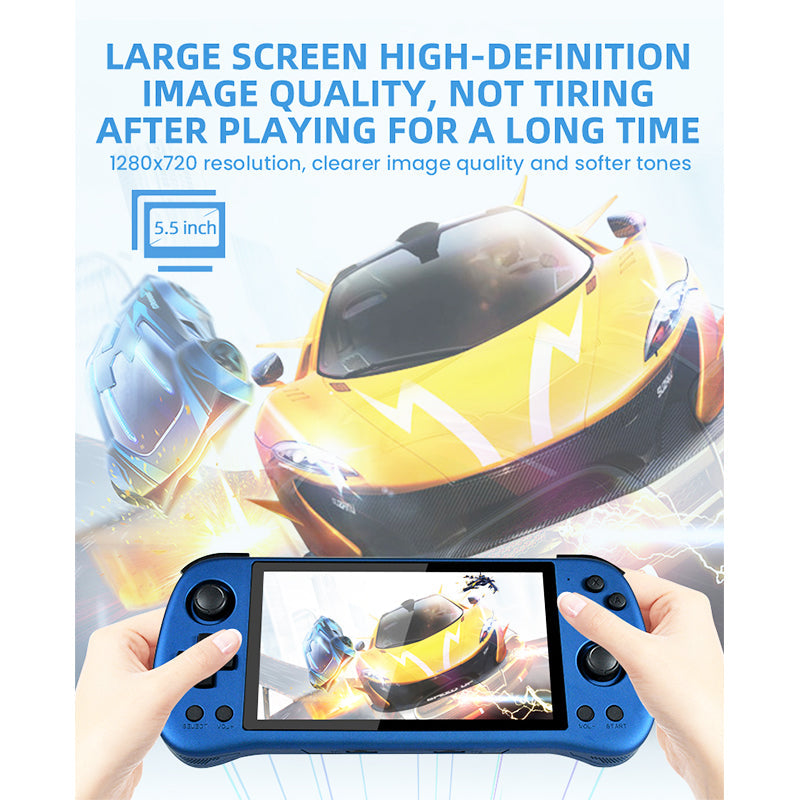
The Powkiddy X55 game console features a 5.5-inch IPS RGB display screen with a resolution of 720x1280 for an immersive gaming experience.
RK3566 Quad-core ARM Cortex-A55 CPU
Equipped with a powerful Rock-chips RK3566 quad-core ARM Cortex-A55 CPU clocked at 1.8GHz, the console delivers smooth and seamless gameplay.
ARM G52 2EE GPU
The console also boasts an ARM G52 2EE GPU and LPDDR4X 2GB RAM for high-quality graphics and speedy performance.
Support Multiple Games
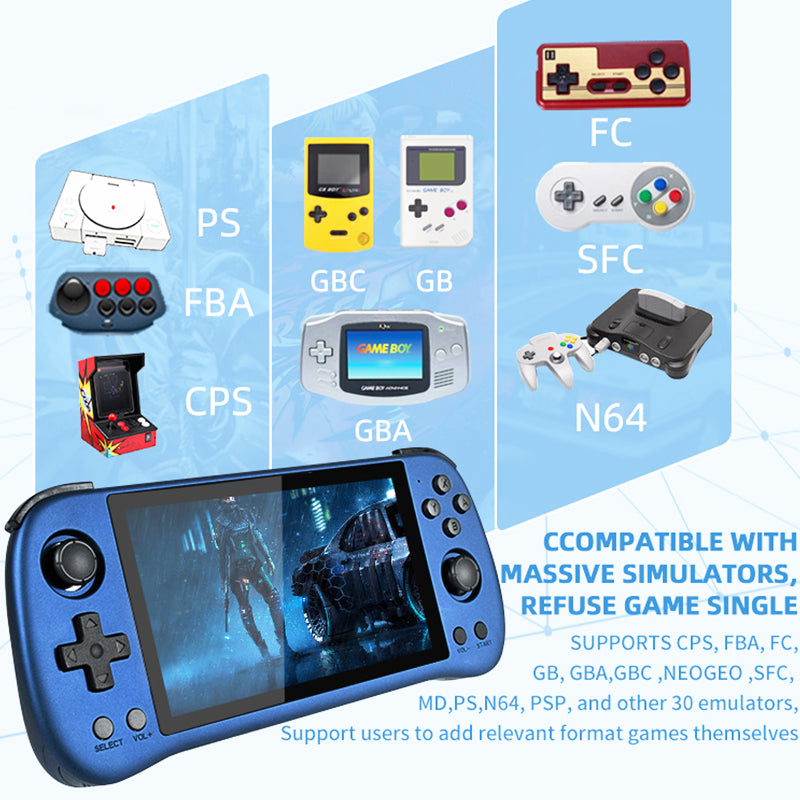
With support for CPS, FBA, FC, GB, GBA, GBC, NEOGEO, SFC, MD, PS, and N64 and the ability to add related format games, the console offers a vast library of over 8000+ games.
Battery and Other Functions
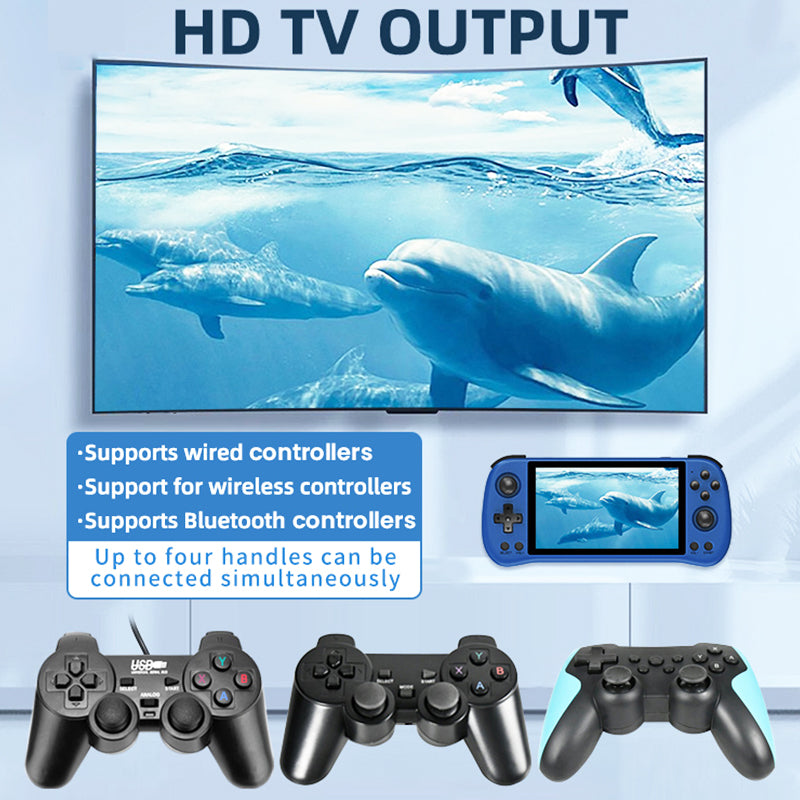
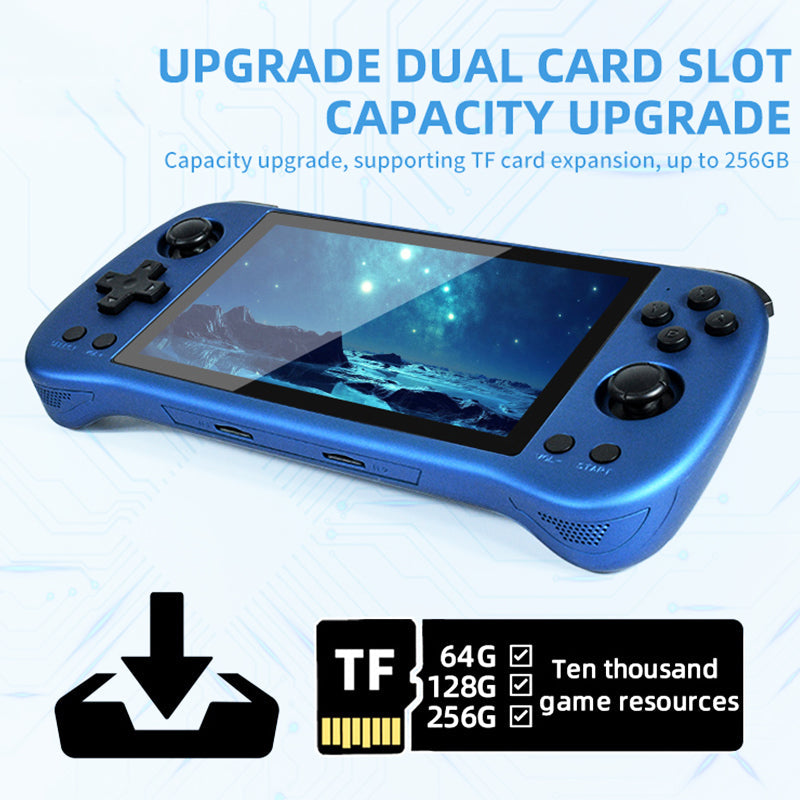
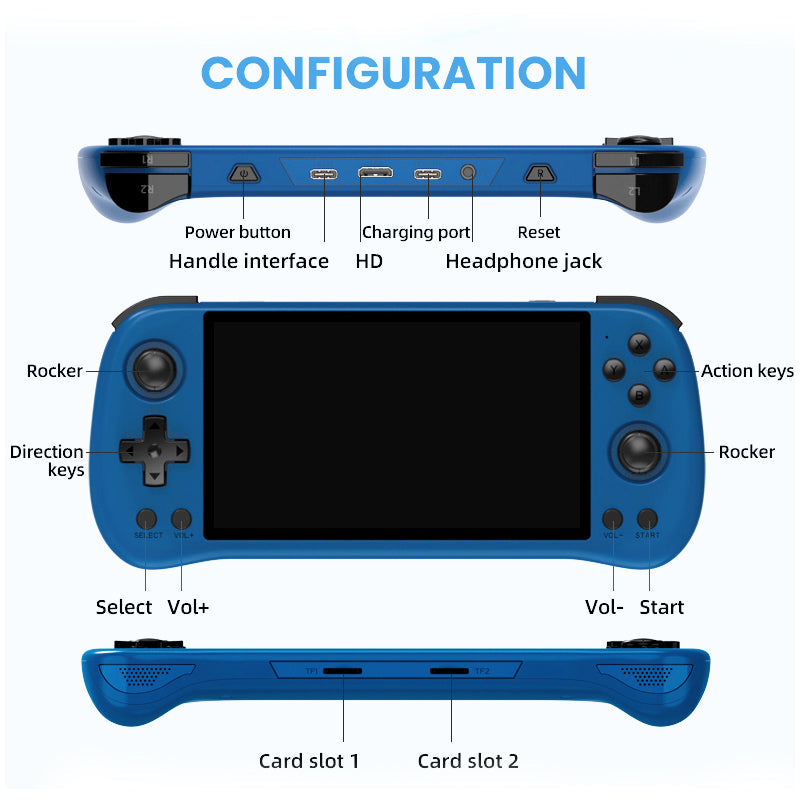
The Powkiddy X55 Game Console also features a 4000mAh lithium-ion battery that lasts for more than 6 hours, support for TF card expansion up to 256GB, and Bluetooth and wired handle connection for up to 4 handles. Additionally, it supports a 3.5mm stereo headset, screen brightness setting, volume setting, sleep setting, game button setting, low power reminder, and HDMI video output.
[/DESCRIPTION][SPECIFICATIONS]
| General |
Brand: Powkiddy Type: Handheld game console Model: X55 Color: Blue |
| Specification |
Display Screen: 5.5 inch IPS RGB Resolution: 720x1280 CPU: Rock-chips RK3566, Quad-core ARM Cortex-A55, CPU Clock Speed: 1.8GHZ NPU: Up to 1TOPS GPU: ARM G52 2EE RAM: LPDDR4X, 2GB WiFi: 802.11b/g/n/a/ac BT: V2.1+EDR/4.2 System: JELOS System Simulator: Support CPS, FBA, FC, GB, GBA, GBC, NEOGEO, SFC, MD, PS, N64, Support for users to add related format games Number of Games: 8000+ Language: Simplified Chinese, Korean, Japanese, Spanish, English Battery: 4,000 mAh Lithium-ion Battery and Lasts More Than 6 Hours TF Card: Support TF Card Expansion, up to 256GB (NTFS/FAT32) |
|
Weight & Size |
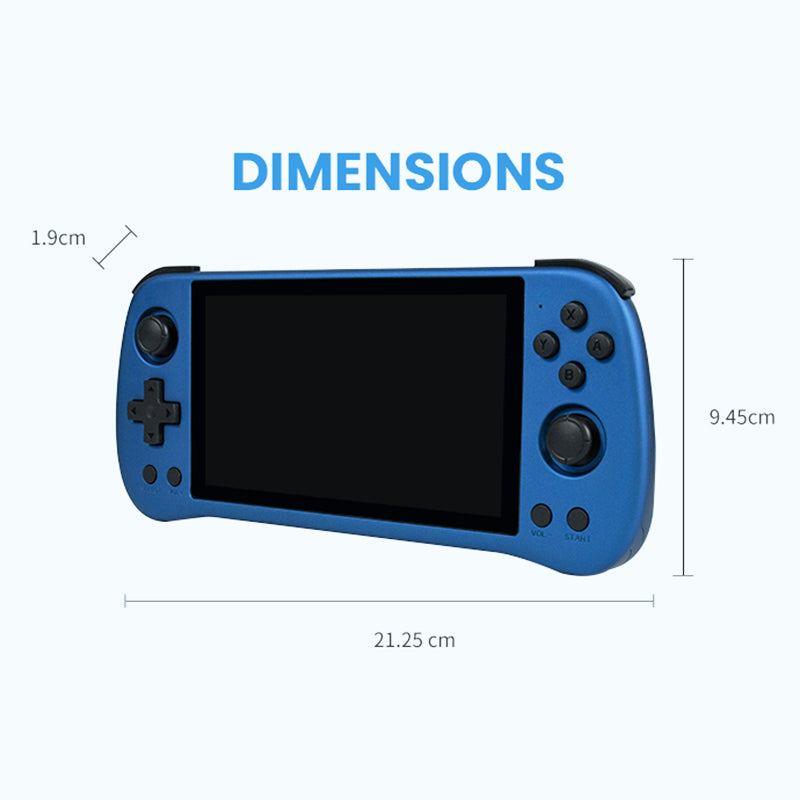
Product Weight: 275g Package Weight: 550g Product Size(L x W x H): 21.25 x 9.05 x 1.9cm |
| Package Contents |
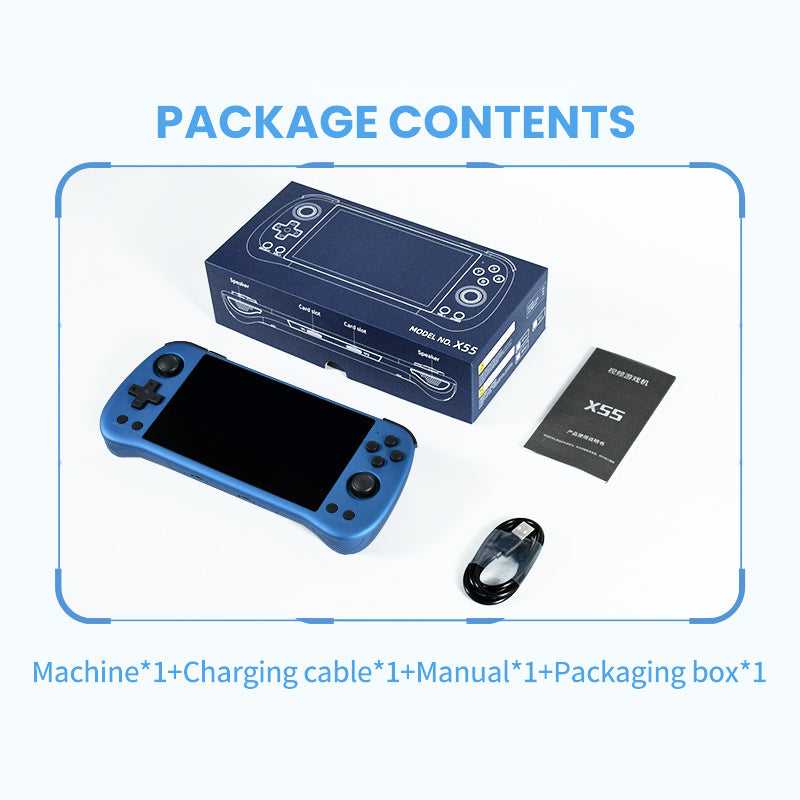
1 x Game Console 1 x Charging Cable 1 x Blister 1 x Manual 1 x Certificate |
[/SPECIFICATIONS]
About Transportation
1. Does the selected shipping service apply to my Country and what is the carrier? How long will it take to arrive?
We offer free shipping (free shipping over $60) to most countries.
Only shipments to Norway, Iceland, Cyprus, Puerto Rico, Alaska, and Hawaii are subject to a shipping fee of $118 per item.
Delivery time = Process time ( order preparation )+ Shipping time.
(1) Free Shipping:
• Cost: Free (free shipping over $60)
• Process Time: 1-2 weeks
| Carrier | Corresponding products | Shipping time | Delivery area |
| DPD | Most normal size and weight products | 2 weeks | To most countries |
| Expedited Express for Small Pieces | Specified products with a small size | 1-2 weeks | |
| EMS | Big size but light products | 2-4 weeks |
(2) Fast Shipping: only available to Norway, Iceland, Cyprus, Puerto Rico, Alaska, and Hawaii:
• Cost: $118 per piece
• Process Time: 1-2 weeks
| Carrier | Shipping time | Delivery area |
| UPS/DHL Express | 5-7 days | Available to Norway, Iceland and Cyprus. |
UPS / DHL Express / FedEx | 5-7 days | Available to Puerto Rico, Alaska, and Hawaii. |
Please note: Fluctuating delivery times depending on flight information for the order time. Other remote countries would require more time. We are constantly improving our service, and we will try our best to find more and better carriers to work with.
For a faster shipping, please contact us at [email protected]
>>Please see our Shipping Policy for more details.
2. Can I track my order?
Yes. Once your order has shipped, you will receive an email with a tracking number.
Click on this link https://www.17track.net/en and enter the tracking number.
You can also contact our customer service team [email protected] for the latest logistics information.
About Returns and Refunds
1. How do I cancel an order?
You can cancel your order for free within 24 hours without any reason.
If your order has been shipped, it cannot be canceled. If you insist on canceling it, you will be charged 30%-50% of the order amount for our storage costs, order preparation costs and shipping costs. This fee will be deducted from the refund of your(s) item(s).
2. What if I receive a damaged item?
Products received with broken parts, or dented accessories or deformation are not considered defective and cannot be returned. In this case, we will replace them at no additional charge. If you do not wish to receive a replacement and wish to return the item, we will treat it as a normal return and charge up to 35% of the return fee. We also reserve the right to deduct all outbound shipping charges from refunds.
3. When will I receive the refund?
After receiving your return, it can take up to 5 working days for the funds to credit back to your original payment (PayPal: 1-2 days; Credit card: 3-5 days). If you still have any problem about refund, please get in touch with us at [email protected], we will reply you as soon as possible.
Please note that any cancellations or returns are subject to our Returns and Refunds Policy.
About Product
1. How to choose the keyboard type that suits oneself?
Determine the usage scenario: If it is for office use, you can choose a film keyboard or a static capacitor keyboard, which are usually quieter and more comfortable; If it is for gaming purposes, a mechanical keyboard is a better choice, especially for models with RGB backlight effects.
2. What are the materials of keyboard keycaps and which one is better?
Common keycap materials include ABS, PBT, and POM. ABS: A common industrial plastic with low cost, mature technology, easy molding, and a glossy appearance, but it is prone to oiling after prolonged use. PBT: Matte material, rougher than ABS, harder texture, high temperature resistance, less prone to oiling after long-term use, better wear resistance. POM: It has a glossy surface, high hardness, good wear resistance, and self-lubricating properties, but the material cost is high and there are few manufacturers using it.
3. How to solve the problem of keyboard keys being unresponsive or malfunctioning?
Clean keyboard: Use a compressed air tank or electronic cleaner to remove dust and impurities from the keyboard. Check the keys: Gently remove the non working keys, wipe the bottom of the keys and keyboard panel with an alcohol swab, wait for the alcohol to completely dry, and then reinstall. Software settings: In the Windows system, you can try adjusting the keyboard's repetition rate and repetition delay. Replacing keyboard: If none of the above methods work, it may be due to hardware issues with the keyboard itself. It is recommended to replace the keyboard.
You May Also Like
Lemokey X6 QMK Wired Mechanical Keyboard
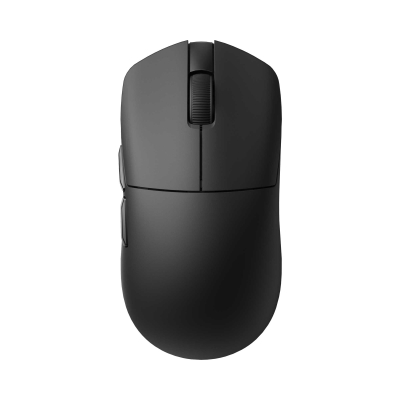
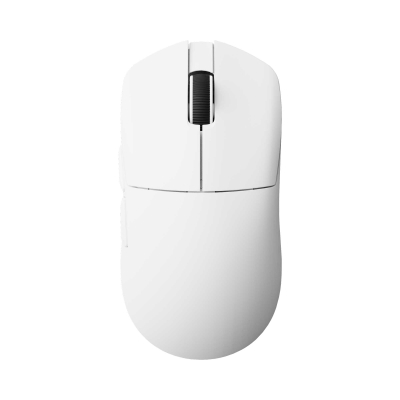
Lemokey G1 Wireless Mouse
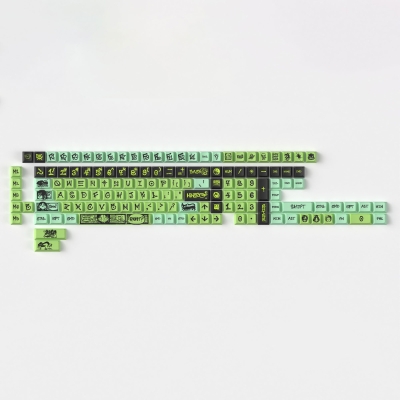
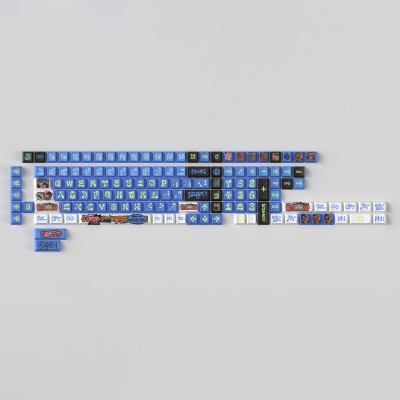
NINEGO - Cherry Profile Dye-Sub PBT Full Keycap Set
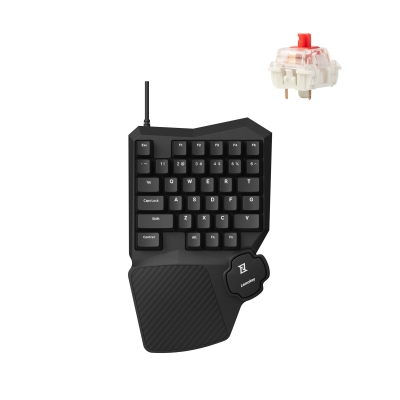
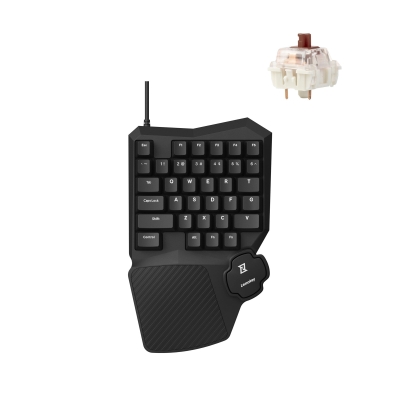
Lemokey X0 QMK Wired Mechanical Gaming Keypad
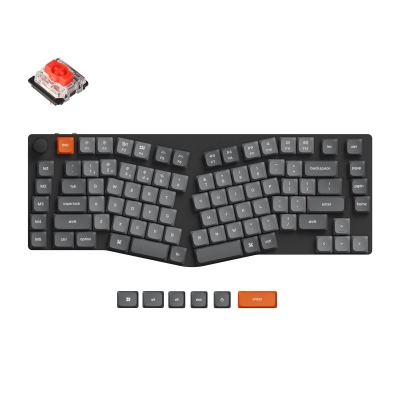
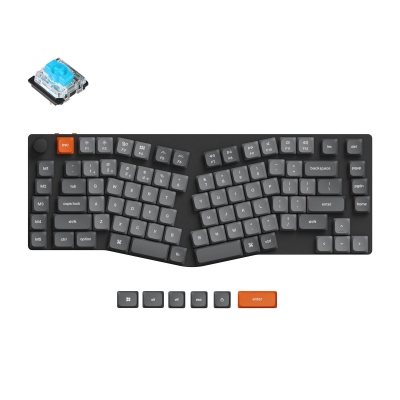
K15 Max (Alice Layout) QMK Wireless Custom Mechanical Keyboard
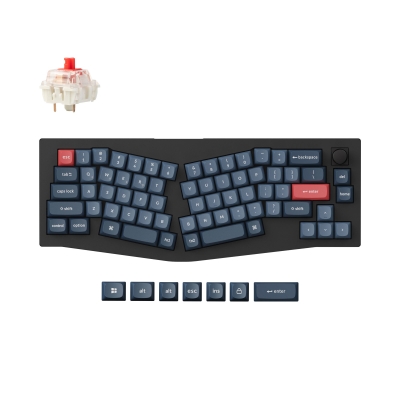
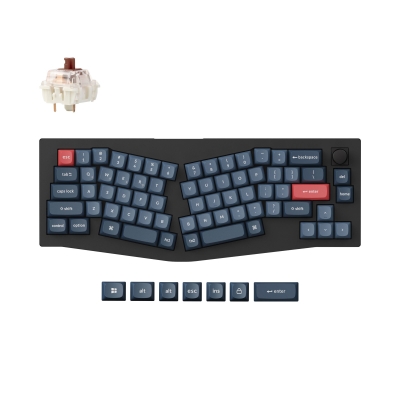
V8 Max (Alice Layout) QMK Custom Mechanical Keyboard
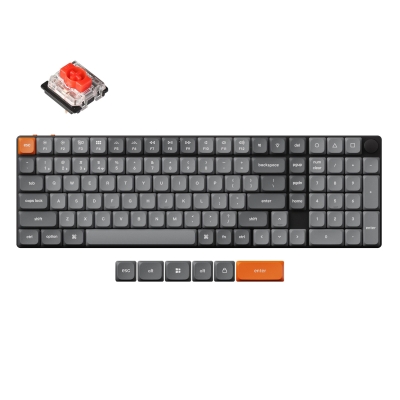
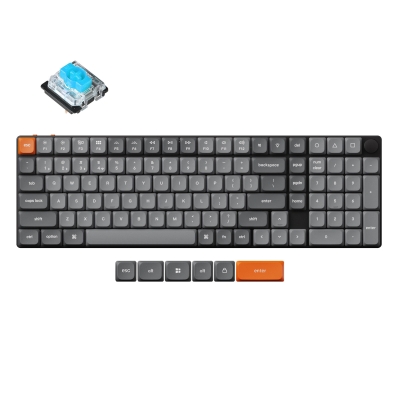
K17 Max QMK Wireless Custom Mechanical Keyboard